

Canon PIXMA TS6520 Wireless Color Inkjet Printer for Duplex Printing, White – Home Printer with Copier/Scanner, 1.42” OLED Display, Intuitive Control Panel, Compact Design
$23.99
Related Products


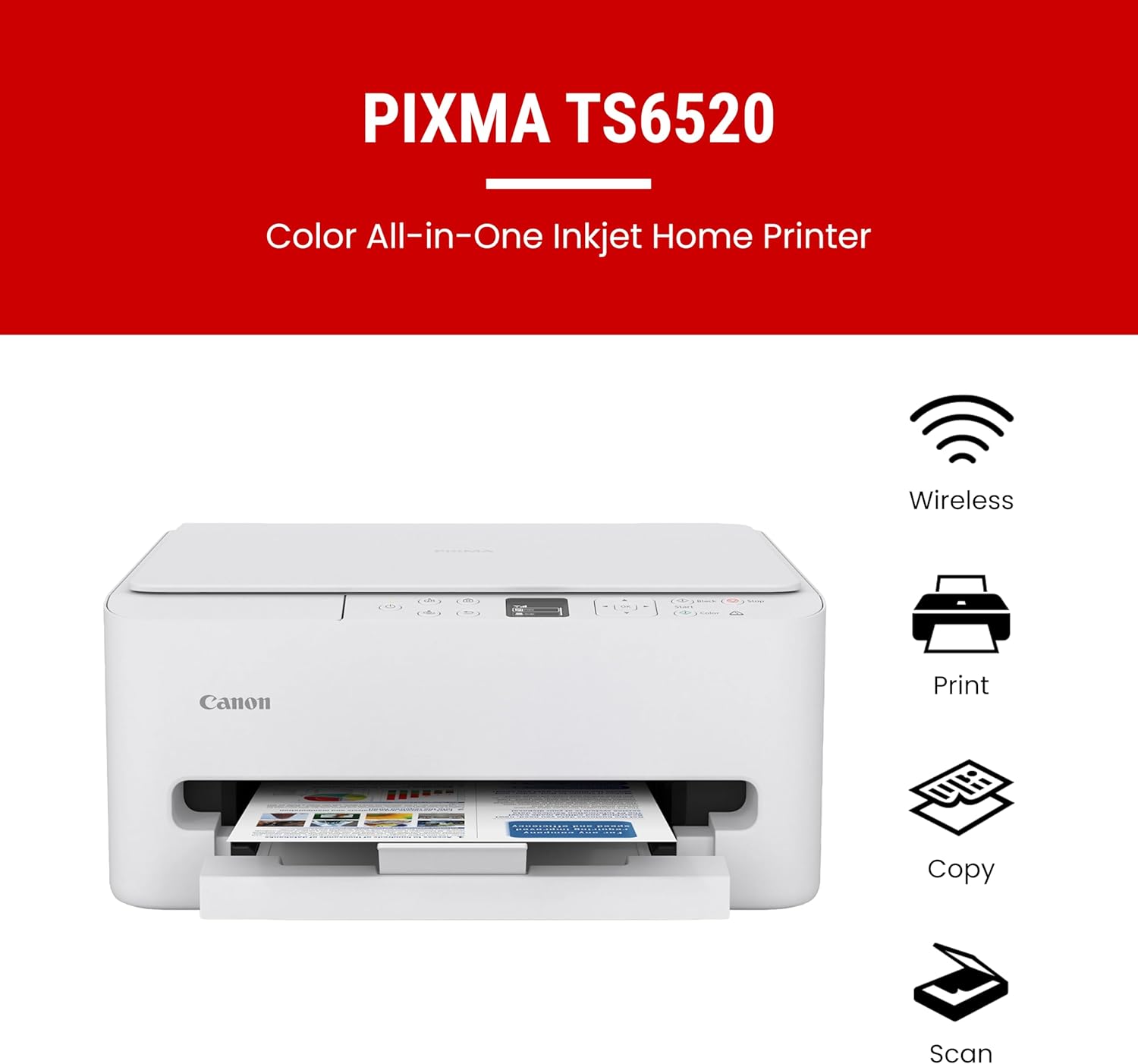


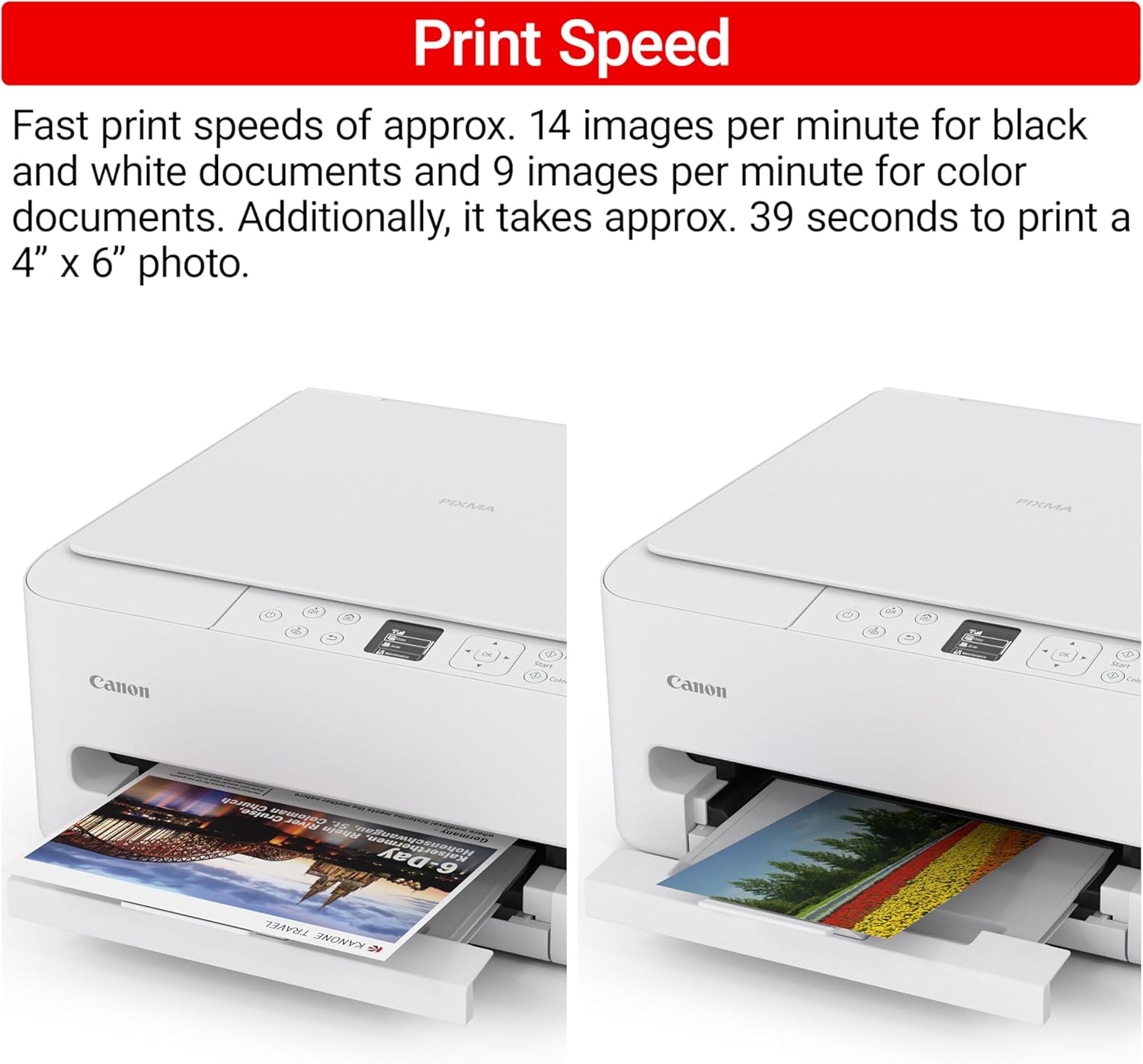
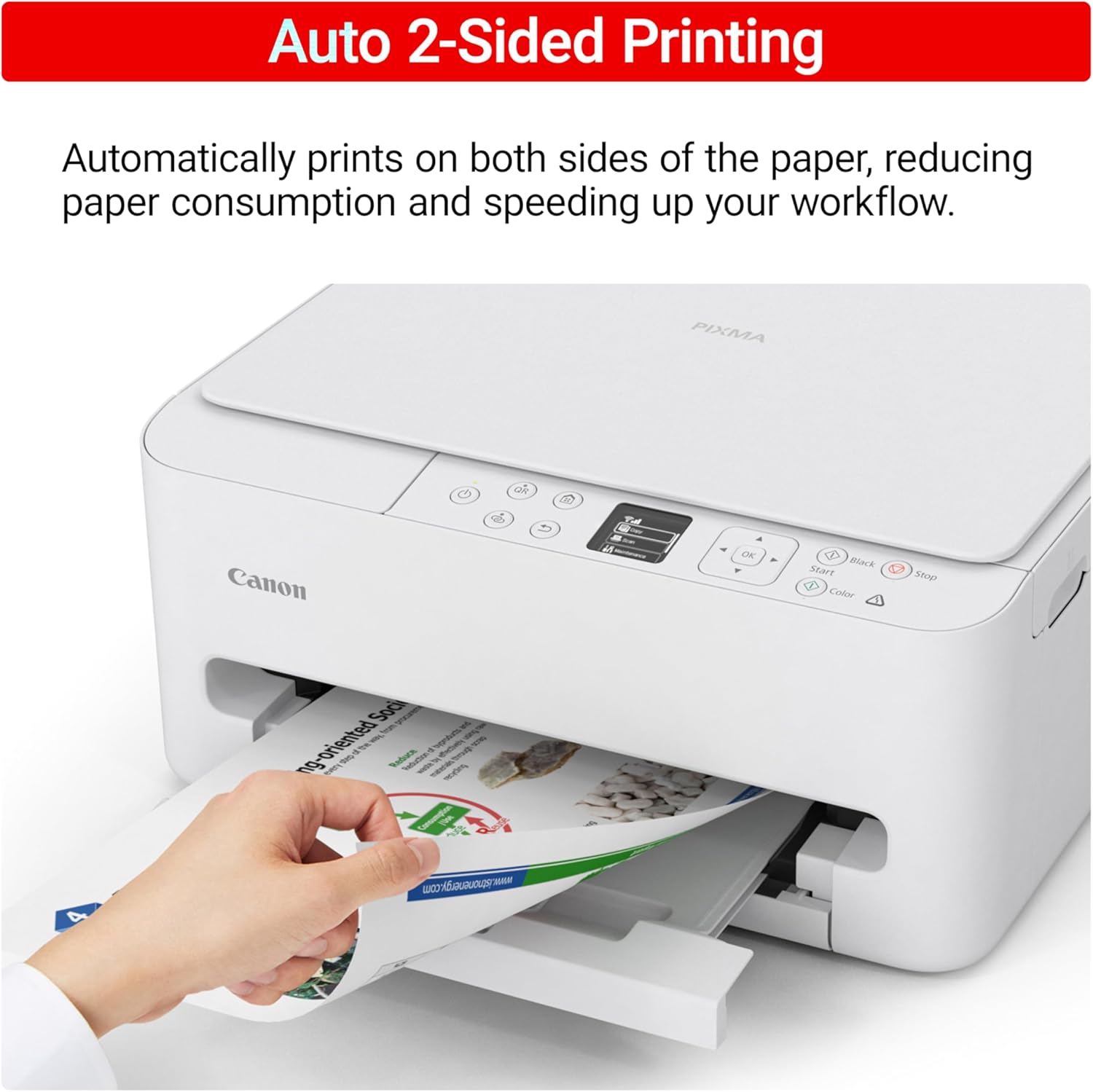


The PIXMA TS6520 strikes a perfect balance between functionality and affordability. While it doesn’t include an ADF like the TR7120, it still offers high-quality printing, scanning, and copying for everyday tasks. Its auto 2-sided printing helps save on paper and its 1.42” OLED display and simple setup make it user-friendly, and its compact design fits easily into any home workspace. With reliable Wi-Fi and mobile printing support, it’s great for printing school projects, recipes, and vibrant photos—without the extra bells and whistles. Best for: Families and students who want a reliable, easy-to-use printer for occasional use without needing advanced features.
Affordable Versatility – A budget-friendly all-in-one printer perfect for both home users and hybrid workers, offering exceptional value
Crisp, Vibrant Prints – Experience impressive print quality for both documents and photos, thanks to its 2-cartridge hybrid ink system that delivers sharp text and vivid colors
Effortless Setup & Use – Get started quickly with easy setup for your smartphone or computer, so you can print, scan, and copy without delay
Reliable Wireless Connectivity – Enjoy stable and consistent connections with dual-band Wi-Fi (2.4GHz or 5GHz), ensuring smooth printing from anywhere in your home or office
Scan & Copy Handling – Utilize the device’s integrated scanner for efficient scanning and copying operations
Save Time & Paper – Optimize your printing with automatic 2-sided printing, reducing paper consumption and speeding up your workflow
Diverse Media Support – Print a wide range of documents and photos up to 8.5” x 11”, with or without borders, for all your creative and professional needs
Intuitive OLED Display – Easily monitor ink levels, printer status, and adjust settings at a glance using the 1.42” Monochrome OLED screen
Compact & Stylish – Designed to fit seamlessly into any workspace, its small footprint complements your environment without sacrificing functionality
Convenient Mobile Printing2 – Print directly from your smartphone or tablet with popular services like the Canon PRINT App, Apple AirPrint, and Mopria Print Service
8 reviews for Canon PIXMA TS6520 Wireless Color Inkjet Printer for Duplex Printing, White – Home Printer with Copier/Scanner, 1.42” OLED Display, Intuitive Control Panel, Compact Design
Add a review

$23.99
Tracey Bonner –
Great for all your office printing needs!
I love my new printer. I hope it holds up because it is an excellent product for the price. It does everything I need and is easy to set up and navigate the prompts. Wireless connectivity is exactly what I needed and it prints quickly. So far so good! Happy with this purchase.
Kay –
Love ❤️❤️❤️❤️❤️
I love this printer. The best one ever had.Easy setup, no issues. Prints great. Definitely worth the money. Connection was easy. Ink is perfect
Rondeau –
Nice compact printer
It’s surprisingly difficult to find a compact-sized printer which has a closed compartment to store paper. Most that I looked at have the paper loaded near-vertically on top of the unit. I have very limited space so I can’t use such printers. This fits the bill perfectly. It’s self-contained and takes up little space. I have yet to try the scanner / copier features but the print quality is excellent and it is noticeably faster than my previous HP. It was also very easy to install, following the online directions. Good for home use.
Justin –
Good for the price
Love the printer, just wish I would’ve paid attention to the size of the ink cartridges. Was only able to print about 60 pages before it went out.
anonymous –
great inexpensive printer
Easy to get up and running for a non tech person. Wireless works well, prints well and we find it a great value for the price.
V. Quintard –
new Canon TS 6520 Printer
TS6520 was very to set up.. prints from my PC and my WIFI with no problems. Ink can be expensive, but all new technology Ink is I guess…Not sure I want the INK Plan because I do not print a lot. Bought a Canon Printer because my old on was great (bought 2005) but would not work with my new windows 11 or I would have kept it..Love it !!So Far so good…:-)
Chris –
Not user friendly. Dead link for setup. Wanted too many permissions.
This has been the least user friendly printer I have ever owned. It had to be reinstalled every single time we had to print something. It also asked for a lot of unnecessary permissions that it said were optional in the app setup. And it then said that it might not function properly if you don’t allow the optional permissions. I did not see the need to set up a separate account with canon in order for it to work. The setup instructions were also very poor. The QR code that I got with the printer for the setup was for a dead link. And trying to use cannon’s website to get the necessary software was also difficult. And then, like I said before, having to reinstall it after every single print felt a bit unnecessary to me.
tam finney –
Value
Work as expected . Easy connected to wifi . Take little longer to receive printer .