

ecobee Smart Thermostat 4 Heat-2 Cool with Full Color Touch Screen
Original price was: $129.99.$66.49Current price is: $66.49.
Related Products


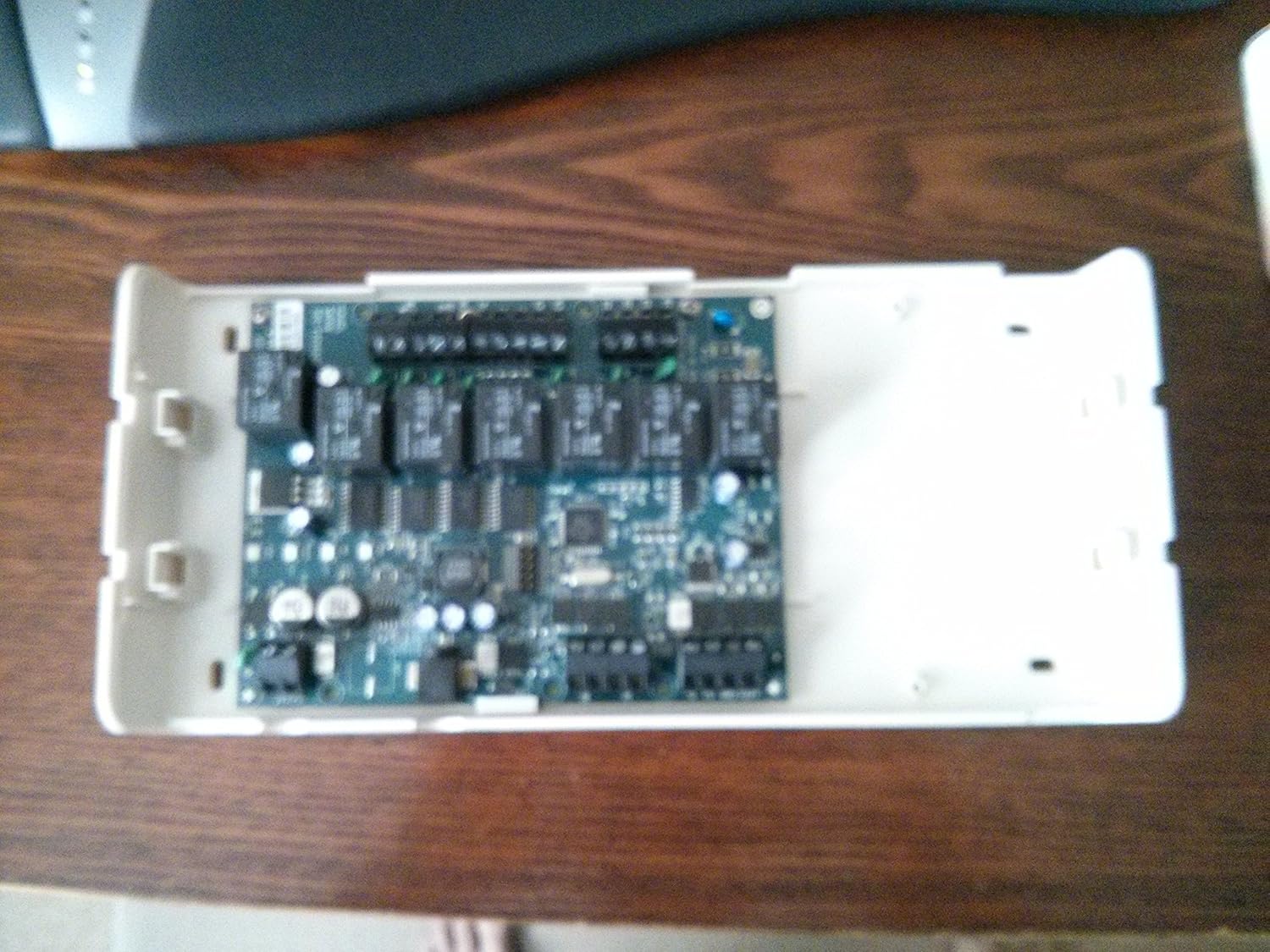


More than just a thermostat, The EB-STAT-02 features Wi-Fi Connectivity to the Internet, Cool Mobile Apps, Easy Web Portal, Live Weather, and a Full Color Screen. Secure Online Web Portal for Remote Management and diagnostics. Free over-the-air Software Upgrades. Gas, Oil, Electric, Boiler, and Heat Pump Compatible. 365 Day Scheduling, 7-Day Programmable, Vacation Programming. Humidifier, dehumidifier and ventilator control. Free Smartphone / Tablet App. Downloadable System Reports.
Intuitive User Interface makes it easy to quickly set a personalized program
Built-In Wi-Fi enabled. Adjust settings anywhere, anytime via Computer, Smartphone, or Tablet
Build-In Live Weather Functions to assist in saving the most energy possible
Intuitive User Interface makes it easy to quickly set a personalized program
Built-In Wi-Fi enabled. Adjust settings anywhere, anytime via Computer, Smartphone, or Tablet.
Build-In Live Weather Functions to assist in saving the most energy possible
Mobile Apps available for Apple IOS and Google Android smart phone and tablets
Broadband Internet access required for Wi-Fi, Weather, and Mobile features
3 reviews for ecobee Smart Thermostat 4 Heat-2 Cool with Full Color Touch Screen
Add a review

Original price was: $129.99.$66.49Current price is: $66.49.
Bob in Savage MN –
Great thermostat
I usually don’t do product reviews but this thermostat deserves one. I waited to get over the initial wow factor before reviewing it.I live in the Minnesota and have a pretty simple setup. 2 stage variable gas/blower furnace, single stage AC, and Aprilaire 400 humidifier. So far this thing has been great. The phone app is easy to use and looks just like the tstat. I can turn the blower on/off, turn the humidifier on/off or change the humidity percent, and change the temp. The web interface can do the same plus additional settings.I’m not a plumber, electrician, carpenter, etc., but I have done all three in my homes. Even so, I was really close to calling someone to install this when looking at the manual online before it arrived. Once I got it and pulled the cover off the furnace it really wasn’t that bad. Pretty simple actually. My furnace board was labeled just as the Ecobee manual listed. They have several diagrams for different situations. I took a couple pictures just to be safe before I did anything. My biggest fear was I would accidentally drag a bare wire across the furnace board and fry something. I even visioned getting the electric space heaters out and running the fireplace until someone could come out to fix my screw up. I made certain there was no power coming to it.There are 10 wires needed in my situation from the furnace board to the outside of the furnace. 9 to the Ecobee module and one to the humidifier. There are 4 wires needed for the module to the thermostat itself. I pulled out the existing tstat wires from the furnace board and connected 4 to the module and matched the same colors to the tstat on the proper terminals. I watched some videos on youtube and read some forums and they say power can be tapped off the 24VAC from inside the furnace. Just make sure it’s not for the blower and it’s on all the time. My furnace has a 24VAC transformer right inside with two leads coming off. I tapped those and made connections to the module, one wire from H on the furnace board to the humidifier, and 7 more to the module. I used three wire bundles total, one with 2 wires for the power, and two with 4 wires for the rest. I made a little cheat sheet and labeled the wires so I could figure this out in the future if need be. Several install pictures show the modal screwed to the duct work. My supply duct gets really hot and didn’t think that was a smart place to mount it. I had no room on the return duct plus it was farther away needing longer wires. Ultimately, It found a home on the wall. I did a quick test before cutting the wires to length and making them look neat and clean.After walking through a quick setup on the tsat and getting it on the wifi I made an account at ecobee.com. The touchscreen interface on the tstat needs less than more. Pressing too hard is not good. Moving the up/down slider is really the only issue I have but after getting used to it, it’s fine. There is a programming wizard to run and get an initial program going. From there I did the rest from the web interface.After running for some time, the tstat will learn how long it takes the house to warm up, or cool down. It will then adjust itself automatically based on the program. My program is -I wake up at 7 am, leave at 8:30 am, come home at 5:30 pm, go to sleep at 11 pm.My tstat will start to turn on heat around 5:30 am or so (it changes based on the inside and outside temp) to ensure the temp is what I set it to be when I wake up at 7 am. Same with my come home schedule. It will start around 4 pm so it’s warm when I get home. It will also keep the house from getting too cold by running on its own to make sure it can meet the temps. I can see this happening by looking at the reports. It takes a reading every 5 minutes and shows me what every function is doing. This is a really nice feature. For instance, I had my humidifier set to turn on just the furnace fan and run. It did this at night several times and it ran for hours trying to get the humidity up. Without the furnace heat on, it took a long time to get the humidity up. So, I changed the setting and now it only runs when there is heat.There are a few fine tuning settings I have played with. There is an option for how long stage 1 runs (low heat and low blower) before kicking in stage 2. The furnace would typically do this for me running stage 1 for a set time and if heat isn’t reached stage 2 kicks in. I have it set to run stage 1 for a max of 30 minutes and only if within 2 degrees of what the tstat is calling for. Anything over 2 degrees and stage 2 starts right away. If after 30 minutes the temp still hasn’t been reached then stage 2 starts. My furnace already did this but I am making stage 1 run longer that what the furnace was doing. The tstat can detect a temp change as low as .5 degrees and call for heat. This can be adjusted higher and probably be more cost effective but less comfortable due to larger temp swings.I also have a whole house air cleaner. During times when the house is occupied, I have the furnace blower run all the time at a low speed. During the away time and sleep I have it turn off. I figure if people aren’t moving about there is no dust kicked up and less to filter. I had the blower run 24/7 before so this may lower my electric bill.Looking at my reports, I can see that after the furnace blower is own (just the fan, no heat) for 30 minutes that the inside temp rises a little. I’m guessing the circulation evens out the temp a bit. So with that, I made a fan only program to run for 30 minutes once during the sleep and once during the away times. Running it more than once did not make a difference when watching the reports.I don’t have this set, but it can also run the blower from 0 minutes to 55 minutes per hour. It breaks this up in 15 minute times. So if it is set to run the fan for a minimum of 40 minutes, it will run it 10 minutes every 15 minutes. If there is a call for heat/cool, the blower times will be included and it will only run the remaining time, if any.The humidifier has a frost control option. If enabled, it will not let the humidity rise above a certain % based on outside temp. It asks how efficient the windows are in the home and takes that in account as well. There is a google group for ecobee users that is monitored by ecobee. One user had trouble with the frost control setting and support said there is a beta firmware that has more choices for window efficiency. Support offered to upgrade the software, just email them the SN of the tstat. I asked for the upgrade and a day later it was done. I now have double the choices for the window setting.I have alerts set to email me if the temp gets too low, temp gets too high, humidity too low, humidity gets too high, water panel change in humidifier, and filter change in furnace.I had narrowed my purchase to 3 tstats, the Nest, the Honeywell Prestige 2, and the Ecobee.A friend has a Nest. It looks nice and is designed for simple use. I like to have more options and control. Plus I don’t like how it is powered.I couldn’t find as much info on the Honeywell as far as tweaking the tstat or installing. Definitely geared towards a pro install. Most of the forums I read were for hvac people as well. Plus, to get it online took extra parts.
LegoDude –
Light years better than the 3M wireless one I had
I’ve been using a wireless thermostat for a few years now, and absolutely LOVE the convenience of it. I often end up at home earlier than I expected, and in the summer it always stunk since I set it back to 83 in the daytime. In the winter, it’s set back to 55 or so. The wireless option with my iPhone always let me adjust it early so when I arrived home before the scheduled “return to normal” time, it was comfortable.However, the 3M one was really starting to annoy me as time went on. I don’t know if it was because they started adding too many people to their servers or what, but the time between entering a change on my computer via the web interface, or using one of my IOS devices to adjust the temperature, and the actual time it took for the device to update and MAKE the change on the thermostat itself kept getting longer, sometimes taking as much as 15 minutes to happen. Totally unacceptable. And since I have a heat recovery ventilator, I wanted something I could eventually tie that into as well for remote control.I bounced between this and the NEST, but ultimately the HRV option here won me over. Even though right now it can only turn it on and off for like 15 or 20 minute intervals, and only at full speed, it was a step in the right direction. And there’s plenty of users asking Ecobee to expand that functionality, so I’m hopeful that not too far down the road, I’ll be able to get the HRV circulating fresh air into the house via this control as well. I also read a LOT about the irritation some people had with the NEST and it’s whole learning algorithm. Since my schedule changes sometimes throughout the week, and I alternate sometimes what day I take of in the middle of the week (I work a 4 day work week), the NEST would’ve been useless in that regard since I would’ve had to kill that feature anyway and just treat it as a straight programmable thermostat. Once you got to the point of deactivating what it touts as one of it’s biggest features, there seemed to be no reason to bother spending the money they asked for one.The other feature I love here that my 3M didn’t do at all, and people complain about the Nest’s abilities, was the plain old circulation of air. I don’t like leaving the fan running 24/7, so it’s nice to be able to specify how many minutes each hour the fan circulates regardless of heating/cooling. And from what I can tell, it breaks that amount you set up into equal units spread around the hour, so it’s not just ON for, say, 20 minutes if that’s what you set it for. It will turn on several times over the course of the hour and the cumulative time will be 20 minutes. So it helps keep the air fresher throughout the day.Setup was a snap – far easier than the insanity of the 3M, where you had to connect to IT as an access point to get at its settings, then set IT to connect to your wireless then take whatever device you used to connect to IT and put it back on the normal network. This was done all from the control panel itself.The install took me longer for the control box simply because I was overly cautious about getting my 24v power into it. I didn’t want to tie it off of the output on the PCB in the furnace since I didn’t know what that could draw, so I spent a bit of time tracing wires to the transformer that feeds INTO the PCB for my furnace. I clipped that, put in a splitter, and ran that then to my control box for the Ecobee. I spent more time figuring that out than I did with the entire rest of the install, both of the control panel and the thermostat control unit upstairs.I wish the current temperature display was a bit larger so it’d be easier to see from my couch, since it seems to waste a lot of real estate with the slider control across the topEven though this system also goes through the “mothership” at their server farm to bounce my IOS device commands back to it, the changes are just about instantaneous for any adjustments I make.The IOS software is well done since it looks like what you get on the thermostat. The web page also works well. I haven’t dug into all the reporting since I’ve had the unit for less than a month so far but there’s a lot of information there that I could’t get from my 3M wireless thermostat.And then there’s a LOT of options here as well that I couldn’t adjust on the other one, such as the both the active and inactive brightness settings of the display. I like that I can leave it “on” at the lowest setting so even at night I can always glance over and see the status and temp.I have several IOS controlled switches i use for things around the house, so I haven’t delved into the options with the smart switches this can employ yet.Granted, there’s more control here than I need, and it is pricey, but this is a perfect example of getting what you pay for. The 3M I had worked fine as a thermostat, but as a wireless unit, it was just disappointing in so many ways. This is night and day compared to that in every respect, so I feel I definitely got my moneys’ worth.Once I can do more with my HRV, this will become an even better product.All in all, there isn’t anything about it I didn’t like. It took a week for the thermometer to seem to zero into a good setting, since at first it was 3 to 5 degrees off from the atomic clock I have hanging above it that has a thermometer in it as well. But now they’re within a degree of each other, which is an expected deviation since both rate themselves to be +- 1 degree. But it’s been rock solid, it’s been doing it’s thing, and it was easy to program. You can’t ask for more from a wireless thermostat.
charles presseault –
Good information