

NETGEAR Nighthawk Dual-Band WiFi 7 Router (RS140) – Router Only, BE5000 Wireless Speed (up to 5.0 Gbps) – Covers up to 2,250 sq. ft., 80 Devices – 2.5 Gig Internet Port – Free Expert Help
$179.00
Related Products




Leverage the power of WiFi 7 for speeds up to 5.0 Gbps at 1.2X faster than WiFi 6. The Nighthawk RS140 WiFi 7 Dual-band Router provides up to 2,250 sq. ft. WiFi coverage and capacity for up to 80 devices. Experience stunning 4K streaming, video conferencing and reliably connect smart home devices. NETGEAR Armor protects your family’s WiFi by creating an automatic shield for all connected devices. Product dimensions: 9.8 x 5.9 x 4 in.
Blazing-fast WiFi 7 speeds up to 5.0 Gbps for gaming, smooth streaming, video conferencing and entertainment
WiFi 7 delivers 1.2x faster speeds than WiFi 6 to maximize performance across all devices. This is a Router not a Modem
This router does not include a built-in cable modem. A separate cable modem (with coax inputs) is required for internet service.
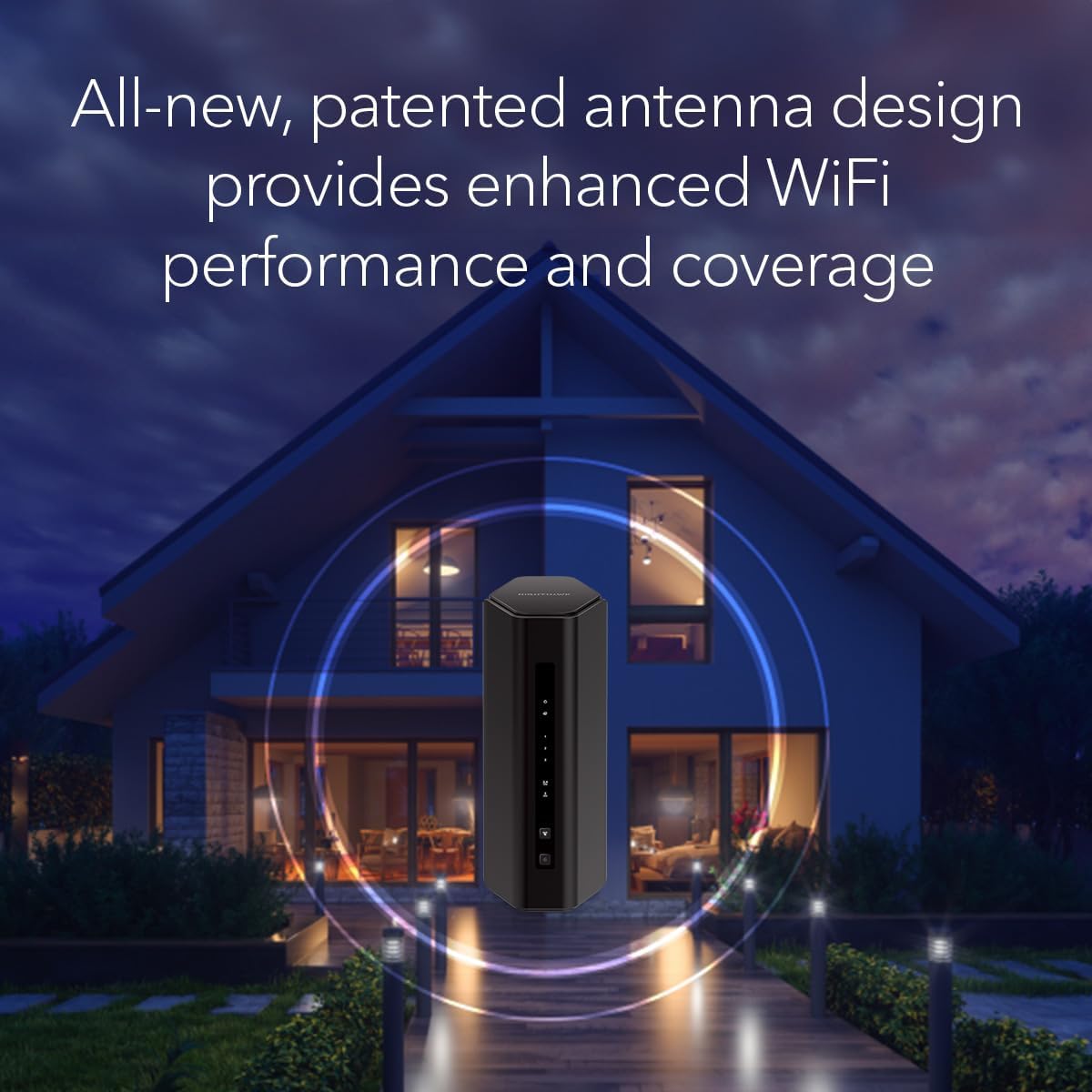
Sleek new body with smaller footprint and high-performance antennas for up to 2,250 sq. ft. of WiFi coverage
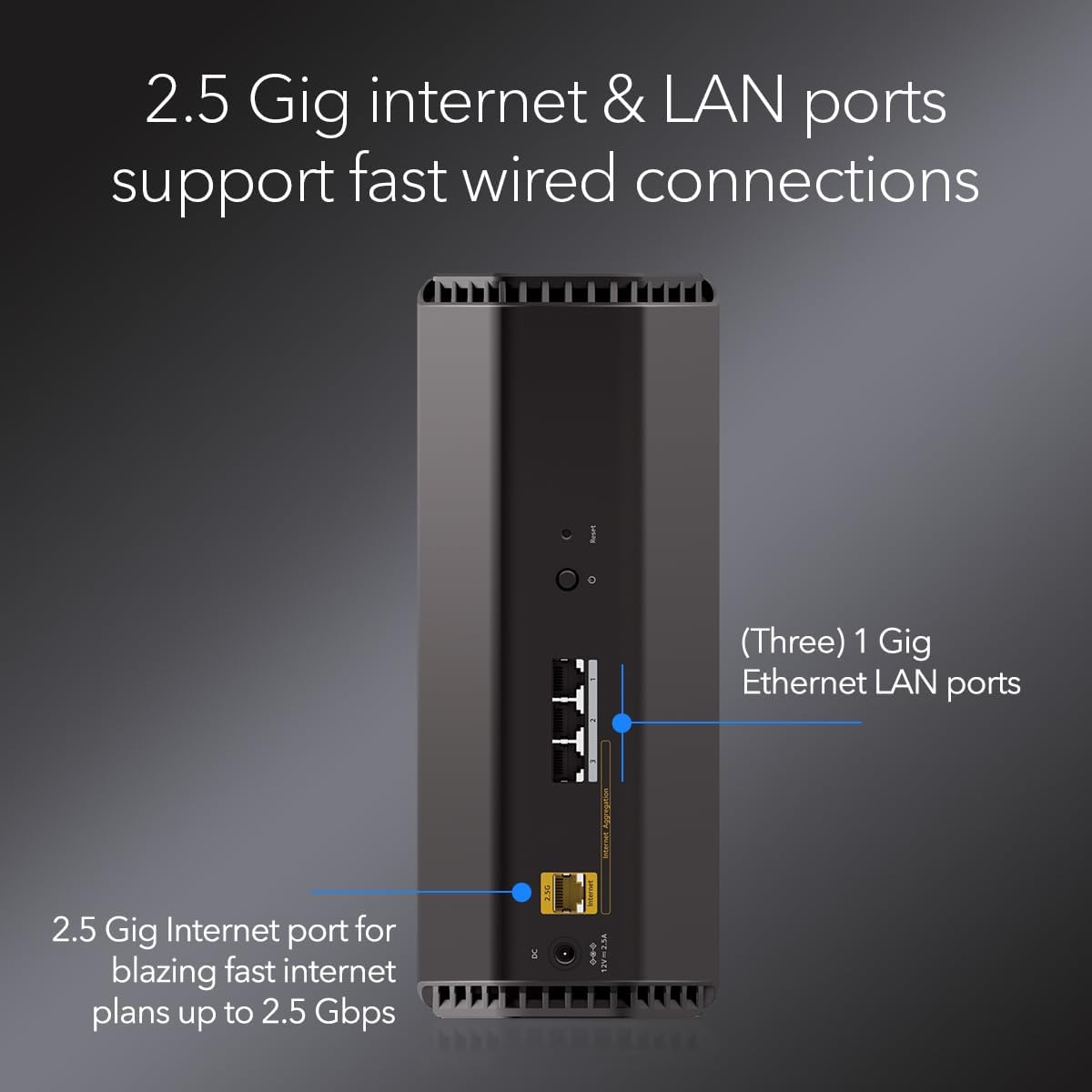
2.5 Gig internet port enables multi-gig speeds with the latest cable or fiber internet service plans, a separate modem may be needed for you cable or fiber internet service
6 reviews for NETGEAR Nighthawk Dual-Band WiFi 7 Router (RS140) – Router Only, BE5000 Wireless Speed (up to 5.0 Gbps) – Covers up to 2,250 sq. ft., 80 Devices – 2.5 Gig Internet Port – Free Expert Help
Add a review

$179.00
ghostman –
Very good router
I bought this router when I had the fiber optic run into my house. The internet company that I went through didn’t recommend using this brand for some reason. I’ve never had an issue with the Netgear brand. This router works great and is fast. I only have upstairs and downstairs and the coverage is great. It was really easy to set up and I like having the app to check speed and security of the router.
Speed711 –
NETGEAR Nighthawk RS180 Router Solved WiFi connectivity problems with Spectrum Gig Internet
The NETGEAR Nighthawk Dual-Band WiFi 7 Router RS180 solved my connectivity problem with a stable connection to handle my network speed with stability. The size is perfect to sit on top of the bookshelf. I recently upgraded to Spectrum Gigabit Internet & Spectrum sent me their WiFi7 Router. From day 1 I was having problems streaming WiFi to my Roku Devices. It would freeze or buffer every 30 minutes or so but the internet connection was fast & stable. The WiFi streaming in my house that was choking. Spectrum sent me a replacement router & I made sure all the wires were Cat6 but the issue continued. Spectrum Tech Support said the issue was my Roku Devices were on 2.4 GHz WiFi. Thing was for years I have streamed WiFi like this and it works for my needs. If a WiFi7 can’t handle a WiFi 2.4 device, that router is trash. So I purchased my own Router and all the problems are solved immediately. The NETGEAR Nighthawk Dual-Band WiFi 7 RS180 Router was easy to install. I did not use the App. Even though the admin page initially tries to make you install the app, I just select I don’t have a compatible mobile device, and then you can get to the Router Admin Panels from your PC Browser with local admin login. No need for an App to install or configure, but you can install the NetGear App at any time you so choose. For the last 5 years I had the NetGear R8000-100NAR Nighthawk X6 AC3200 Tri-Band Router, so this NETGEAR Nighthawk Dual-Band WiFi 7 Router RS180 seems to have stable connections so hope I get years of solid use out of this device.
Caden –
High cost but amazing, worth every dollar
Compatibility of this router is amazing, signal strength and power is outstanding. Parental controls I don’t use but with people who have kids I say it very simple to use and pretty easy to go through to have restriction and protections for your younglings.
Labdad –
Set-up is not as easy as promoted. Overall the router works well.
The router set-up is not flawless. The Nighthawk App is glitchy. Started with following instructions to use the Nighthawk App. I followed each,step and towards the end of set-up, either the App, or router hangs. Being an old school network guy, I logged into the router and did the set-up there. Once I got set-up via the local,web browser, the interface in the Nighthawk App synced with the router and there it is, the tri-band router is,working. I really like the 6G WiFi for my devices. I also created a Mesh wireless network using the the Netgear EXS25 and EXS27 extenders. Again I tried the Nighthawk App set-up, hangs and clunky. I resorted to plugging in a lan/etherenet cable into the ports and configured manually. Worked well. Again the Nighthawk App finally caught up after the manual web,based set-up. Netgear please fix that clunky Nighthawk set-up App. A novice will find this frustrating and may return the product. Perhaps you should also publish,how to set-up using the web interface. I would have given this 3 stars but for now 4 will suffice. Once the nework,is running,it is a breeze to admimister. Also with the 3000 sq foot coverage of the router plus 2 wifi extenders, the whole house is completely covered with no weak or blind areas.
Crazy4Coffee –
Excellent WiFi Home Router
I spent some time doing research on both modems and routers, including speaking with several IT professionals. I ended up landing on this Nighthawk after many recommendations. This router was a breeze to set up and paired perfectly with my new Motorola B12 cable modem. The step by step instructions in the app made it very easy; the performance and user-friendly experience is really nice. You can easily view all devices connected to the network, configure a separate guest network, run a Speedtest directly from the modem, and more. 2.4 and 5 GHz are automatically configured based on the devices connected. I used the same SSID / Login/ network name from my previous WiFi router and all devices connected seamlessly to the new Nighthawk. I am very pleased with the purchase!
Terence Wood –
Upgraded
Title: UpgradedDescription: We noticed immediately multiple devices stopped queuing videos, the blue circle of death disappeared. My smart TV showed better connection right away. The coverage of more sq footage was noticed by my kids in the far rooms. Now I can monitor how many devices, test my speed, and see that my network is handling all my devices better than my previous set up. I did have to call my internet provider for help with passwords, but it was mostly Plug and play. I realized this is the first wifi I have set up with my smart phone, instead of using a home computer. I got a good deal, and this unit works well for my family, thank you