

OMOTON Ergonomic Wireless Split Keyboard Compatible with Windows only, Cushioned Wrist Rest, Rechargeable, USB Connectivity, 2.4G Membrane Silent Keyboard, Classic Black
Original price was: $19.98.$18.99Current price is: $18.99.
Related Products




Product description
OMOTON Ergonomic Wireless Keyboard, Cushioned Wrist Rest, Rechargeable, 2.4 G 


1 One Zone Keyboard
2 Comfortable Typing


 Multifunction Keys
  Ergonomic Design
1 Multimedia Keys 2 User Friendly
What is the connectivity of this keyboard?
This keyboard is 2.4 G keyboard, use the USB connectors for connection
Is it ergonomic?
Yes, this keyboard has split layout design for more natural typing, the cushioned palm wrist rest with adjustable lift at the bottom to reduce muscle strain on your wrists and forearms
Can this keyboard be charged? Is it included the charging cable? Is there away to check battery status?
Yes, this keyboard is rechargeable, and it comes with the type c charging cable. The battery light flashes red whiles charging and flashes green when fully charged
How to switch the multimedia keys to F1-12?
Press FN+ ESC to enable multimedia keys or F1-12 keys as you preferred
Can this keyboard work with my Laptop?
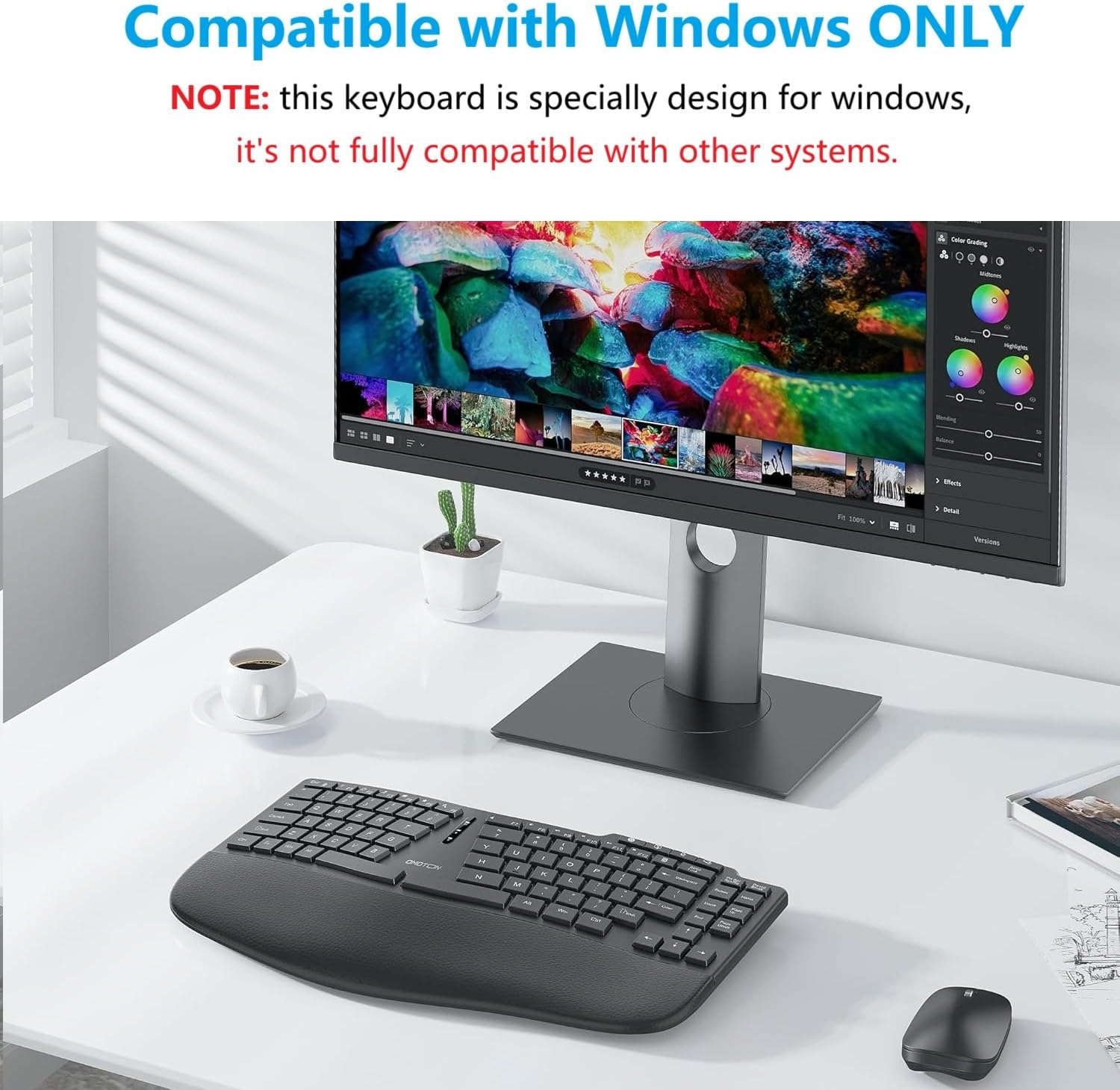
this keyboard is specially design for Windows, NOT Fully compatible with other systems. Please confirm the system before use
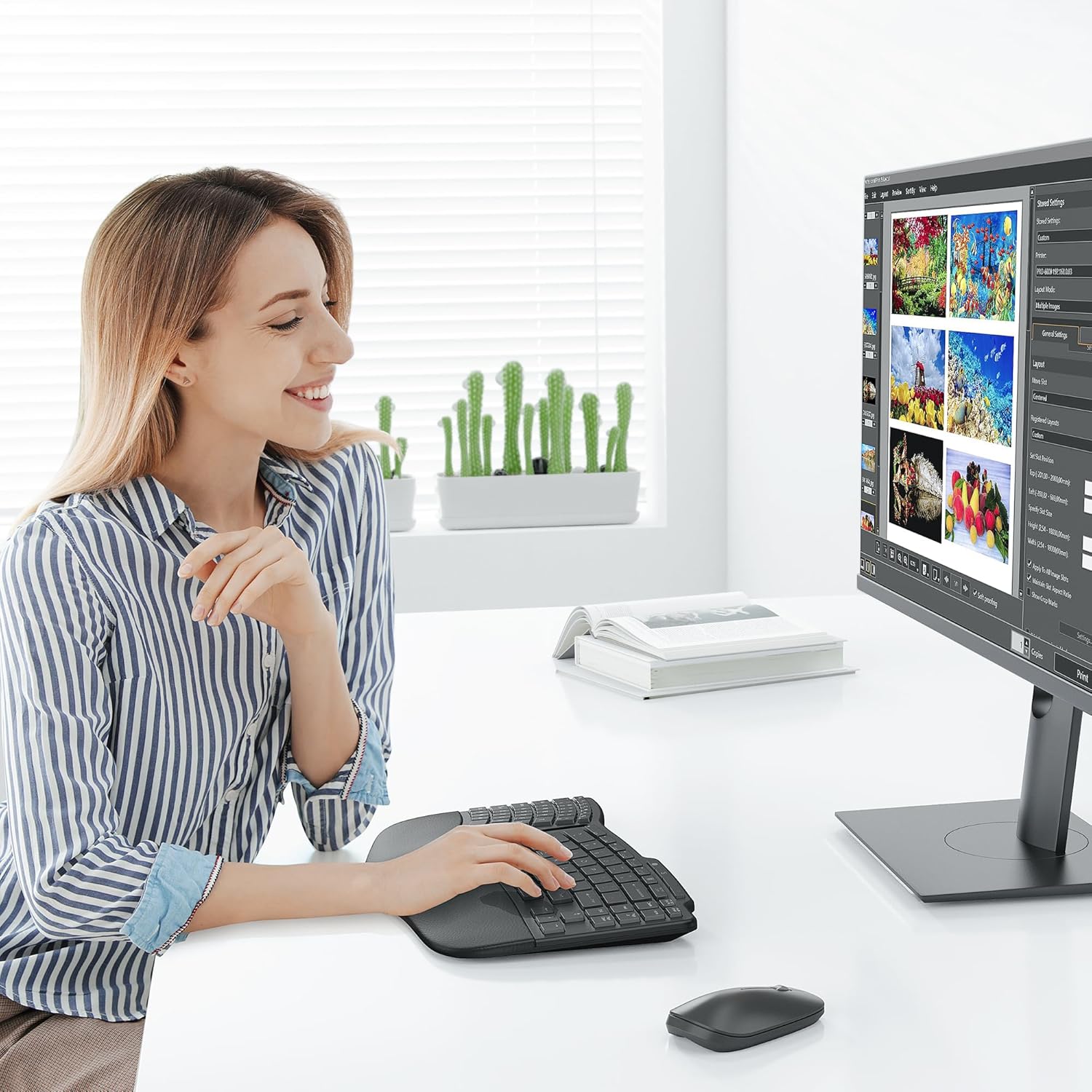
Ergonomic Split Keyboard: it’s specially design for Windows, NOT fully compatible with other systems. The split design of this wireless Keyboard provide a more natural and comfortable typing position, eliminating tension and fatigue in the wrists, forearms and shoulders during prolonged use. Ideal for use in the office or at home
More Palm Support: Padded palm rests with soft memory foam support your wrists all day long. The ergonomic keyboard has 4 foldable feet that can be tilted as desired
2.4G Wireless Keyboard: The ergonomic split wireless keyboard provides a stable wireless connection within a range of 10 meters for use with computers, desktops and laptops. Note: The USB receiver is located on the back of the keyboard
Rechargeable Keyboard: The wireless keyboard has a built-in 500mAh battery that lasts about 1 month or longer per charge (depending on how often you use the keyboard). Type-C charging cable included
Quiet Typing: The membrane construction of the wireless keyboard ensures quiet, comfortable and smooth typing, so you can type comfortably all day long
8 reviews for OMOTON Ergonomic Wireless Split Keyboard Compatible with Windows only, Cushioned Wrist Rest, Rechargeable, USB Connectivity, 2.4G Membrane Silent Keyboard, Classic Black
Add a review

Original price was: $19.98.$18.99Current price is: $18.99.
MSY –
Perfect for my use, programming. Never liked the dam number pad on the right….
I love this keyboard’s minimal set of keys for basic use like programming. Accountants can buy the ones with the big huge wing on the right with their numeric functions, but for me I want the arrow keys, del, ins, home, end only and this supplies it just right. Nice wrist pad too, and I like tipping from high front to lower rear. The keys have a silent but decent amount of plunge to their trigger point. Also great to have CTRL/ALT/WIN on both sides. Great price, charges quick.
Dawn the glass beadmaker –
No keypad.
No number keypad. If you need one, look farther
Nicole –
I love it
Its been a life saver for my wrists, and the battery lasts a long time. I’ve pulled all nighters and still havent had the need to charge and it’s been like two weeks. Also, I know people complain about the lack of number pad or the smaller but it’s literally on the description lol why would you buy something with details you will complain about as if its a surprise when it’s in the product description in the first place? On another note, i like that the keys ressemble those of a laptop and I dont need to type too hard for it to respond. My only complain would be that it took me a while to find the + and – symbols on the keyboard, which was a pain since I use them a lot for commands while designing. Overall, It’s a great product for the price.
Rower –
Decent, inexpensive replacement for Microsoft’s discontinued Sculpt Ergonomic keyboard.
The keyboard is a bit petite for me: it *looks* just like a Microsoft Sculpt with some subtle differences, size of the keys being one. The palm rest is a bit smaller as well, but the material used is padded and overall comfortable.It’s rechargeable so you’re never having to locate AA batteries, maybe this is a plus. Longevity of a full charge is unknown (to me) so far.The 2.4ghz connection has similar issues to the MS kbd’s; occasional lags can make it confusing to know what exactly you typed a second ago. Could be a neighbor’s microwave oven, who knows. ymmv. (even just 10 yards away at my wife’s system there seem to be fewer hesitations.Hey, it’s a very affordable option for someone who’s worn out their old, discontinued MS Sculpt, so overall I’m giving it 4-stars.
Chrissy –
Reliable Bluetooth Keyboard – Durable, but Takes Some Getting Used To
I’ve been using this ergonomic Bluetooth keyboard for a few months now, and it works very well in terms of performance. The connection has always been reliable—I’ve never had issues with connectivity—and the battery life is impressive. I use it almost every day for 3–6 hours, and I’ve only had to charge it about twice. It seems to go into a power-saving mode when not in use, which helps a lot.I originally bought it to help with finger pain after overusing my hands on a long work project. Unfortunately, I can’t say it solved my pain issues (mine are more in the fingers than the wrist, so carpal tunnel users may have a different experience). It might be slightly less straining, but I still feel discomfort when typing for long periods.One thing to note is the layout—it’s definitely different from a traditional keyboard. Even after several months, I still find myself looking down often and searching for keys like backspace. It does what it’s supposed to do, and I knew the design would take time to adjust to, but the learning curve is steeper than I expected.Overall, this is a durable, well-made keyboard with excellent battery life and solid Bluetooth performance. If you’re looking for something ergonomic and don’t mind a big adjustment period, it could be a good fit—especially if your issues are more wrist-related.
Lee –
Excellent replacement for older Microsoft Ergonomic keyboard
Bought to replace my older Microsoft Ergonomic Keyboard that was starting to stick. This one is perfect if you have smaller fingers like I do. I do not need to have the number keys that normally sit next to regular alpha keys, so fits my needs I keep it plugged in, so it is constantly charging. If you don’t like the lights in the middle that indicate battery level, capital lock etc, you can cover with piece of tape. I am used to it, so doesn’t bother me anymore. I do seem to hit cap lock more often than I ever did in the past but thanks to the light indicating capitals are locked (on) and quickly turn off. Otherwise great price, and has stood up to months of use approx 10-hrs a day and I love it. Glad I found this one as there are very few smaller sized keyboards that fit all of my Ergonomic needs.
Tej –
Not responsive
Very good design. Ergonomic. Smooth. Good looking. But not responsive. Leads to spelling errors and time in typing.
J –
Nice keyboard for the price
I purchased this to assist with my wife’s carpral tunnel. It does help. The spit keyboard does take some getting used to. It is rechargeable so it make a great companion to any laptop as well. Charging cable included but not a power block. I like the slot on the bottom to store the usb connector