

Sengled Smart Plug, S1 Auto Pairing with Alexa Devices, Energy Monitoring, Smart Outlet Remote Control, 15A Smart Socket, 1800W, Timer & Schedule, Bluetooth Mesh Smart Home, No Hub Required, 4-Pack
$59.99
Related Products


From the brand
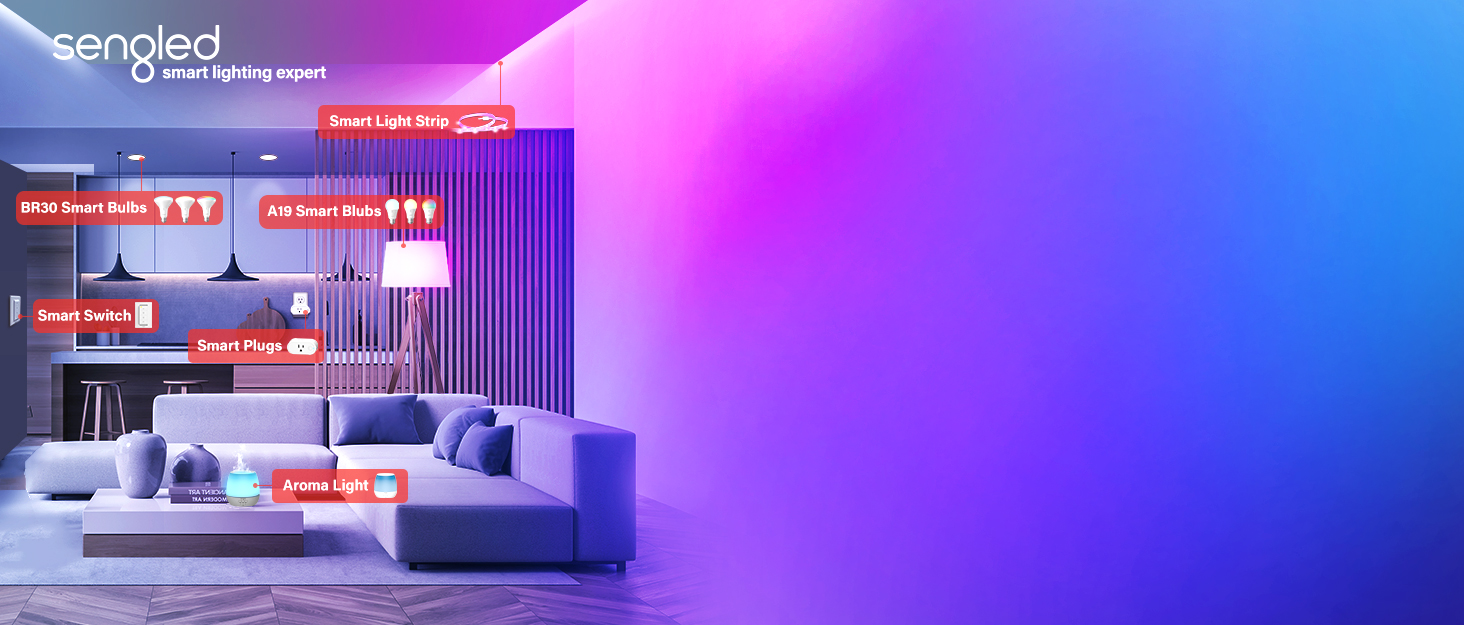
Swipe left to find out more

Sengled smart lighting expert
Easy. Versatile . Brilliant
Lighting up the world since 1997.Sengled is a global innovator that bright new ideas to the lighting industry.Committed to providing smart light bulbs that make life more convenient.
Sengled Smart Bulb
Sengled Smart kit
Sengled Smart Light Strips
3 OPTIONS OF SIMPLE SETUP FOR ZIGBEE PRODUCTS
1. CONNECT TO SENGLED SMART HUB
A smarter way to whole home connected devices.
2. WORKS WITH SMARTTHINGS ZIGBEE HUB
All Sengled Smart Zigbee devices can connect to SmartThings Hub directly via the SmartThings App, both setup and control.
3. WORKS WITH AMAZON ECHO DEVICE WITH BUILT-IN ZIGBEE HUB*
All Sengled Smart Zigbee devices can be set up and controlled via Alexa App.
· Echo (4th Gen)
· Echo Plus (1st, 2nd Gen)
· Echo Show 10
· Echo Studio
Makes Life So Much Easier: Smart Plug Works with and Alexa, Google Home, SmartThings, Homekit, Siri. So you can use voice control to turn on and off the light. Easily able to plug in a lamp, download the Sengled app. Alexa smart plugs let you control any appliance from outside of your home. You can turn the lights on/off, turn on the coffee maker, etc.
Zigbee Smart Plug Hub Required: Just support zigbee technology, amazon smart plug requires the Sengled Home App And Hub to Work. Hub required. Easily pair Sengled smart Plug directly to a compatible smart hub, like Sengled Smart Hub, SmartThings Hub, Wink Hub and Hubitat Hub. No separate smart hub required when connected to Amazon Echo Plus or Echo Show (2nd Gen). Additional hub required when connecting Alexa plug to Echo, Echo dot or Google Assistant devices.
Easy to Use and Safe: Just plug a device into the mini smart outlet and connect to the internet via Ethernet cable, not limited to 2.4GHz or 5 GHz routers, required an additional hub. UL, ETL and FCC certification ensures complete protection. Newer oval version part number E1C-NB7, small and fit two at a 2-outlet receptacle. Note: THIS IS NOT A WIFI SMART PLUG.
Stable Sengled System: High connection reliability even adds up to 64 smart plug to the smart hub system. Without worry about straining your network and frequently drop offline. Easily Expand Your Smart Lighting system with accessories (sold separately), such as a Sengled Smart Lightstrip, Dimmer Switch, Smart bulb, or Door/Window Sensor.
Schedule and Energy Monitoring: Get ready to have a smart home and create a customized schedule to automatically turn on and off any home Electronics or appliances, help you turn on and off your Christmas tree at prescribed times. Remembers the last state on power outage. Please note that the Alexa plug is not suitable for appliances whose power is more than 15A,1800W (eg: air conditioner, microwave oven, induction cooker, etc.)
8 reviews for Sengled Smart Plug, S1 Auto Pairing with Alexa Devices, Energy Monitoring, Smart Outlet Remote Control, 15A Smart Socket, 1800W, Timer & Schedule, Bluetooth Mesh Smart Home, No Hub Required, 4-Pack
Add a review

$59.99
James D. Clifton –
Great Smart Plug – Works and is reliable
I’ve bought several Sengled Smart Plugs and have them integrated into my Raspberry Pi Home Assistant and it has proven to be a reliable and versatile addition to my smart home ecosystem. I use them to control aquarium lights, Christmas lights, and heat lamps.Though a bit wide, the Sengled Smart Plug is compact where it counts, allowing it to blend seamlessly with any décor and most importantly still allows the second plug to be used. The build quality feels robust, ensuring durability over time.Setting up the Sengled Smart Plug was super simple and worked the same for each plug. Within a matter of seconds, I had the smart plug connected to my hub (Home Assistant) and working as advertised.This particular plug works using the zigbee protocol and requires a hub. It seamlessly integrates with popular voice assistants like Amazon Alexa and Google Assistant, offering hands-free control with simple voice commands. Additionally, the compatibility with smart home platforms such as SmartThings and IFTTT enhances its versatility, allowing for advanced automation scenarios.The ability to control connected devices remotely is a game-changer. Whether I’m away from home or simply lounging on the couch, I can effortlessly turn devices on or off using my app of choice on my smartphone. The scheduling feature is particularly useful, allowing me to automate routines and save energy by powering devices on and off at specific times.A standout feature of the Sengled Smart Plug is its energy monitoring capabilities. Though I’ve not used this feature yet, it will allow me to track the power consumption of connected devices, providing valuable insights into energy usage. It’s a great tool for those looking to manage their energy consumption more efficiently.Throughout my usage, the Sengled Smart Plug has demonstrated consistent reliability. I’ve experienced no connectivity issues, and the response time to commands is impressively quick. The plug has proven to be a dependable companion in automating various aspects of my daily routine.
Reviewer –
Wish I could give zero stars
How these got any positive reviews at all is beyond me. I invested in the chandelier size bulbs thinking I would save a little money since the Hue chandelier bulbs are unreasonably priced. I’m glad I didn’t end up wasting more money than I did on these junk bulbs.Zero range. Unless you plan on using these lights about 6 feet from your router, you’re wasting your time and money. The app says it may take “minutes” to locate the devices. Really? Minutes? At any rate, you waste minutes of your time for the app to fail to pick up the bulbs in pairing mode, and you have an option to add manually, which also takes forever, and you have to go through them all one at a time. Sometimes, even THAT fails, and you just have to wait minutes upon minutes trying again and again until they pair manually. You know after about 30 seconds the bulbs are going to fail to show up on the app, but you have to wait minutes anyway to get the manual option.The router is on the floor below the floor the bulbs are installed. All wireless devices everywhere in my home get home get 4 or 5 bars on N and G networks. Many way more distant than these chandelier bulbs. My hue bulbs, much father away, connect and work flawlessly with my Hue hub on the bottom floor next to my router. These junk bulbs, now physically installed by a ladder high up in the air, made it easier for me to get my extra long LAN cable and bring my router up the steps within a short distance of the junk bulbs to get them to pair. Why is a long LAN cable needed? Because even though these bulbs are only used on your home network, if your router is disconnected from the Internet, it doesn’t work. Huh. That’s interesting. Why do devices and an app that works on a private home network need Internet access to work?Anyway, got them to pair finally by putting the router basically on top of the bulbs. Returning the router back to its usual spot, I got a small window of use to mess with these bulbs. Colors not impressive. Within a short time, as you might guess, the bulbs failed to connect.OK, I’m in this far, I’ll spring for a $30 hub if it will close the gab and get the setup to work. Company claims it works up to 300 feet. Turns out it doesn’t even work up to 30 feet. After wired setup failed to pair with any bulbs, I put it in wireless mode and took the hub up a floor to close the distance gap. Interestingly, the app has a warning built in to try and discourage wireless mode “especially if the network is weak”. What that REALLY means is this device itself is “weak” and basically useless wirelessly.Anyway, the hub lost connection with the router just by taking it up a floor. I moved it around to get intermittent hub connection with the app, and went to pair bulbs via the hub within the app. App fails to see any bulbs, just like without a hub. OK, try manual mode pairing. Manual pairing is different with a hub than without a hub. You have to scan a QR code on the bulb. I have a couple spares in a drawer, so let’s just see how it works. It doesn’t, of course. “Hold the code within 4 inches and bring it slowly closer”. Whatever – it doesn’t work. You can manually put in the mac and type of bulb when the scanner fails, but not worth the effort due to the horrible range these things have.Just messing around, trying and trying and trying, I intermittently got a few bulbs to show up in the app to add to the hub normally. When it said it paired, the bulb showed up OUTSIDE the hub as a normally connected device in a setup with no hub! LOL!This is the short version of the adventures I’ve had with these junk bulbs. I could go on since I do technical for a living, but the long and short of it is do not waste your money on this junk.
Kuri –
Super easy to use and works with SmartThings
Really love this. It seems like more and more smart outlet plugs use wifi and doesn’t require a hub. While it is more convenient to have your smart devices be stand alone & not require a hub it only works if you don’t use a lot of smart devices. If you are like me and have 10+ smart devices (light bulbs and plugs) all latched onto the wifi instead of the hub it would actually lower your internet speeds and latency. Paying around $100 for a good hub (I use Samsung SmartThings) it pays for itself overtime. Every Zigbee and Z-Wave smart item I attach to the hub means that’s 1 less device connecting and slowing down my router and internet speeds.This thing works beautifully and was very easy to connect with my SmartThings hub. Was just as simple as plugging it in and then following the directions in my SmartThings app to add/scan a new device. Sengled is generally really good and responsive. I have their light bulbs also and they’ve all worked flawlessly with my smart home set up. Once it’s all attached onto my SmartThings hub I have that Samsung account linked into my Google Home app and it just auto updates into my Google Home set up so I can voice control it very easily as well.This is on the pricier side. Even with a sale it came out to about $15/plug. Full price I really don’t think is worth it. I’m actually going to test out the ThirdReality version of zigbee plugs which is about $9/plug for a pack of 4. I’ll post an update once I test them out and see if it’s a better bang for buck.Update! Yes! The ThirdReality ones are just as good and is a better bang for buck. So honestly you can’t go wrong with either them or these Sengled ones!
Alex G –
The only sad part is the wire connection. It works great with Alexa and HomeKit.
C –
These are some of the best smart plugs I’ve used. They are an amazing value for the money with the energy monitoring included and a 15A rating. Other plugs offering a similar feature set often cost much more.You can fit two of these in a wall socket unlike some smart plugs which block the second outlet due to their size/shape.They connected to Smartthings right away, no messing around. Able to turn them on and off with Google Home & Alexa. I don’t use the Sengled app so I can’t speak to how well it does or does not work.I use them mainly to monitor and reduce the amount of phantom energy being consumed in the house by electronics that are plugged in but not being used.Would definitely recommend them as a cost effective and very useful addition to any smart home set-up!!
John S. –
Seems to be a good product and it works well.
Kruger –
These are great!
CaroyMigu –
It was so hard for me to find the right hub to make this work. At the end it was to expensive to have all the set up for a bulb without any special feature.