

SmartSee Miracast Wireless Display Receiver 1080P HDMI WiFi Media Streamer Adapter Support YouTube Netflix Hulu Plus Airplay DLNA TV Stick for Android/Mac/iOS/Windows (2.4G)
$29.99
Related Products


Product description

With SmartSee adapter, you can easily cast images, videos or games from a small screen to a big screen wirelessly.
What is Screen Mirroring?
Screen mirroring or screen casting allows you to mirror your mobile device’s content to your TV screen.
Screen mirroring technology has changed substantially over recent years and we are keeping focusing on offering a easy way to mirror your screen, the connection on iOS device and Android device will differ depending on the age, model and manufacturer of your smartphone, tablet.
What device supports mirroring function?
All recent mobile devices(Android/iOS) have the ability to screen mirror. Mobile device: iPhone, iPad, Mac OS, Android smartphones, tablets, laptops. Compatible with all iOS 9.0+, Android 5.0+, Windows 8.1, Windows 10 devices.
What device can be the target display?
This wireless display adapter has only one requirement to the target display which must have an HD port, such as TV, monitor, projector. Namely, mobile device can been mirrored to any display via HD port.
Mirror small screen to biy screen wirelessly

The screen mirroring adapter is a remote display product which supports iOS’s Airplay Mirroring protocol, Android and Windows’ Miracast protocol, with this technology, you will be able to send iPhone/iPad/Android smartphone/tablets screen to an hd display such as HDTV/monitor/projector.
It mirrors a full screen to another display.
Details about this dongle, please NOTE:
1. This is the upgraded version dongle, it has solved the old versions shortcoming(the old version can only recognize numeric or English while connecting this item to your home wifi).
What’s more, we upgraded the chipset with dual core 1.6G which offers stronger running performance. And we upgrade this dongle to support dual H.265/HEVC Decode which support 4K(3840 X 2160) and 1080P resolution.
2. If you have Android device, you can screen mirroring directly via Miracast easily. If you are not sure about Miracast, download our EZMira App in Google Play, this app can guide you to screen mirroring directly.
3. For Android devices, this dongle supports Netflix/ Amazon Video/ HBO go/ Hulu Plus sky go/DIRECTV etc on Android device. To cast Netflix, please download Google Home app to pair with this dongle to cast.
4. For iOS devices, this dongle supports both screen streaming and screen mirroring easily. As Youtube can only support to be streamed.
Only support unencrypted videos on iOS device.
Airplay Mirroring on iOS devices

Connection on iOS devices
Step 1. Connect the dongle wifi in WiFi Setting on iPhone Step 2. Go to Safari and input 192.168.203.1 to come to the setting menu, set the settings according to your preference. Need to connect this dongle to your WiFi? Click on “Internet” to select your home Wifi to connect. Once connected, no need to reconnect again.
Step 3. Pull up the Control Center on iPhone and click on Airplay mirroring, then select the dongle to start screen mirroring. Need to cast videos or Youtube on TV or projector? Do the step 1 and confirm to connect this dongle to your WiFi, then open Youtube and click on the streaming icon to stream directly. Note: For iOS devices, this dongle can stream videos anytime directly if it is connected with the same WiFi as your phone does.
For Android device, only screen mirroring is supported.

Connection on Android devices
a. Turn on screen mirroring function on your Android device and select this adapter to cast your device to TV.
Screen mirroring technology has changed substantially over recent years. The name of screen mirroring on your device will differ depending on your model.
To turn on the screen mirroring function on your device, drag your finger from the top of the screen to pull down the notifications bar.
NOTES:
We developed an EZMira app, if you are not sure about screen mirroring function, download our EZMira App in Google Play, this app can guide you to screen mirroring directly.
b. or Download Google Home app and pair the dongle in Google Home app via Cast Screen/Audio, now you can cast Netflix to TV.

Wide Usage:
Cast phone/tablet to TV, enjoy big screen together
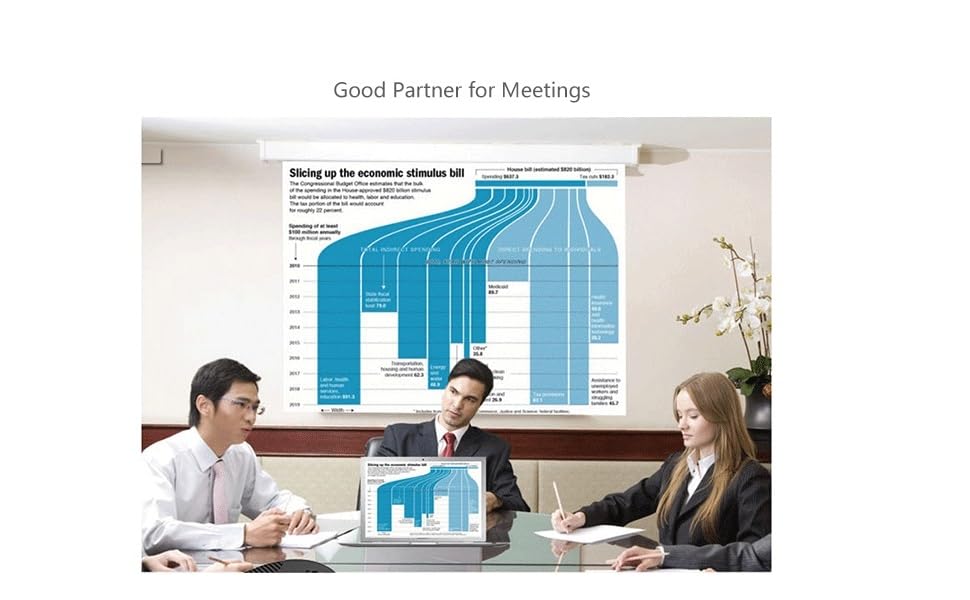
Project your tablet or phone to projector easily in office Watch with colleagues in meeting – Mirroring tablet or phone screen to projector, share PPT, mail, documents and other content wirelessly. Watch with students in classroom – Mirroring tablet or phone screen to big screen, share teaching content wirelessly. Watch with your family at home – Mirroring tablet or phone screen to TV, share photos, videos, movies wirelessly. Carry it while travelling, share your phone to TV anytime.
This new SmartSee Wireless display adapter is designed with extending HD cable which solves the shortcome of the first generation.
We focus on bettering our product, just to bring you more convenience.
Package Included:
1 x Wireless Phone Mirror adapter,
1 x WiFi Antenna Cable,
1 x English User Manual
Return Notes:
Returns can be made unconditionally within 30 days.
When returning the goods, please return all the product accessories to the original packaging box, so as not to affect the second sale.
Rather than returning the product, you prefer to figure out the proper usage?
Get in touch with the SmartSee TEAM.
SmarSee Wirelss Display Adapter is a technical product, it widely supports iOS, Android, Windows devices. Yet iOS, Android, Windows use different wireless protocol, and different protocol results in different connection, namely, connections are different on different devices.
We understand there are thousands different devices, no matter what device you use, only correct connection can reach the point. So once you are not sure about the connection, please check the User Manual. If the User Manual not indicates the connection of your device, please get in touch with SmartSee Team directly, we will tell the exact connection according to your device.
SmartSee Team is always here to support.
【Wireless Display】Mirror the entire screen of your iOS/Android device to any HDMI display such as TV, Computer, Monitor or Projector wirelessly. Your iOS/Android device works as a remote control, what users see on the mobile device, they can see on the big screen, instantly – no limitations, no restrictions, and no hassle. It can be used for home entertaiment or Business conference or Enducation. Share information effectively.
【Upgrade Version】SmartSee upgrades the chipset with dual core 1.6G which offers stronger running performance and it solves the shorcoming of the first generation. It upgrades to support dual H.265/HEVC Decode which support 4K(3840 X 2160) and 1080P resolution. DIY to set the dongle by yourself. With more function, Not a chromecast.
【Wide Compatibility】Support Miracast/Airplay/DLNA. Compatible with Android 4.4+ and iOS 9.0+, MacOS 10+, Windows 8.1+(must be Miracast enabled, please check that first). Supports chromecast, YouTube, Netflix, Hulu Plus, IDMB, Quickflix on Android device via Google Home App. Not support any paid Apps on iOS device. SmartSee developed EZMira App to help you connect easily.
【Wide Usage】While friends gathering or family reunion, you can share photos or videos or movies from phone/tablet to your big screen wirelessly. Share presentation or files on big screen in conference or classroom. Mirroring GPS navigation in car for free if your car display supports HMDI.
【Regular OTA Update】We will regularly update the firmware from the cloud server to add features and improve compatibility, connect this dongle to your wifi and it will be upgraded automatically, so this dongle could be compatible with the newest version of your iOS/Android/Windows device anytime. When Apple or Android updates the system, our company will update the dongle version timely.
8 reviews for SmartSee Miracast Wireless Display Receiver 1080P HDMI WiFi Media Streamer Adapter Support YouTube Netflix Hulu Plus Airplay DLNA TV Stick for Android/Mac/iOS/Windows (2.4G)
Add a review

$29.99
YULIYA –
Awesome device
This dongle is pretty awesome device. Follow the instructions was easy to set up. Now we can easily display all our pictures and videos from the phone on big TV screen. Only one minor suggestion is to increase size of the print in the user guide, so it’s easily to read. 🙂 Overall great product for reasonable price, works fantastic. The seller was very helpful to figure out how to setup the device. Thank you a lot, this what I was looking for. Would recommend this dongle, and definitely will come back to this shop.
Jamaisha –
Device stops working after a month.
This device is horrible. The setup instructions for horrible and unclear. I’ve had plenty of chrome cast in the past. They where much more efficient. I hate the fact that you can only use the mirror option to connect with and apple device. It makes it much more harder to use your device. On top of that I only had the device for a month now. The picture stopped coming in on all of my TVs. I have to literally sit and play with it to get it to work. It did not come with a power source so I only have to option to use the usb hook up. Which is horrible because if my power source isn’t strong enough it won’t work. I’m just so upset and disappointed.
Kimberly –
Wouldn’t buy this again.
This was harder to set up than expected. Spend the extra $10 and get the real chromecast. It’s easier to set up and I think works better.
Vamshi krishna –
Setting up is easy and self explainatory
This is a very good option to cast your phone if you have an iOS device and want to cast it to your TV.Just connect the device to your TV’s HDMI port and change the source.All the steps to connect the phone to TV will come up on the screen.I was able to connect the device and finish the setup very quickly.You can use the screen mirror option on your iPhone and that’s all, you are set.I would recommend this one to anyone who is looking for a wifi display dongle.
nate m –
Hard to make work
Setup is a challenge and the directions are non-existent
Thomas Gattuso –
User friendly
Easy to install
Carl –
Simple Setup with Android & Perfect Picture!
SUPER EASY TO USE WITH SAMSUNG GALAXY NOTE 3! Plugged HDMI & USB cables into TV, stuck the remote WIFI antenna to the top of TV with velcro, greeting screen immediately came up, hit Quick Connect button on my Galaxy Note 3, & screen mirror connected instantly with a perfect picture on TV! GREAT PRODUCT!
hugo lin –
thank you so much
Thank you SO MUCH! I didn’t get it to work at the first time because I didn’t understand it fully. I haven’t had time to email or look into figuring it out. The seller sent me an email timely with a video tutorial which is PERFECT and I’m so happy to see a company that actually cares and is willing to follow up with customers! Especially to make sure I am satisfied and completely understand the products function! By watching the video, I made this dongle working with my iPhone perfectly. Again thank you so much!