

Beelink Me Mini, Mini PC NAS, Intel N95 CPU, 12GB LPDDR5, 1TB PCIe SSD, 6*M.2 PCIe3.0 SSD Slots(MAX 24TB), Dual 2.5G LAN/WiFi6/BT5.2/USB3.2/HDMI, HTPC, Private Cloud, Soft Router, Storage Solution
Original price was: $329.00.$218.99Current price is: $218.99.
Related Products





Product description
Beelink ME Mini – N95 NAS Mini PC – 12GB LPDDR5 1TB SSD – NO Operation System
The video showcases the product in use.The video guides you through product setup.The video compares multiple products.The video shows the product being unpacked. Beelink ME Mini Merchant Video


A Unique Design & Low Power Home Server NAS – Beelink ME Mini 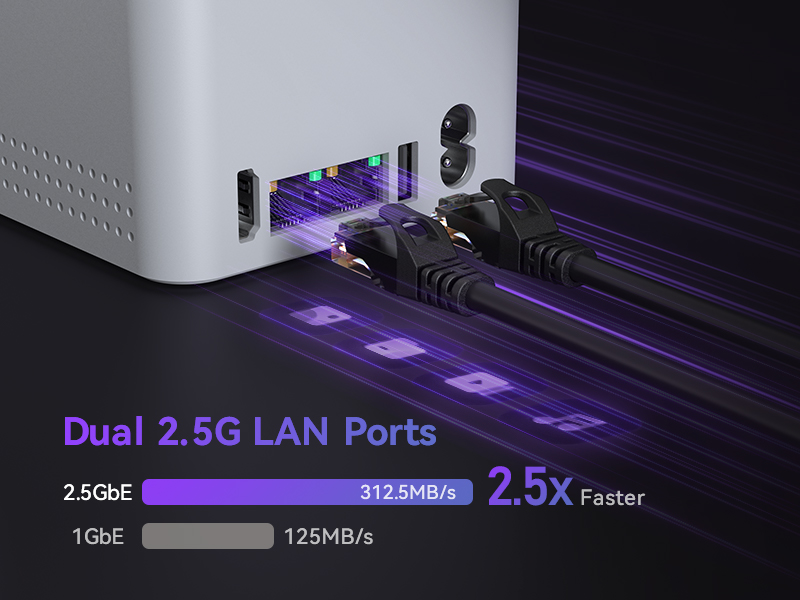 Intel i226-v Dual 2.5Gbps High-speed Ethernet
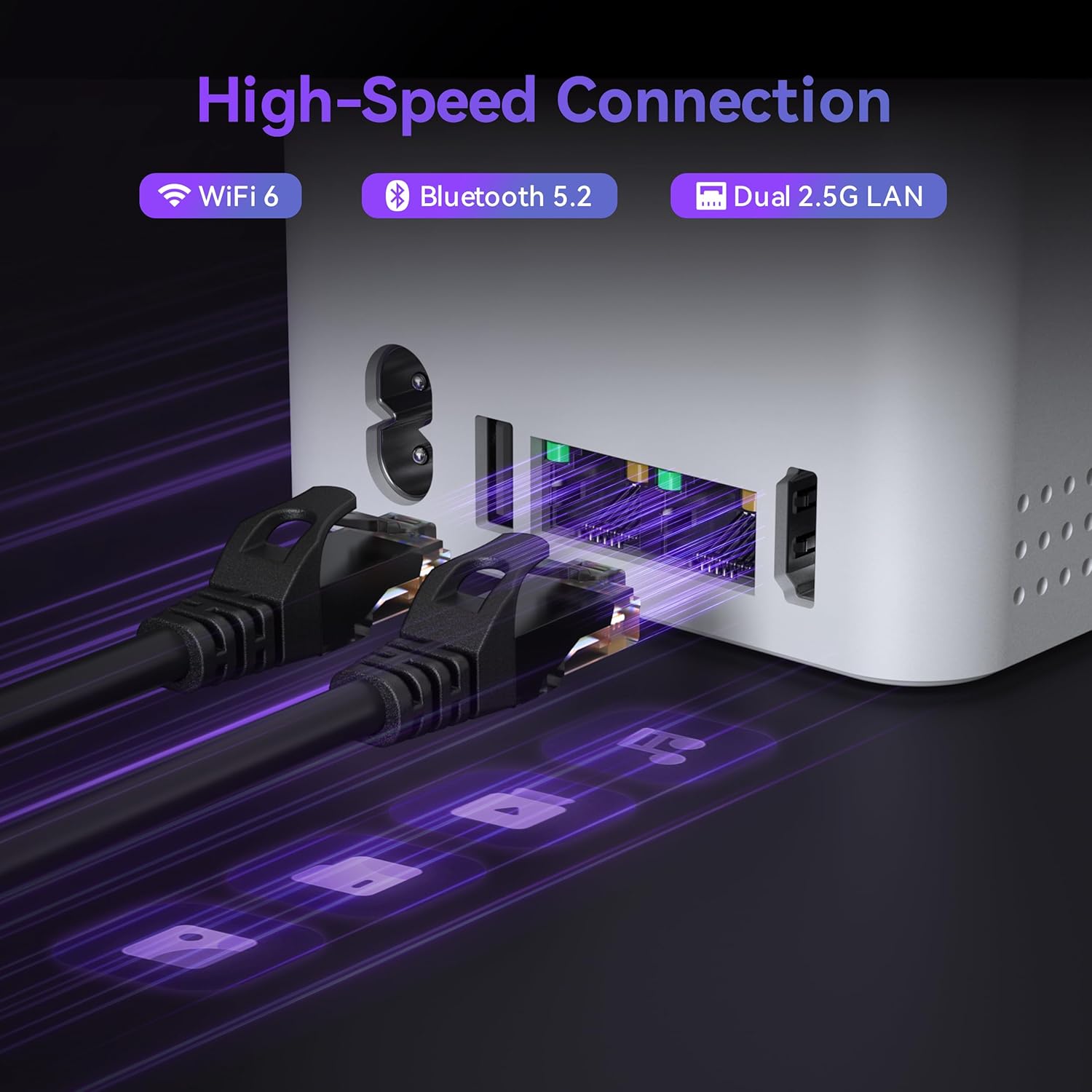
Ideal for Link Aggregation/ Soft Router/ Intranet & Internet Separation Network Topology/ Virtualization Support
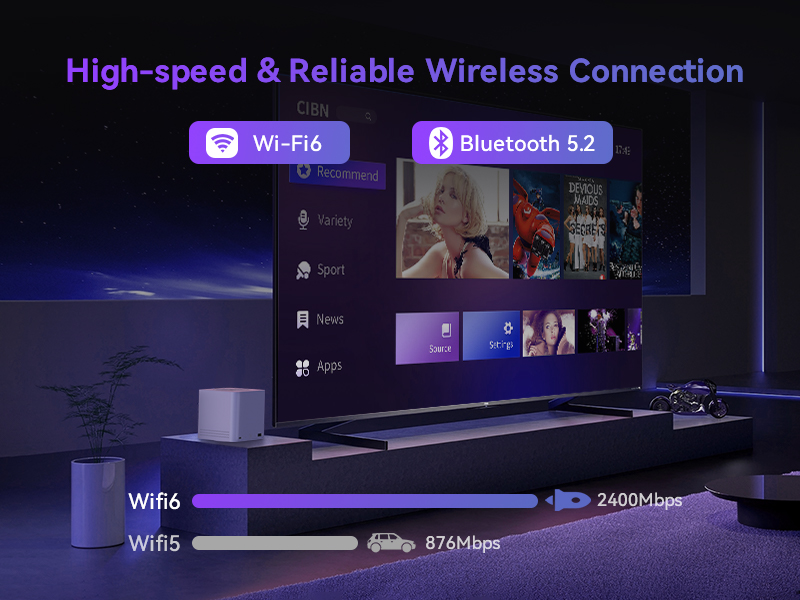 High-speed & Stable Wireless Connection WiFi 6 & Bluetooth 5.2
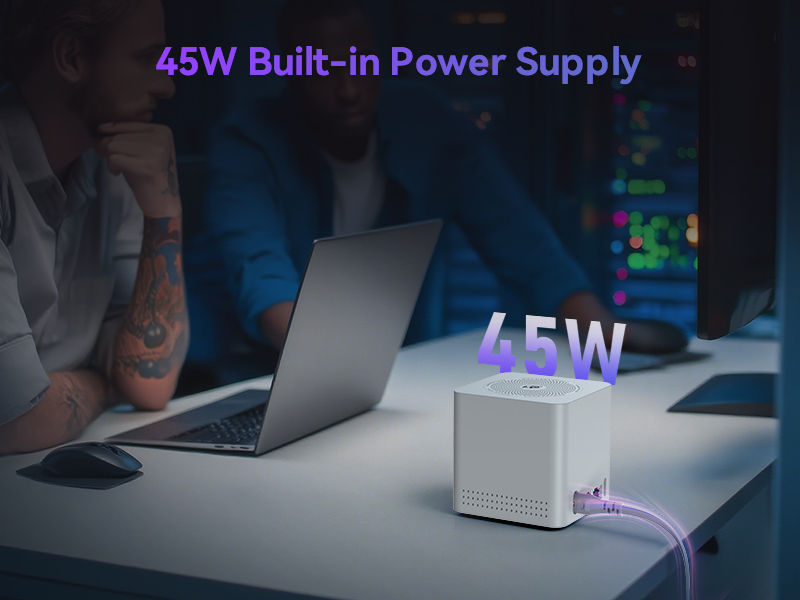 45W Built-in Power Supply Streamline your workspace by reducing the need for multiple power strips
DC Output: 12V 3.75A,AC Input: 100-240V~, 50/60Hz, 1.5A 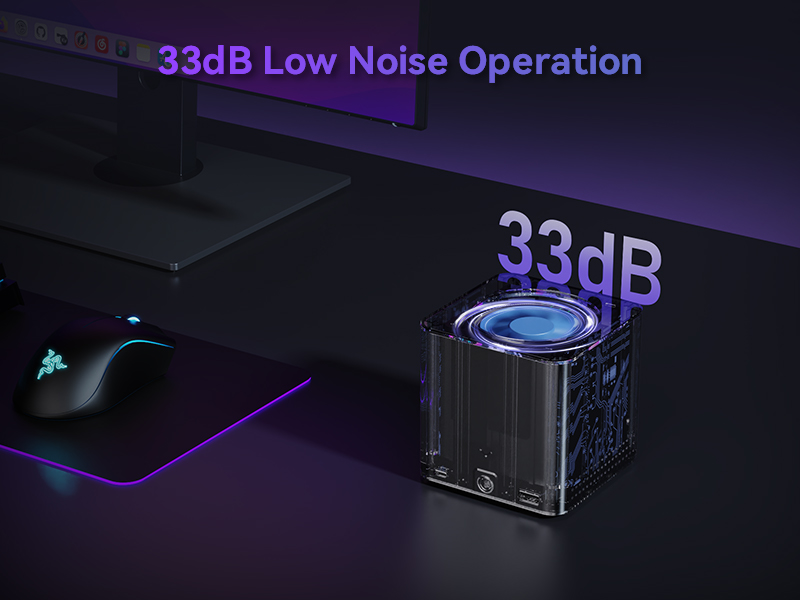 Whisper-Quiet Operation
Equipped with a silent fan that runs at an average speed of 1500 rpm, keeping noise levels as low as 33 dB
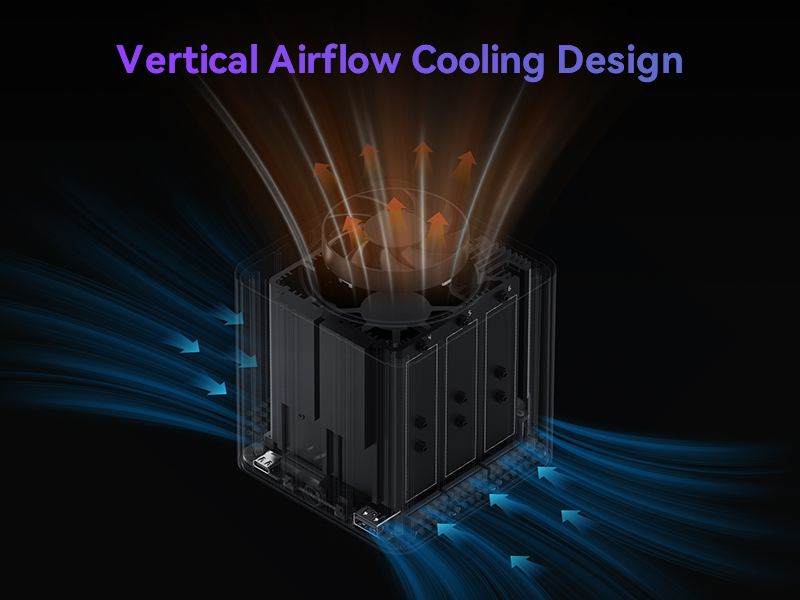 Vertical Airflow Cooling Design
Cool airflow from top to bottom–SSD heat is transferred to the heatsink and expelled effciently via air circulation.
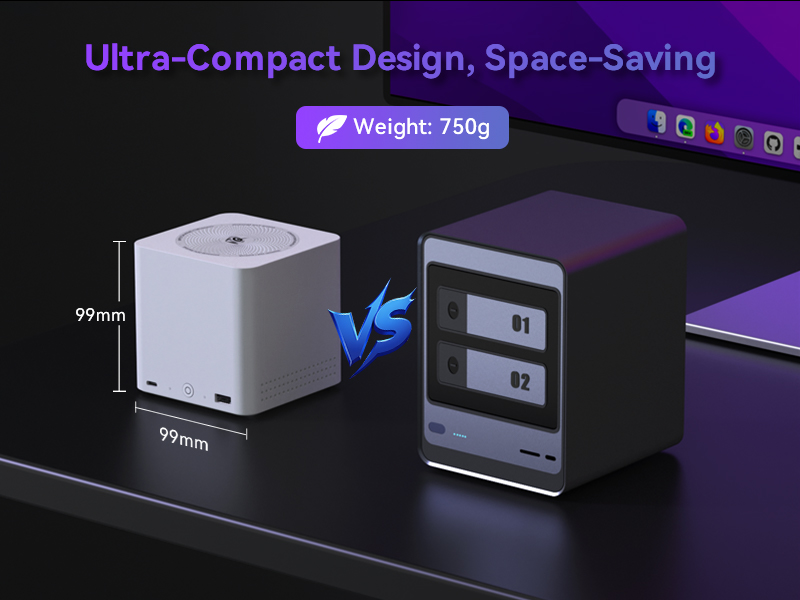 Ultra-Compact Design, Space-Saving
Palm-sized and ultra-portable, takes up no extra space.


The video showcases the product in use.The video guides you through product setup.The video compares multiple products.The video shows the product being unpacked. Beelink ME Mini Merchant Video

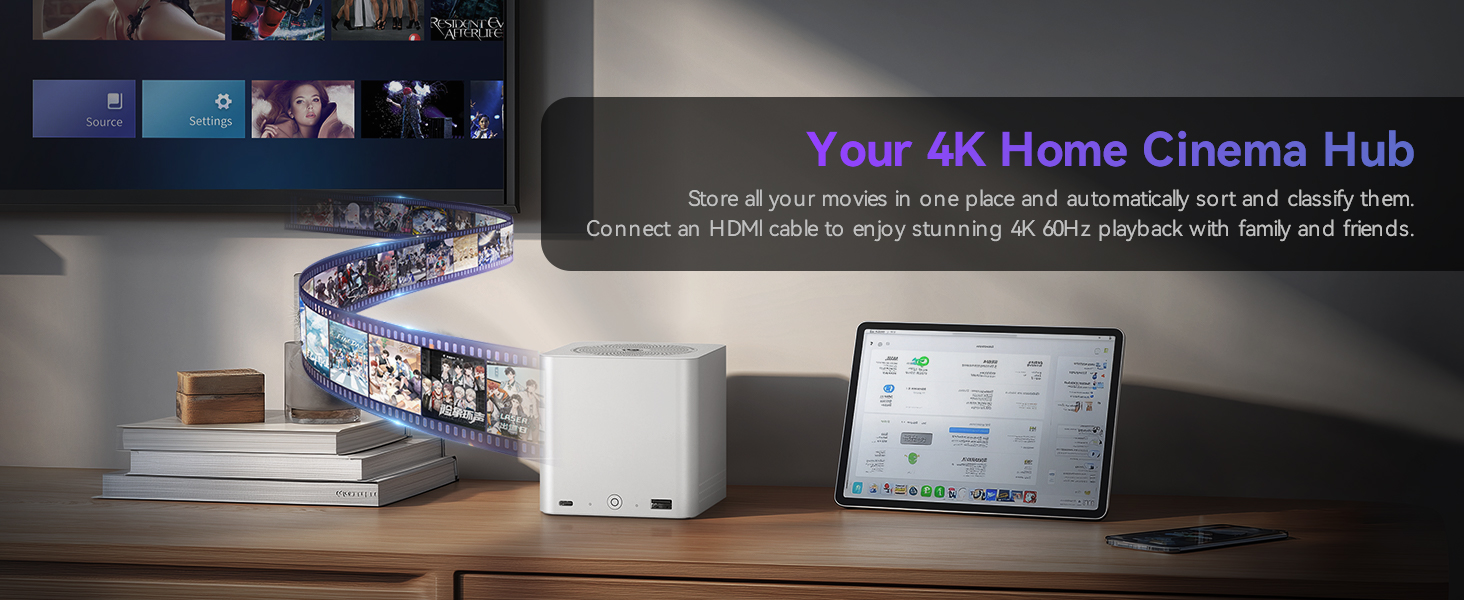
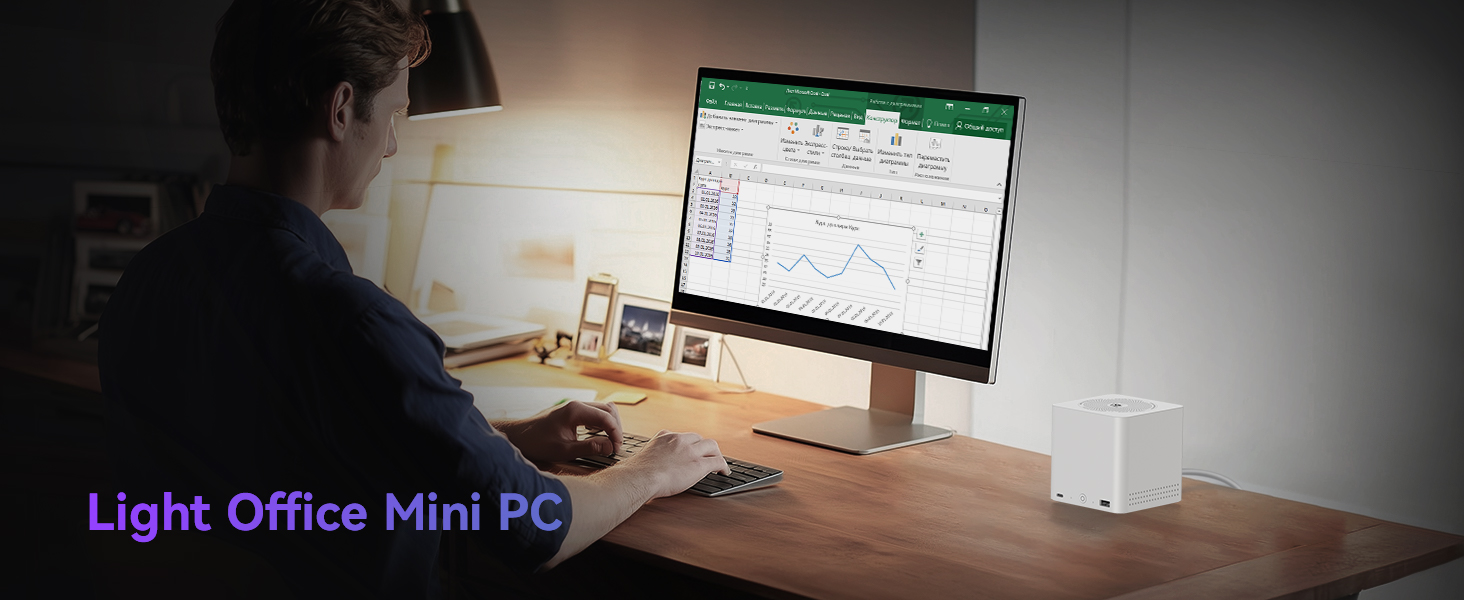
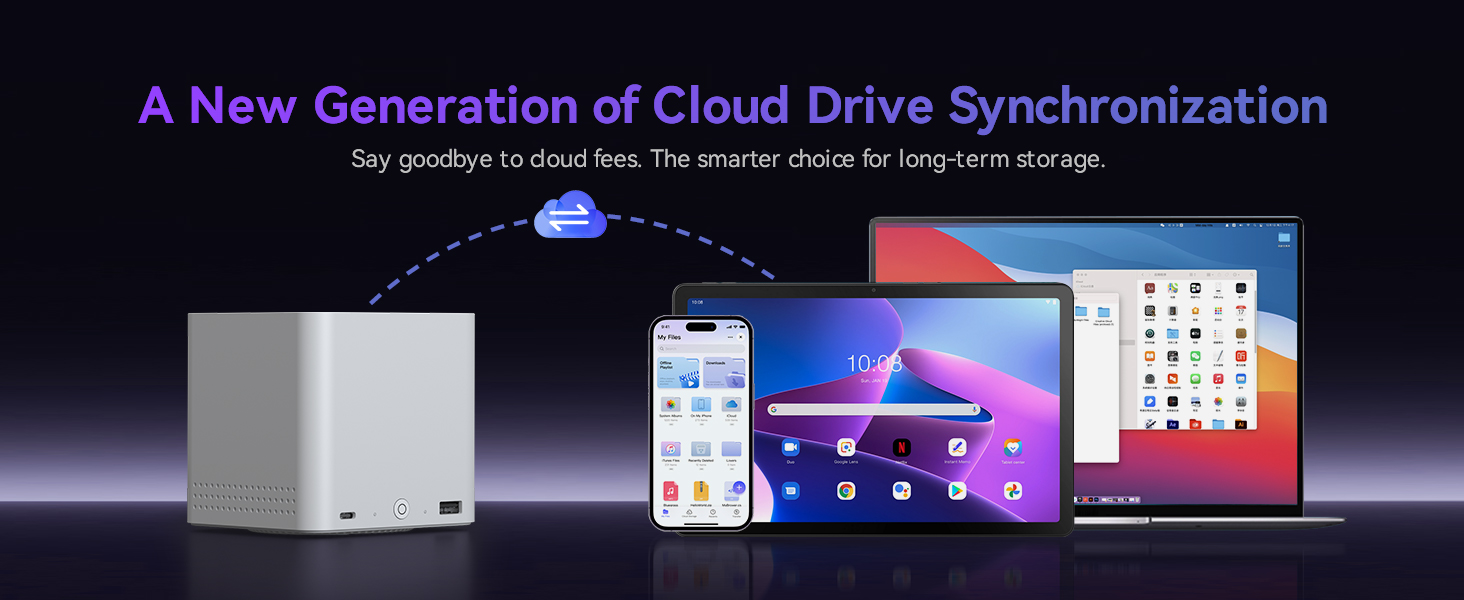
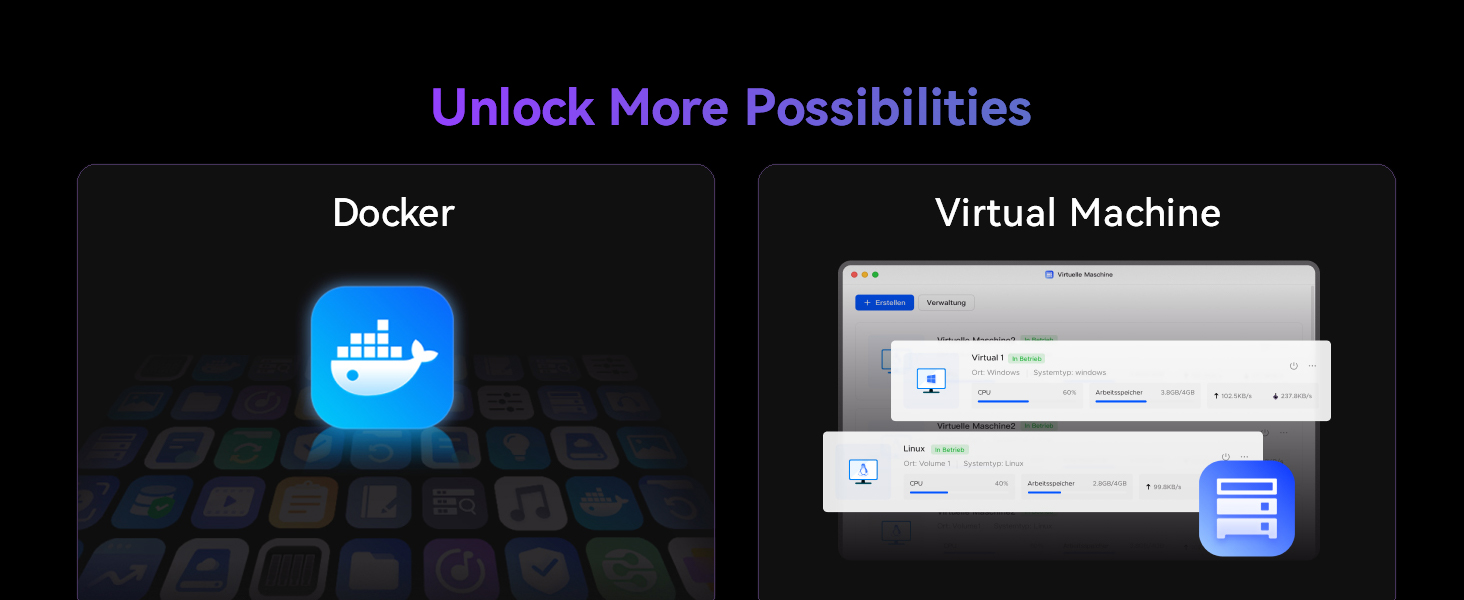
1 Family Data Management
2 4K Home Cinema Hub
3 Light Office Mini PC
4 Sync & Backup
5 Docker & Virtual Machine
Beelink Mini PC Early Prime Day Deals for Home / Office/ Education/ Gaming
Add to Cart
Add to Cart
Add to Cart
Customer Reviews
4.5 out of 5 stars 222
4.5 out of 5 stars 222
4.4 out of 5 stars 65
4.4 out of 5 stars 238
4.4 out of 5 stars 238
4.2 out of 5 stars 187
4.2 out of 5 stars 187
Price
$218.99$218.99
$259.00$259.00
$531.05$531.05
$349.00$349.00
$399.00$399.00
$699.00$699.00
$679.00$679.00
CPU
Intel Alder Lake N95
Intel Twin Lake N150
Intel Core i7-13620H
Ryzen 7 5825U
Ryzen 5 6600U (28W TDP)
Ryzen 7 H 255 (Max 65W TDP)
Ryzen 7 H 255 (Max 65W TDP)
Base/Burst Frequency
Max 3.4 GHz
Max 3.6 GHz
Max 4.9 GHz
2.0 GHz/4.5 GHz
2.9 GHz / 4.5 GHz
3.8 GHz / 4.9 GHz
3.8 GHz / 4.9 GHz
Core/Thread/Cache
4C / 4T / 6MB Cache
4C / 4T / 6MB Cache
10C / 16T / 24MB Cache
8C/ 16T/ 16MB Cache
6C / 12T / L3 16MB Cache
8C/ 16T/ 16MB Cache
8C/ 16T/ 16MB Cache
GPU
Intel UHD Graphics 16Eus
Intel UHD Graphics 24Eus
Intel UHD Graphics 1.5GHz
AMD Radeon Graphics 2000 MHz
AMD Radeon 660M 1900MHz
AMD Radeon 780M 2600MHz RDNA3
AMD Radeon 780M 2600MHz RDNA3
RAM
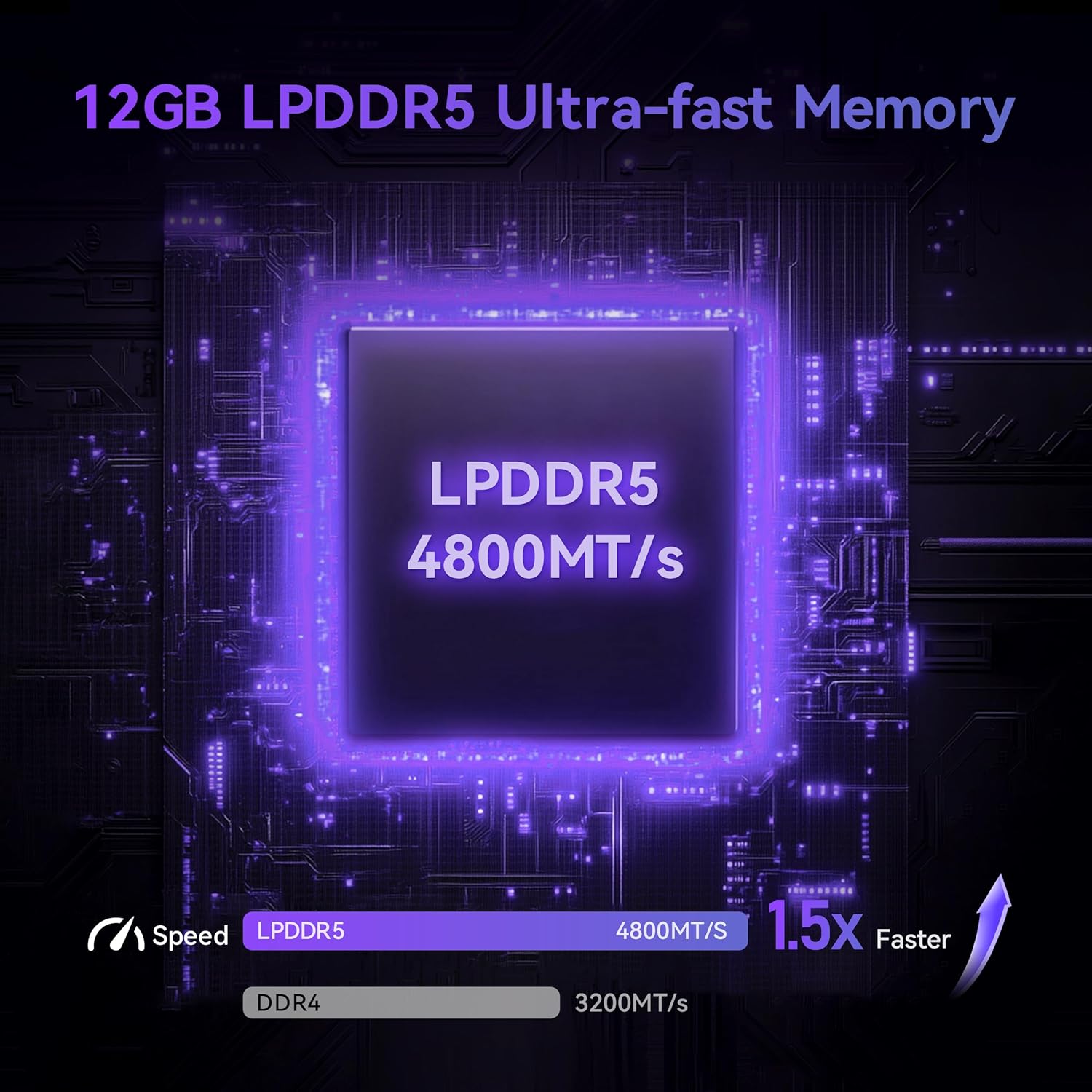
12GB LPDDR5 4800MT/s
12GB LPDDR5 4800MT/s
32GB DDR4 3200MHz
16GB DDR4 3200MHz
32GB LPDDR5 5200MHz
32GB LPDDR5X 7500MT/s
32GB DDR5 5600MHz
ROM
1TB PCIe SSD
64GB eMMC
500GB PCIe 4.0 SSD
500GB PCIe 3.0 SSD
1TB PCIe 4.0 SSD
1TB PCIe 4.0 SSD
1TB PCIe 4.0 SSD
Networks
WiFi 6, BT5.2, dual 2.5G LAN
WiFi 6, BT5.2, dual 2.5G LAN
WiFi 6, BT5.2, dual 1000M LAN
WiFi 6, BT5.2, 2.5G LAN
WiFi 6, BT5.2, dual 1000M LAN
WiFi 6, BT5.2, 2.5G LAN
WiFi 6, BT5.2, 10G LAN
Video Outputs
1 x HDMI
1 x HDMI
2 x HDMI
1 x HDMI + 1 x DP + 1 x Type-C
2 x HDMI
1 x HDMI + 1 x DP + 1 x USB4.0
1 x HDMI + 1 x DP + 1 x USB4.0
Built-in Power Supply
✔
✔
✔
✘
✔
✘
✘
4K Video Decoding
✔
✔
✔
✔
✔
✔
✔
Auto Power On/WOL
✔
✔
✔
✔
✔
✔
✔
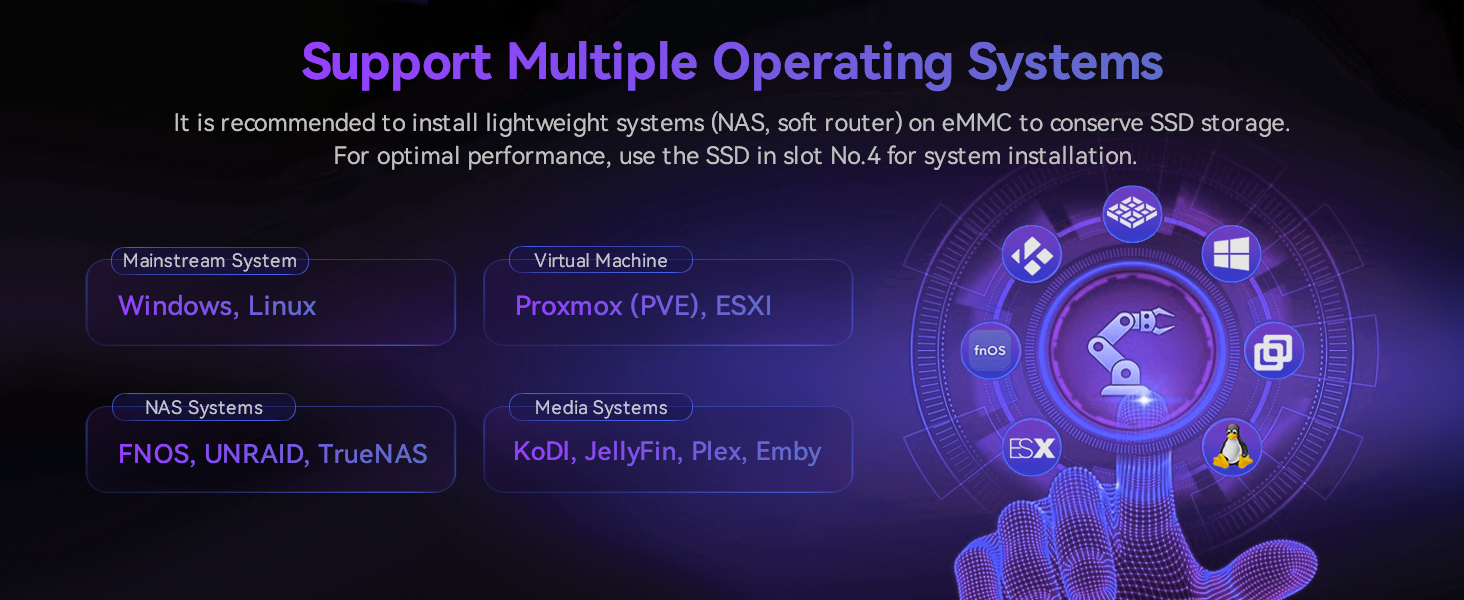
Beelink N95 Mini PC NAS – Beelink Me Mini is equipped with Intel Alder Lake N95 processor, 4 cores 4 threads, 3.4GHz max turbo frequency, Intel UHD Graphics 16EU, 25W TDP, an energy-saving mini pc which supports multiple operating systems(Windows, Linux), perfect for family media center systems, virtual machine, NAS and soft router
Massive Expandable Storage, More Fun – Me Mini desktop computer comes with 12GB LPDDR5 and 1TB PCIe SSD, the 6*M.2 NVMe SSD slots supports 2230/2242/2280 and expandable up to 24TB in total for storing your family’s precious memories—roughly 11,000 movies, 2.23 million songs, or 4.46 million photos
Superb Networking – Beelink Mini PC features Dual 2.5G LAN ports, WiFi 6 and Bluetooth 5.2 for high-speed sharing, link aggregation, soft routing, and ultra-smooth 4K streaming
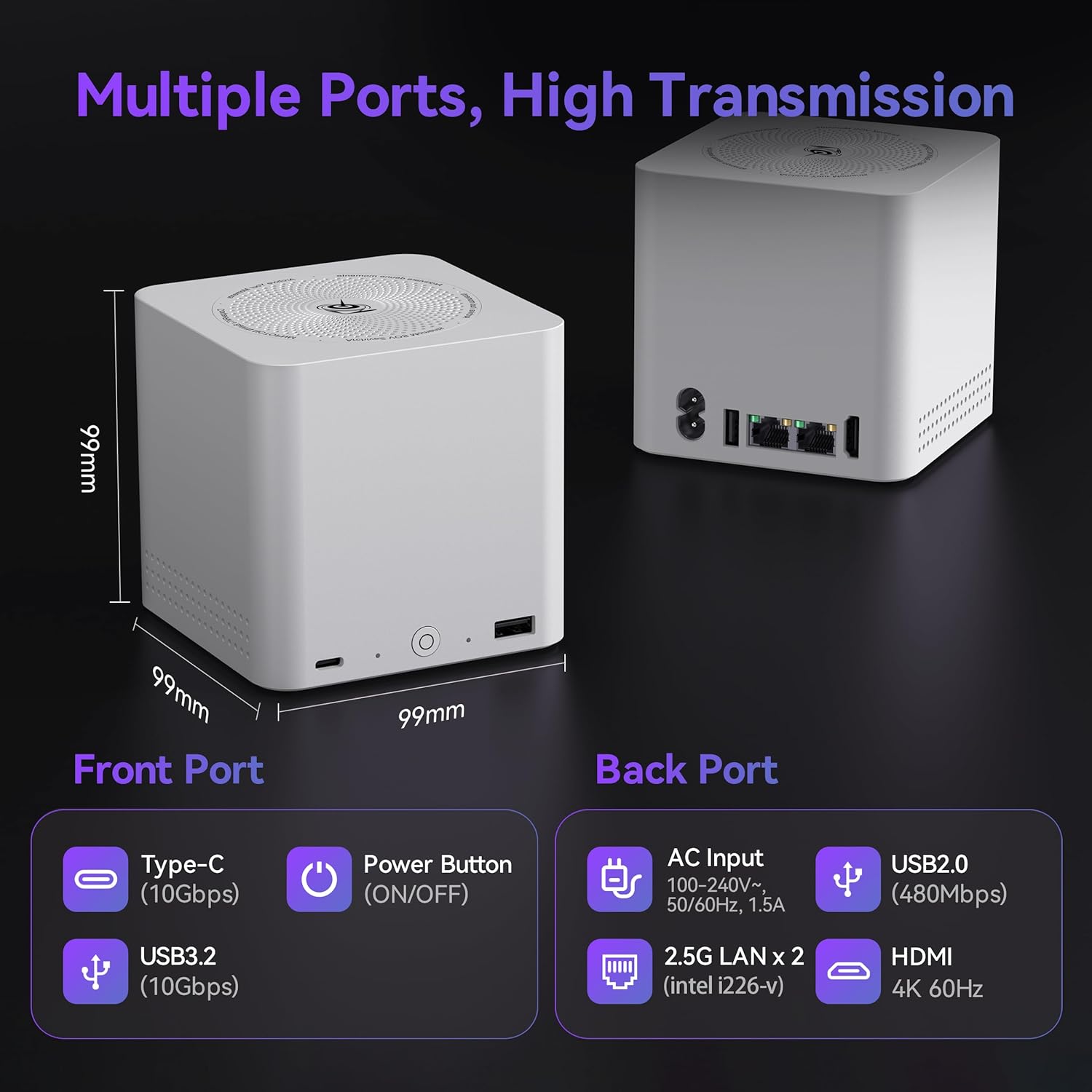
Quiet & Compact Design – 33-35dB whisper-quiet operation with a silent fan and vertical airflow cooling for peaceful evenings and delivers reliable 24/7 operation. 3.9*3.9*3.9 inch palm-sized form factor fits easily in living rooms, bedrooms or home offices
All-in-one Power Solution – With a built-in 45W power supply unit, the ME mini needs only a single AC cable for clean and simple setup
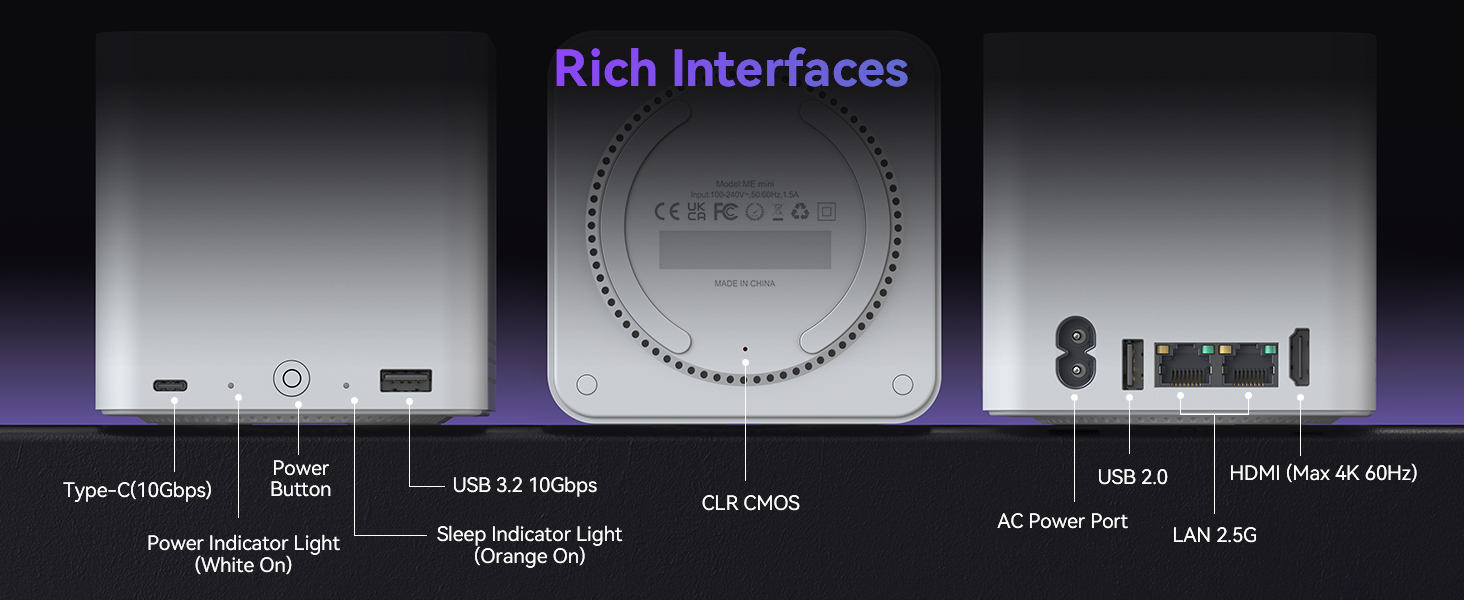
Rich Interface -2.5G LAN Port (intel i226-v)*2, USB 3.2 (10Gbps)*1, USB 2.0*1, HDMI (4K@60Hz)*1, Type-C (10Gbps)*1, AC Power Port*1, Power Button*1, CLR CMOS*1
7 reviews for Beelink Me Mini, Mini PC NAS, Intel N95 CPU, 12GB LPDDR5, 1TB PCIe SSD, 6*M.2 PCIe3.0 SSD Slots(MAX 24TB), Dual 2.5G LAN/WiFi6/BT5.2/USB3.2/HDMI, HTPC, Private Cloud, Soft Router, Storage Solution
Add a review

Original price was: $329.00.$218.99Current price is: $218.99.
Cheap Going Charlie. –
Wow! This computer is amazing.
Ok. This new unit replaced my old unit that I had purchased back in 2012. I have been using a laptop forever and just wanted to bring my main system up to date. To be honest, the speed is impressive and my Wi-Fi signal isn’t the best. Lots of storage that is expandable and the gigs does make a huge difference. I have it in the man cave hooked up to a 50 inch tv. Played a few games but, the refresh rate is on par with me. Nothing slow occurred. Installed streaming apps and the pics are sharp. The small size is insane! I have a ton of real estate after getting the old dinosaur system out. Windows 11 is much friendlier to set up. Easier to install tons of data from the cloud and so fast doing it.
Robert M. Wise –
Small, quiet, and it works
Works awesome. Small and quiet. Do take care to use lower power M2 SSDs to avoid issues if like me you are using for for 6x4TB M2 SSDs.
Michael burgess –
Using it for network storage
Nice little computer. Still getting it setup to store movies and music on. Planty of room to add more storage. So far easy to use.
Erik –
BeeLink MINI S12 PRO – Good choice for around $160 – Cool, Quiet and Responsive
The confusing number of inexpensive mini PCs leaves the BeeLink MINI S12 PRO buried under the others. This is a new Intel design, the N100 Celeron, that is slightly faster and runs cooler than earlier versions. This Mini PC comes with DDR4 and a SATA M.2 SSD which is one reason why the price is very low. There are more expensive Mini’s with the N100 that use DDR5 and an nVME PCIe SSD, but the speed increase might not be noticeable on a Celeron system like this.If possible, get this with 16GB RAM because that is the maximum. It costs about $33 for a 16GB RAM module to upgrade this, so it is worth spending $10 to $20 extra and buying the 16GB version. Despite the specified limit of a 2 TB SSD and 2 TB SATA drive, I found that a 4TB M.2 SATA III SSD works fine and a 4TB 70mm SATA SSD works fine too. Mechanical hard disks above 2TB are typically too large to fit in this Mini PC. You will also find that the M.2 SATA III SSDs above 2TB are expensive. I found only one less expensive KingSpec 4TB SATA III SSD for around $200 instead of the typical $300. Getting a different Mini with M.2 nVME PCIe may be a better choice if you plan to upgrade the storage above 2TB. The 2TB M.2 modules cost around $90 to $100 whether they are SATA or nVME.You can use Windows 11 with 128GB of storage, but that doesn’t leave much room for storing files. I would consider 256GB the bare minimum, and 512GB is more reasonable. 1TB is plenty for most people. Above 1TB gets expensive compared to the price of this Mini. If you are planning to upgrade the storage, then buy the least expensive version with the least storage, though you may end up getting 8GB of RAM that you want to upgrade for another $33. If you can afford to spend more, it is probably better to spend it on a better processor, or better graphics (meaning a different Mini PC) rather than storage you may never use.This Mini PC is perky and responsive running Windows 11. It can run virtual machines because it has the Intel virtual hardware extensions. It can also use Windows 11 Core Isolation for better security, but that may interfere with virtual machine software. This Mini PC is OK for viewing videos, but it is barely adequate for any 3D gaming or rendering. This is not the PC to get if you need even moderately powerful graphics processing.I bought this model because it was inexpensive, but still quite usable. It also happened to let me use a few parts I had bought for a different Mini PC. If you are starting from scratch, this is the best really inexpensive PC, but you will get more for your money buying a somewhat more expensive Mini with DDR5 and an M.2 nVME SSD.For gaming or heavy graphics processing, video encoding and 3D, you are better off to get one of the Ryzen based minis. Intel’s UHD graphics is good, but not great compared to what AMD offers.There is a lot to love about this Mini PC, especially the price. But, you are not going be amazed by the speed, just pleased that it is responsive and didn’t cost a lot of money.If you already bought the earlier MINI S version, you can do what I did and move your upgraded RAM and storage to this Mini to get a 20% speed increase, less power use and a cooler PC. It is not possible to do that with the somewhat more expensive DDR5 and nVME Minis that use the N100.If you are wondering about the possible upgrades, this Mini PC comes with 8GB or 16GB of single-channel DDR4 RAM. The maximum RAM is 16GB single-channel and there is ONLY one SODIMM slot. You can’t add 8GB. You have to replace the 8GB SODIMM with a 16GB SODIMM. RAM is not “storage”, and it is used only for temporarily holding data and programs being used by the processor. If you are going to use multiple programs at the same time, or access large files, more RAM can improve the speed.The storage is divided into two different SATA (Serial ATA) devices that are both a completely different size and type. The Mini PC comes with an installed M.2 SATA III SSD that is a long thin board screwed down to the main board. You can replace the M.2 SATA III SSD with a larger SATA III SSD, but NOT an nVME or PCIe SSD. There is a rubbery heat conductive pad on top of the M.2 SSD board that you should move to any new M.2 SSD board that you install. Position the pad on top of the chips that get the hottest, or so that it covers the majority of the chips on the board. The SSD board still may heat up to between 50c and 60c with the pad in place.The second SATA device can be a “normal” sized SATA SSD or hard disk that goes into a slot in the bottom of the Mini PC (after you unscrew and open the bottom of the case). There is no SSD installed in that slot when you get the PC. There are definite size limitations, so check carefully to see whether a particular disk will fit. Typically SATA SSDs are about 70mm thick, and those will fit. Mechanical drives that fit are 2.5 inches and 70mm thick. Most mechanical drives above 2TB are too thick or large to fit.WARNING: If you open the bottom of the case, only open it gently, less than an inch. There is a cable attached between the bottom and the rest of the case. Look to see which side has the cable, and then fold the bottom over so that the cable is not being pulled on. There is a rubber pull tab on the bottom of the case, but I found that the mounting screw holes work better with a small screwdriver to pry the back up a little bit. After you open the bottom, you will see the SSD slot on the bottom, and the M.2 slot on the main board.The other potential problem besides yanking out the cable is the SATA connector on the bottom cover. In theory, you remove the metal plate and slide a SATA disk or SSD into the connector. However, I found that the SATA connector is often not aligned properly, and is probably not adjusted by the manufacturer. DO NOT try to force the disk drive into the SATA connector. If it isn’t lined up, remove the metal cover plate and slightly loosen the screws holding in the SATA connector board. Don’t remove the screws completely. Position the drive against the connector, and use your fingers on the back of the SATA connector board to wiggle it until it slides onto the disk’s SATA connector. Make sure the disk is fully seated into the slot in the back cover. It should be laying flat. Gently hold the disk in position and tighten the screws on the connector board. Then you can put the metal cover back on. While you may be able to slide the disk drive out of the slot without removing the metal cover, it is better to remove that. Also, you may have to readjust the connector board if you plug in a different disk drive.This Mini PC isn’t perfect, but overall it is well designed so that you can easily upgrade the RAM and storage. Its biggest limitation is the use of older SATA M.2 storage and DDR4 RAM possibly sacrificing some speed. Keep in mind that both the storage and RAM are becoming obsolete and might not be available or inexpensive later. Compare this to a similar BeeLink model EQ12 that has DDR5 RAM for a bit more money.
Timothy J. Drozinski –
Powerful little box
I had a Lenovo mini-PC that I used for a home theater PC running Plex for several years, and it recently died (HDD failed). I was looking for a relatively cheap replacement that I could get quickly. The Beelink Mini S12 so far (one day in) is looking like it provides plenty of performance at a budget-friendly price, and is easy to set up.Out of the box, I just plugged in a BT dongle for a mouse and keyboard, ethernet, HDMI and power, and I was setting up Windows 11. In less than an hour I had all the Windows updates downloaded and installed. In short order I was able to install Plex and get it connected to my media storage NAS, and even installed Docker Desktop to run a private MineCraft server.Time will tell if this is a durable device (as I said, I’ve had it running less than 24 hours at this point). But it’s small, silent, and doesn’t seem to produce any appreciable heat (always a concern in such a compact device). It lacks a dedicated GPU but the chipset didn’t seem to have any problems with displaying anything. I didn’t run any high-intensity graphics tasks (no local games or anything), and wouldn’t expect to. But for a HTPC or an inexpensive home server device running docker containers or something, it so far seems like a home run.
David Zhang –
Works as advertised. Amazing for the price.
Overall, I find this package amazing for the price. The build quality is quite high. Both the exterior and interior feel pretty refined. Everything is as described. I don’t expect the best quality components at this price, but they’re reasonable — the SSD for example produces speeds of >800MB/s for sequential read and write.One of the reasons I chose this computer is because it includes a 2.5″ SATA slot, which I’ve put another SSD into for larger storage.Another reason is because of the low power consumption. I use this box for video stream processing. Previously, I was using an older, full-size desktop, which drew about 47W on average; this machine draws only about 13W doing the same task, so it will fully pay itself back in power costs after only about 1-1.5 years. At full load, this machine draws about 25W (not including peripherals, monitor, etc).It would be handy to have a USB-C port, especially if power input could be USB-C. But for the price, it’s a tradeoff I’m more than willing to take.
Aman Chawla –
Extremely powerful, low energy usage
I am running Unraid on this for primarily a Plex server and it’s an absolute beast. I also use it to run a few game servers and some small websites. I’ve got an external NAS connected to it for additional storage. Can’t beat the power for the size. It’s much better in terms of power consumption as well (compared to a standard tower). I’ve had it on 24/7 without any issues.