

Honeywell RTH9580WF1005/W1 Smart Wi-Fi 7 Day Programmable Color Touch Thermostat, Works with Amazon Alexa
Original price was: $239.89.$33.99Current price is: $33.99.
Related Products


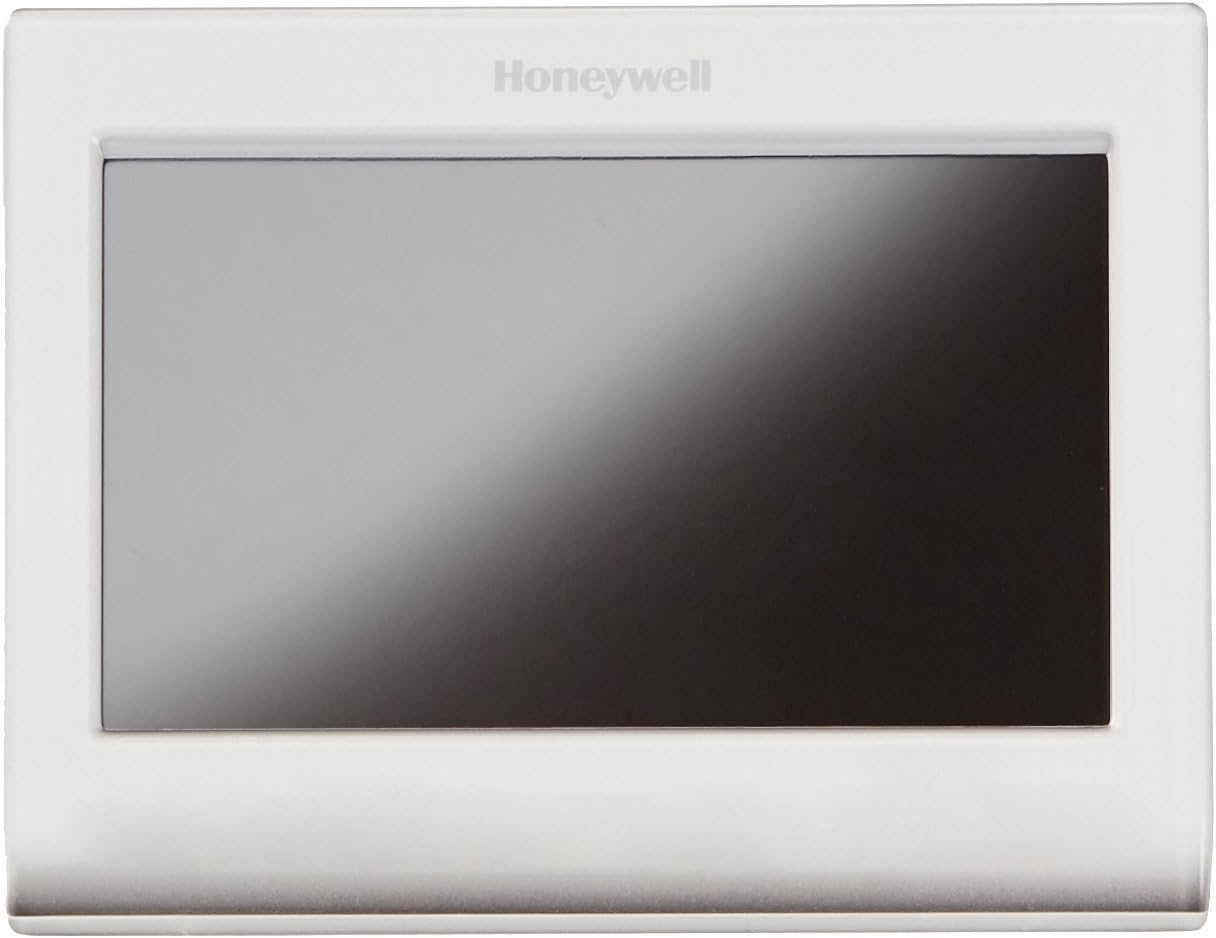
Honeywell Wi-Fi Smart Thermostat, Control from anywhere, via iPhone, iPad, Android and computer.The extreme flexibility of the Honeywell Wi-Fi smart thermostat allows you to uniquely program your device as either a home or business thermostat and then offers scheduling features specific to your home or business.For a business, simply select the temperature that you prefer when the building is occupied, and you won’t have to worry about cold mornings or hot afternoons.You can also select the temperature that you prefer when your business is unoccupied, so you won’t have to worry about wasting energy.Tell your Wi-Fi smart thermostat what temperature you prefer when you wake, and you’ll never have to endure another cold morning. Smart Response Technology for 24-7 ComfortThis smart thermostat even learns your heating and cooling cycle times to deliver just the right temperature, right when you want it.The Honeywell Wi-Fi smart thermostat learns the exact amount of time necessary to reach your perfect temperature and acts accordingly, so energy isn’t wasted and your comfort isn’t compromised.otal Connect Comfort AppHoneywell’s reliable and highly-rated app allows you to program your thermostat from your computer, tablet, and smartphone, whether you’re across the room or around the world. This allows the user to remotely monitor and manage home’s comfort and energy usage anytime, anywhereThis highly rated app is backed by Honeywell’s reliable network, for dependable access and peace of mind. Available for iOS and Android devices. Auto AlertsExtreme temperature alerts and filter change reminders are sent to connected network devices and displayed on Honeywell Wi-Fi smart thermostat.
Works with Alexa for voice control (Alexa device sold separately).
Customize the screen color to match any décor, Control from anywhere with iOS and Android devices, Simple setup with smart programmable features for home or business
Energy Savings: Choose programmable mode to save on annual heating and cooling costs. C-wire needed for proper installation.
Locking Touchscreen: Advanced locking features and password options provide smart security and convenience
Allows remote access to the thermostat through a computer, tablet, or smart phone with Honeywell’s Total Connect Comfort Service
2 reviews for Honeywell RTH9580WF1005/W1 Smart Wi-Fi 7 Day Programmable Color Touch Thermostat, Works with Amazon Alexa
Add a review

Original price was: $239.89.$33.99Current price is: $33.99.
MANO –
Great, Affordable Product
I purchased this item to upgrade my older mercury/mechanical based thermostat in my house. My power company was also offering rebates on certain thermostats so I selected this one as Honeywell was an acceptable manufacture (the thermostat’s like Nest were not acceptable at the time of the rebate). I also read that this device is Alexa capable as I am currently looking at purchasing it but haven’t tried it of course so I can’t speak to whether it works with Alexa or not. One downside to this versus Nest is that this device can’t learn your habits so you will still have to program your settings. I have a single phase furnace with an a/c unit out back, essentially the most typical upper Midwest set-up as it gets.Anyways after reading reviews, studying how my HVAC unit worked, and looking at both the HVAC motherboard and wires connected to the thermostat I felt that this thermostat was going to work. I went with this particular one because it is programmable and can be used via Wi-Fi (also part of the requirements for the rebate). This thermostat does require a wireless internet connection so make sure you have that before hand. The package came quickly and contained several manuals, how-to and quick studies which were really helpful.The installation was fairly easy and went quickly. I was able to find that my thermostat wires had an extra unused blue one that I used for my new C-Wire. Just to make sure we are on the same page, there are several thermostat wires that are used of which are color coordinated based on whether the system is cooling, heating or using the fan (the colors really start adding up if you have a dual system). Go ahead and search for this online as it is easy to determine what you have, just make sure you follow what is connected where versus what color it is typically used for what so you don’t wire the new thermostat incorrectly. This thermostat comes with stickers to help you with this. The C-Wire is needed for this thermostat because there is a touch screen that needs continuous power and without it your thermostat won’t even power up. Older mercury/mechanical based thermostat’s don’t need this and many older programmable thermostat won’t either as they are battery fed (this thermostat is not battery fed). Typically your motherboard located within your thermostat will contain a C-Wire nut of which you can attach a new thermostat wire too. My first tip on installation would be to first pull your old thermostat off the wall and look for an used wire and for that same wire on the motherboard side. If you don’t have one you can either pull a new set of wires (my suggestion) or go online to look at the common ways to convert one of your wires to be the new C-Wire. Of course safety first so before installing make sure the power is off. Feel free to ask me questions below.At the end of the day I am glad I purchased this as the product as it has run smoothly since installation. The only minor thing to note is early on the device would shut off and back on but I have read that this is the product updating so don’t be to worried if this happens.
Mike G. –
Very nice thermostat, easy to install
I installed this to replace an older Honeywell thermostat that was battery powered, controlling a conventional gas heat and electric A/C system. I only had 4 wires and no C-wire, but the Honeywell video (search YouTube for “Honeywell Substitute G-Wire for C-Wire”) gave clear instructions on how to repurpose the existing G-wire to use as the C-wire, which supplies power to the thermostat. I had no problems installing this thermostat, it took about 30 minutes. One helpful hint: before removing or changing any of the old wiring to the thermostat or the furnace, use the supplied wire tags and take pictures of the old wiring. This will be very helpful if you do run into any problems.Setting up the WiFi was quite easy, and setting up remote access was no problem. I’ve tried the web access and the iOS and Android apps, all of which work fine.The thermostat is very easy to use, and the display is very legible. One of the most important features to me is the ability to get email alerts if the house temperature goes outside a certain range. The alerts are set up through the Honeywell web site. If we’re traveling in the winter and the furnace fails, I can get an alert and hopefully get the problem fixed before there’s any freeze damage. I also really like the ability to set up vacation holds in advance, it’s one less thing to remember when departing on a trip, and means the house can be warmed up (or cooled down in summer) by the time we get home.One feature that looks interesting is the “Circulate” fan mode, which runs the fan randomly part of the time to even out the temperature in the house. That feature requires a G-wire, so I can’t use it right now; I’m thinking about adding the Venstar Add-A-Wire which allows a 4-wire system to function as a 5-wire system. I’ll add to this review if I do that.Update Mar. 4, 2015: I added the Venstar Add-A-Wire a few weeks ago to allow the fan to be controlled independently. I’ve been using the “Circulate” fan mode on the thermostat, and it does definitely help keep the house at a more even temperature.Update Sept. 4, 2016: the Venstar ACC0410 Add-A-Wire failed after 18 months. I replaced it with the Honeywell THP9045A1023 Wiresaver Wiring Module for Thermostat, which is working well so far, and has simpler wiring since it’s designed for use with Honeywell smart thermostats.