

MUNBYN Bluetooth Thermal Label Printer RealWriter RW402B, 4×6 Shipping Label Printer for Small Business, Compatible with Android, iPhone and Windows, Mac, Chromebook, Ebay, USPS, FedEx, Shopify
Original price was: $129.99.$11.99Current price is: $11.99.
Related Products







From the brand


Warehouse Printers and Labels
Home Printers and Labels
Commercial Printers and Labels
Creative Printers and Labels


RW402B Shipping Label Printer
Bluetooth Label Printer
General Series thermal Labels
New Release Generic Labels
Special Series thermal Labels
Creative Series thermal Labels
Label Holder
Postal Scale
Easy to Start: Enhance your shipping with the Munbyn RealWriter RW402B Label Printer. Enjoy quick setup, seamless connectivity, and user-friendly operation. Benefit from 24 months of expert tech support—double most competitors’ support periods—and broad compatibility with FedEx, UPS, USPS, Amazon, Shopify, Etsy, and eBay. Improve your workflow today!
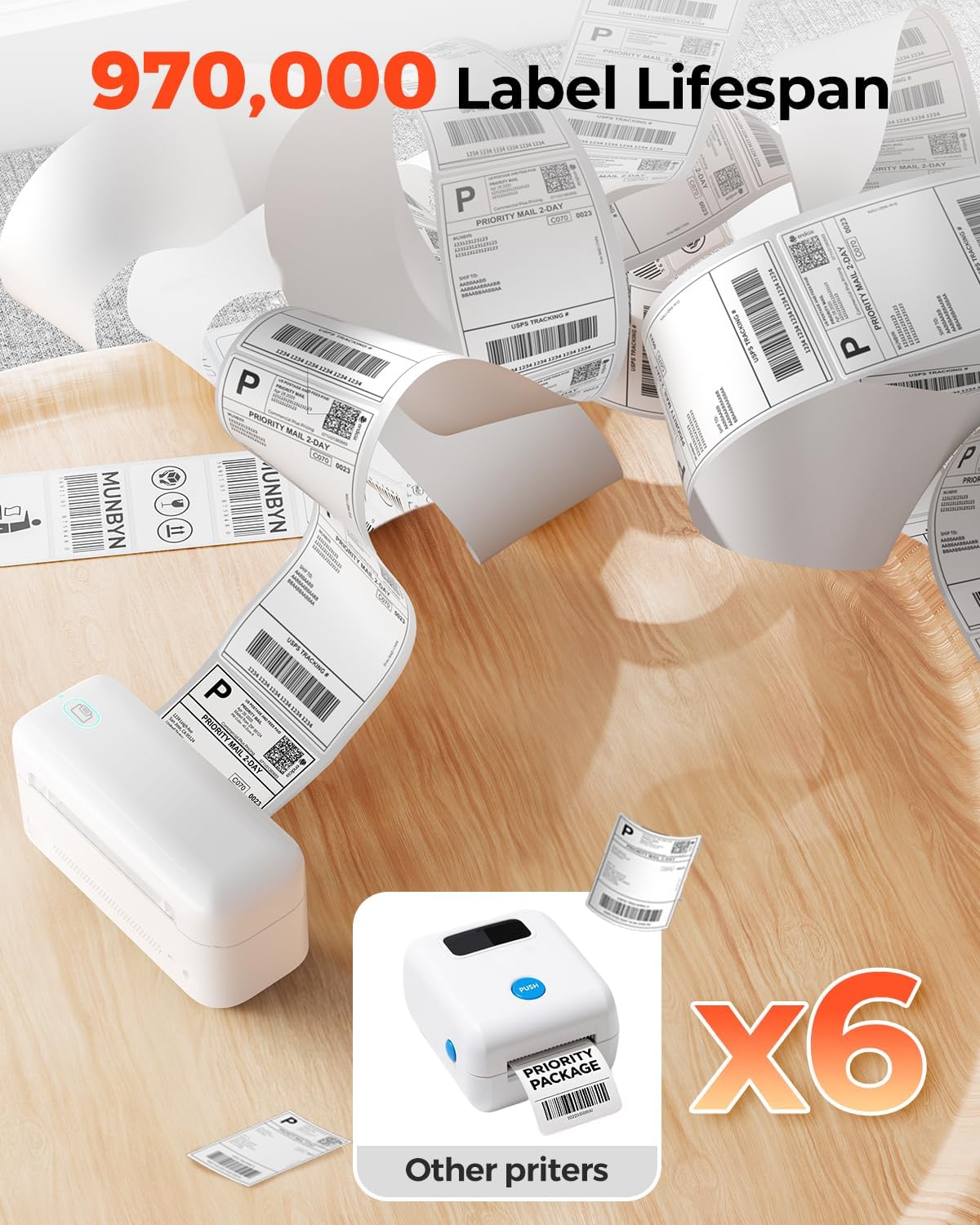
Easy to Maintain: The Munbyn RW402B thermal label printer is built to last, capable of printing up to 970,000 shipping labels in its Lifespan—six times more than ordinary machines. Its app features Auto Size Detection, automatically recognizing label sizes from 1.57″ to 4.3″, saving you the hassle of manually sorting through label stacks to find the right one(Transparent labels may be incompatible)
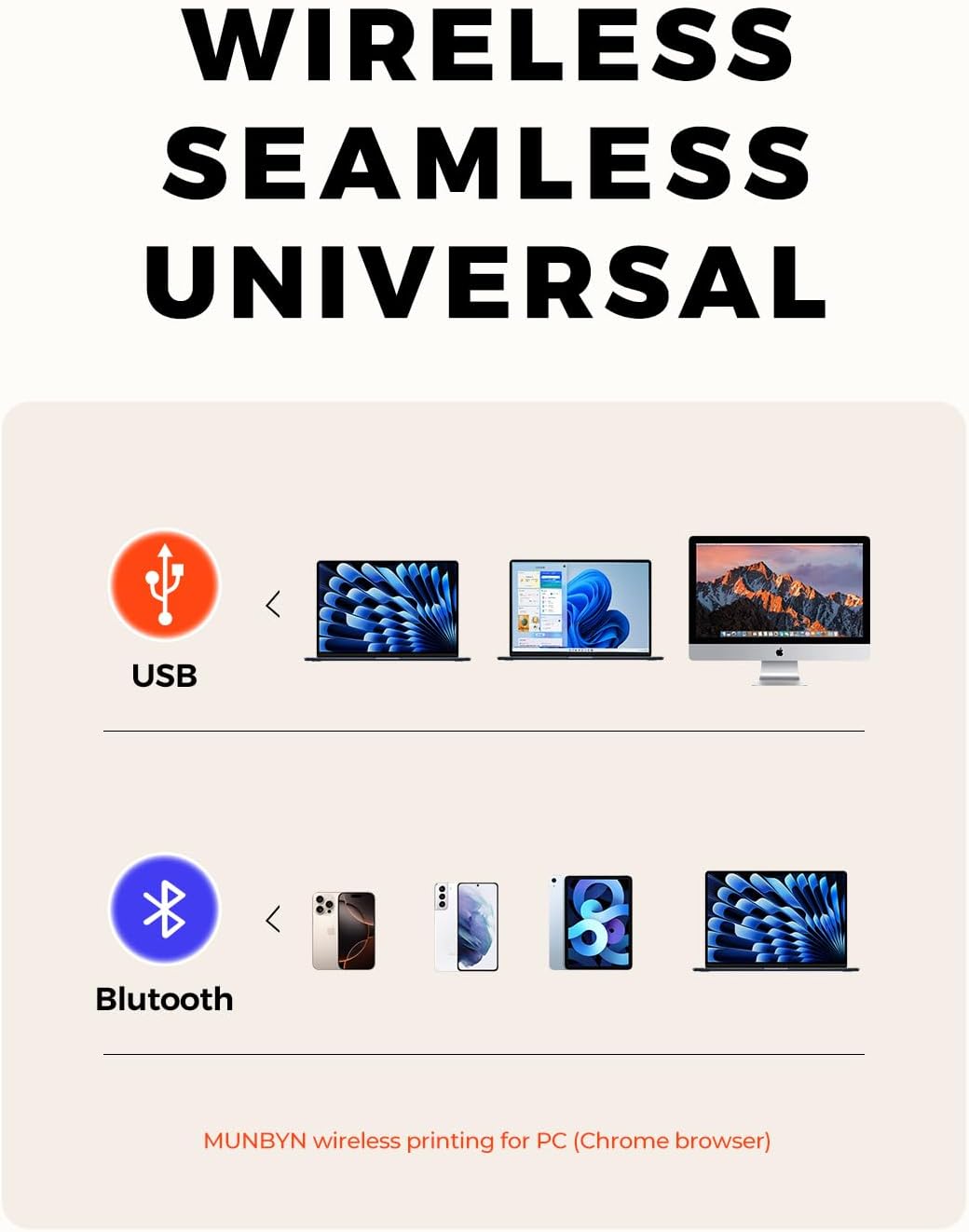
Make Your Printing Tasks a Breeze: For iOS/Android devices, download the ‘MUNBYN Print’ app. On your PC, open Google Chrome and use the ‘Munbyn Editor’ web for effortless label design and printing. With over 3,500 design elements, 2,000+ templates, and more than 80 fonts, customization is limitless. utilize OCR for text recognition to enhance your printing experience. For desktops without Bluetooth, simply connect via USB. Turn your printing tasks into a fun and easy activity!
Integrated AI for Enhanced Performance: The Munbyn RW402B wireless thermal printer integrates advanced AI to refine print head performance, ensuring both print and delivery accuracy. This versatile printer can even handle photo printing with its dedicated picture printer model. Perfectly supporting not only shipping label printing, but also home organization stickers, branding decoration stickers, and much more(It is not a color printer, only prints black.)
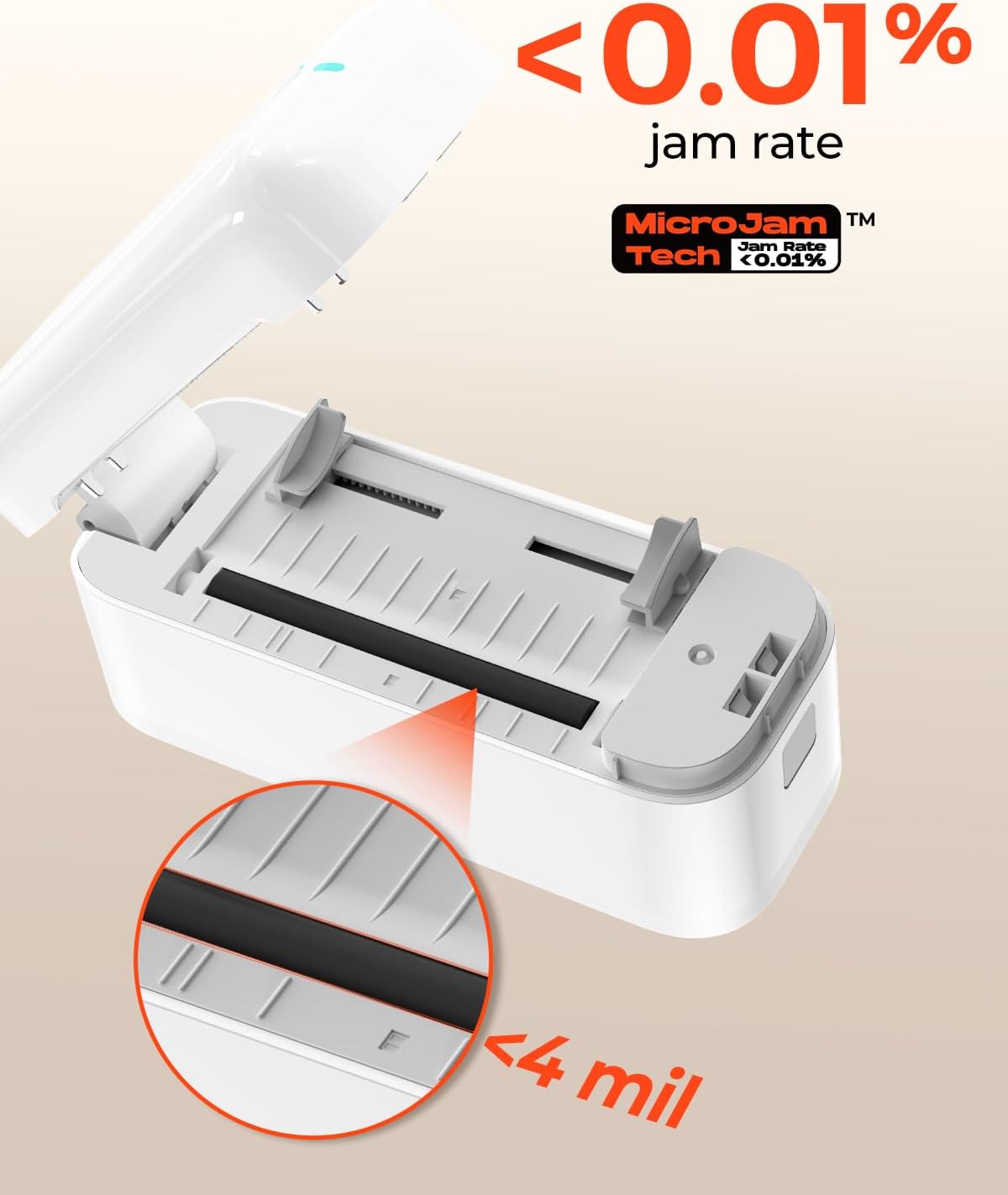
Save on Long-Term Costs: The Munbyn RW402B thermal shipping label printer helps you smartly reduce long-term expenses. With MicroJam Technology, jams occur less than 0.01% of the time, boosting productivity and decreasing waste from error printing. This technology ensures consistent printing, so your multitasking encounters fewer unexpected interruptions
6 reviews for MUNBYN Bluetooth Thermal Label Printer RealWriter RW402B, 4×6 Shipping Label Printer for Small Business, Compatible with Android, iPhone and Windows, Mac, Chromebook, Ebay, USPS, FedEx, Shopify
Add a review

Original price was: $129.99.$11.99Current price is: $11.99.
LUCY JAMES –
Absolutely Delighted with This MUNBYN Thermal Label Printer!
I recently purchased a MUNBYN thermal printer, and it’s been a game-changer for my home office. From the sleek, compact design to the straightforward setup, everything about this device is impressive. It took just minutes to connect to my computer, thanks to the clear and concise instructions.The print quality is outstanding—every label comes out crisp and clean. Whether I’m labeling file folders, storage boxes, or creating shipping labels, the results are always top-notch. The printing speed is also noteworthy; it handles multiple labels in quick succession without any lag.What truly stands out is the custom label function. By downloading the “MUNBYN Print” app on my phone or using the online “Munbyn Editor” on my laptop, I can easily design my own labels. There are thousands of templates to choose from, making customization a breeze.Overall, I highly recommend this thermal label printer for anyone needing a reliable and efficient labeling solution. No ink or toner needed, making it cost-effective and eco-friendly. It’s made my life significantly easier and added a level of professionalism to my tasks. This is truly a fantastic product offering excellent value for money!
Yuberkis –
Perfect Bluetooth Thermal Label Printer – A Game Changer!
I am beyond impressed with the MUNBYN Bluetooth Thermal Label Printer! As a small business owner, this printer has been an absolute lifesaver for streamlining my shipping process. Setting it up was a breeze, thanks to the clear instructions. I love the Bluetooth connection.The print quality is exceptional. It handles various label sizes perfectly, making it versatile for all my needs. I also love that it doesn’t require ink or toner, which is a huge money saver!What truly sets MUNBYN apart is the ease of use. From connecting to my phone via the app to printing labels with just a few taps, it’s quick and efficient. Plus, the compact design fits neatly on my desk without taking up much space.I highly recommend the MUNBYN Bluetooth Thermal Label Printer to anyone looking for a reliable, efficient, and user-friendly solution for their labeling needs. It’s been a total game-changer for my business!
Inder Kang –
Amazing thermal printer
I am thoroughly impressed with this thermal label and sticker printer. From setup to daily use, it has exceeded my expectations in every way. The print quality is crisp and clear, making my labels look professional. The speed is remarkable—printing multiple labels/stickers in seconds without any jams or glitches.The ease of use is a standout feature. With user-friendly software and simple instructions, I was up and running within minutes. It handles different label sizes effortlessly, which adds to its versatility.I also appreciate its compact design, which fits perfectly in my workspace without taking up too much room. The durability and reliability of this printer make it worth every penny. Highly recommend to anyone in need of a top-notch thermal label printer!
ZanzibarGirl –
Nice Printer. Easy to use. Setup was a breeze.
EDITING TO ADD: I posted the below review with a 2-star earlier this year, and I’m back to say that the company was great. They helped me figure out that a faulty batch of Munbyn labels was responsible for the issue. (They print on my other printer, but were getting stuck and thus not working in this Munbyn printer.) They sent me a brand new printer to replace the one that was defective due to their labels. This one is working well. I love the ease of using it.ORIGINAL REVIEW: This worked for about 25 labels and then quit working. It would get stuck and refuse to push the label through. I tried several different levels of speed and print intensity, but after those first few labels, this simply died. I do like how Munbyn automatically calibrates the label without wasted labels. This is something I wish that Zebra would change about their printers. However, after this experience, I won’t be trying another Munbyn printer. Returned for a refund, which at least they were willing to do.
KKlustre –
Tried multiple thermal printers and FINALLY
Ive tried multiple thermal printers and this is by far my favorite one, I think I might be in love. I’ve been so picky since I just want to label everything in my home, and this has been my perfect go-to. It’s so easy to connect to the app and so light you can basically carry it in your bag! The app itself is user friendly with a lot of designs that are great for any label. The quality of the ink is very precise unlike other printers that look gritty and you can change the heaviness of the ink contrast. Just try it and you’ll see, you won’t have to worry about returning it.
Steeler Fan in AR –
Mac Users beware
The printer works best if you design your labels on Canva and then save the designs or upload them into the Munbyn app. I found that the quality of the printer does not work very effectively at printing my logo, and regardless of what settings I changed my logo always printed looking grainy and poor quality although it prints well using stickers and a traditional ink printer. It does print more quickly than a traditional ink printer was. The biggest reason I’m giving it one star is that as a Mac user, bluetooth connectivity to the printer is not supported. You must use a micro USB cable. I’ve had the printer for about 35 days and the cable connection no longer works, so I can no longer print from my computer at all. As most of the work is done on my computer rather than my phone, this pretty much renders the printer worthless for me and now it’s outside the return period. I’m very disappointed.