

Tenda AX1500 Mesh WiFi 6 System Nova MX3 – Covers up to 3500 sq.ft – Whole Home WiFi 6 Mesh System – Gigabit Mesh Router for 80 Devices – Dual-Band Mesh Network – Replaces Wireless Router – 3-Pack
Original price was: $94.97.$23.99Current price is: $23.99.
Related Products





Product description
The video showcases the product in use.The video guides you through product setup.The video compares multiple products.The video shows the product being unpacked. AX1500 Whole Home Mesh Wi-Fi 6 Merchant Video


1 Whole House Covering
2 Seamless Roaming
3 Multidevice Connection


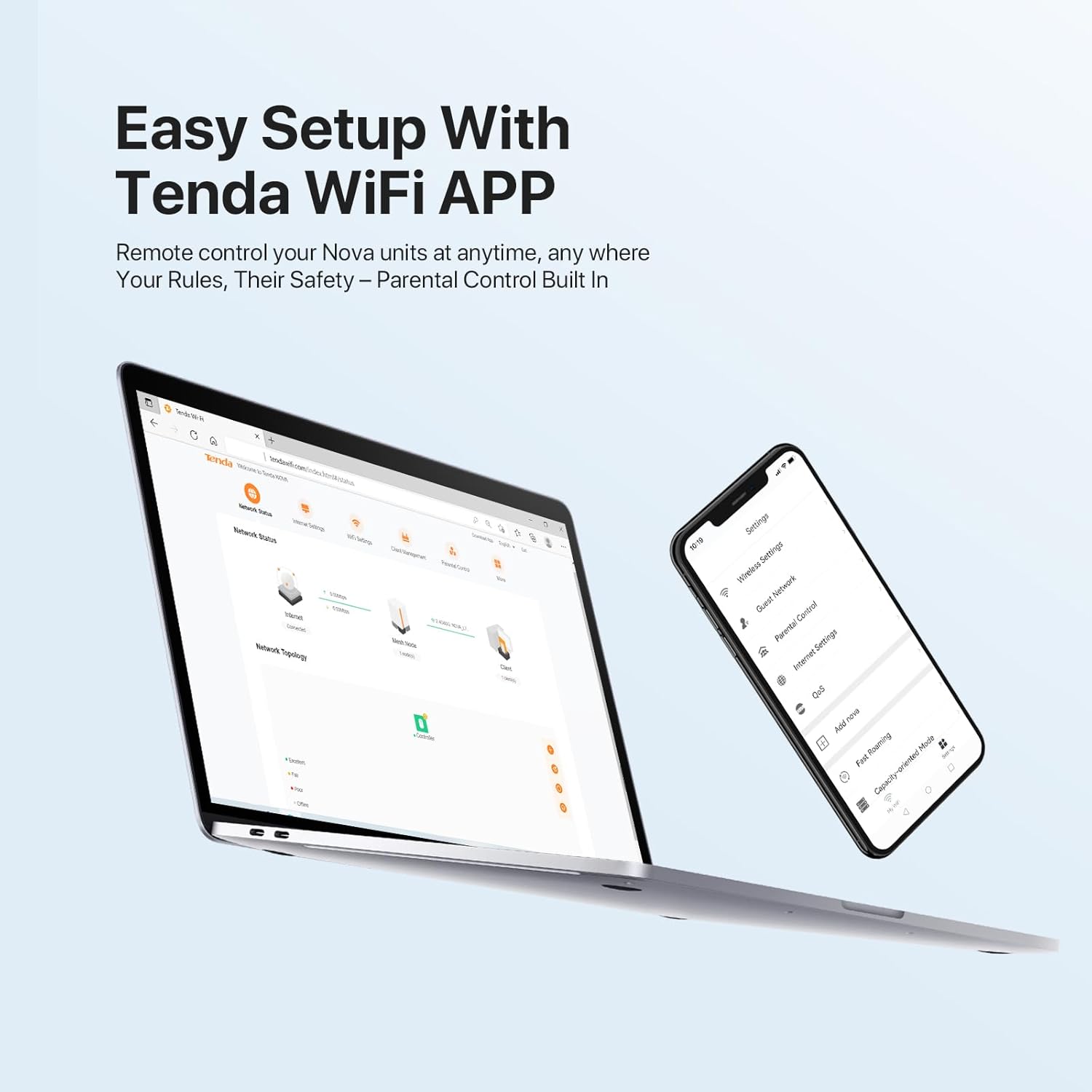
1 Easy Setup
2 Wi-Fi Setting
3 Smart Troubleshooting
4 Works with Alexa
5 One-Click Networking


1 Easy Setup via UI
2 Parental Controls
3 Guest Network
4 Secure Wi-Fi Mesh Network
5 Works with Wi-Fi 6 Nova
Get The Most Suitable Mesh WiFi System for Your Home
Customer Reviews
4.2 out of 5 stars 9,105
4.2 out of 5 stars 9,105
4.3 out of 5 stars 3,637
4.3 out of 5 stars 3,637
Price
$90.22$90.22
$79.99$79.99
$149.99$149.99
$175.99$175.99
Band Type
Dual-Band
Dual-Band
Dual-Band
Dual-Band
Wi-Fi Speeds
AX1500
AC1200
AX3000
BE3600
Compatible Broadband Speed
≥ 200 Mbps
≥ 200 Mbps
≥ 900 Mbps
≥ 900 Mbps
Ports
2*GE WAN/LAN
2*GE WAN/LAN
3*GE WAN/LAN
3*GE WAN/LAN
Coverage Area*
up to 3500 sq.ft
up to 3500 sq.ft
up to 7000 sq.ft
up to 3500 sq.ft
Max.No.of Connected Devices
80 devices
90 devices
160 devices
160 devices
WPS
Mesh button
Mesh button
Mesh button
Mesh button
Works with Alexa
✔
✔
✔
✔
Work with Tenda Product
WiFi 6 Product(MX Series)
WiFi 5 Product(MW Series)
WiFi 6 Product(MX Series)
WiFi 6 Product(MX Series)
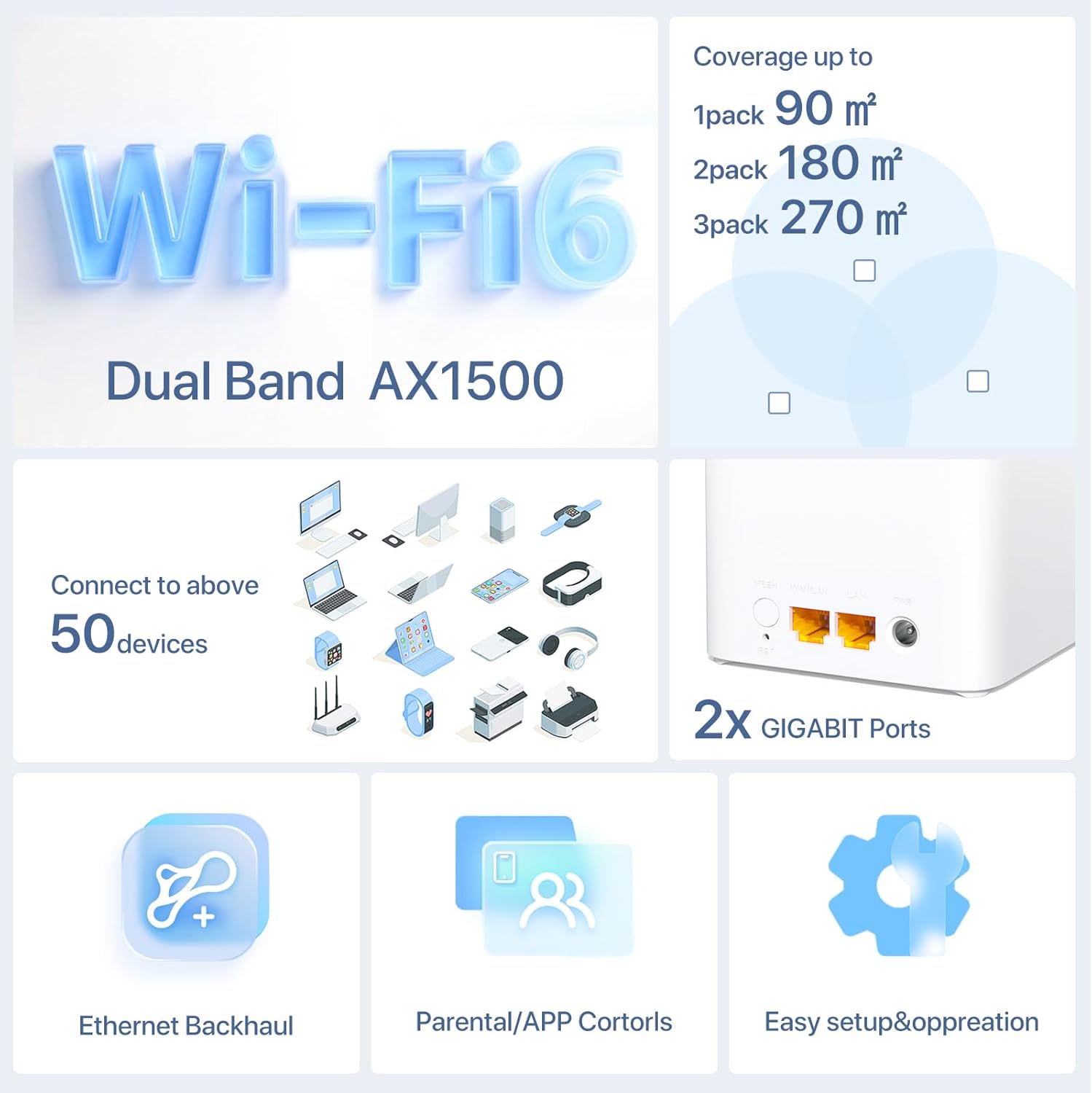
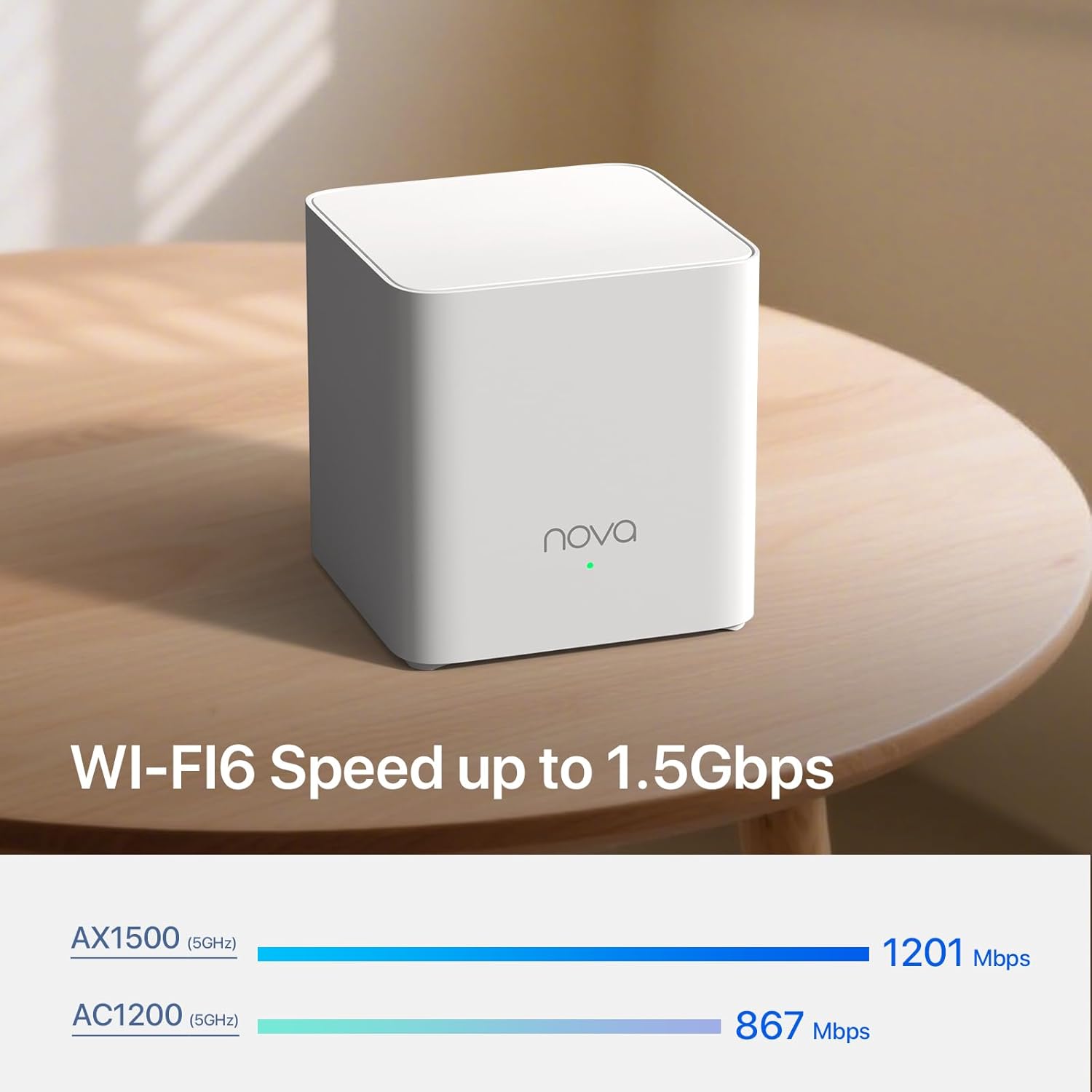
𝐃𝐮𝐚𝐥-𝐁𝐚𝐧𝐝 𝐖𝐢-𝐅𝐢 𝟔 𝐌𝐞𝐬𝐡 𝐀𝐗𝟏𝟓𝟎𝟎 — Enjoy smoother and more stable streaming, gaming, downloading and more with Wi-Fi speeds up to 1.5 Gbps (1201 Mbps on 5 GHz band and 300 Mbps on 2.4 GHz band)
𝐖𝐡𝐨𝐥𝐞 𝐇𝐨𝐦𝐞 𝐖𝐢-𝐅𝐢 𝟔 𝐂𝐨𝐯𝐞𝐫𝐚𝐠𝐞 — Mesh router MX3 coverage up to 3,500 sq.ft with a faster and more stable Wi-Fi mesh network, eliminating Wi-Fi dead zones. Enjoy the Best Signal in any Corner of the House
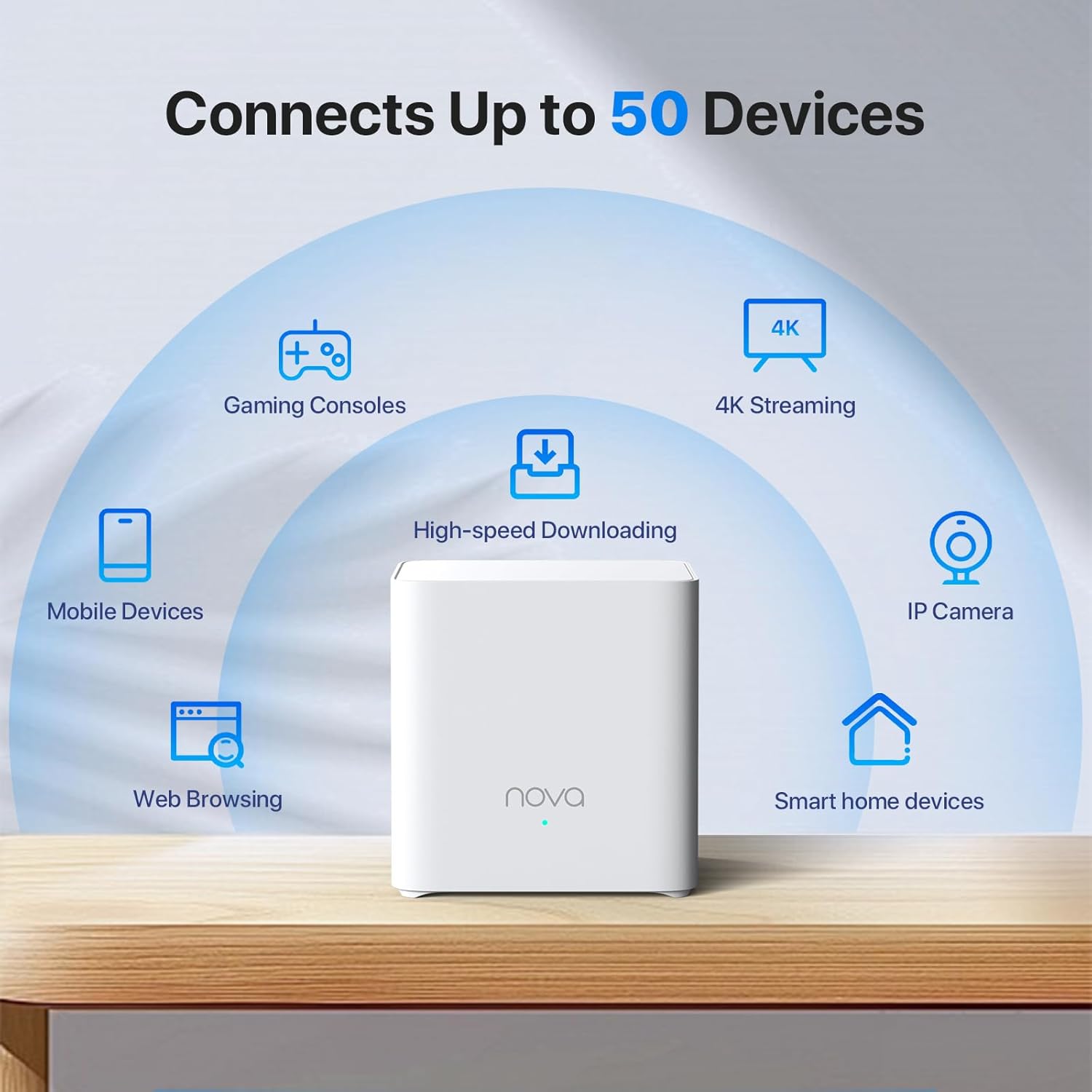
𝐇𝐢𝐠𝐡 𝐂𝐚𝐩𝐚𝐜𝐢𝐭𝐲 — Powered by MU-MIMO and OFDMA technology, the AX1500 Daul-Band Nova Mesh Wi-Fi system provides a high-speed Wi-Fi network for all your devices and brings a lag-free experience for over 80 devices
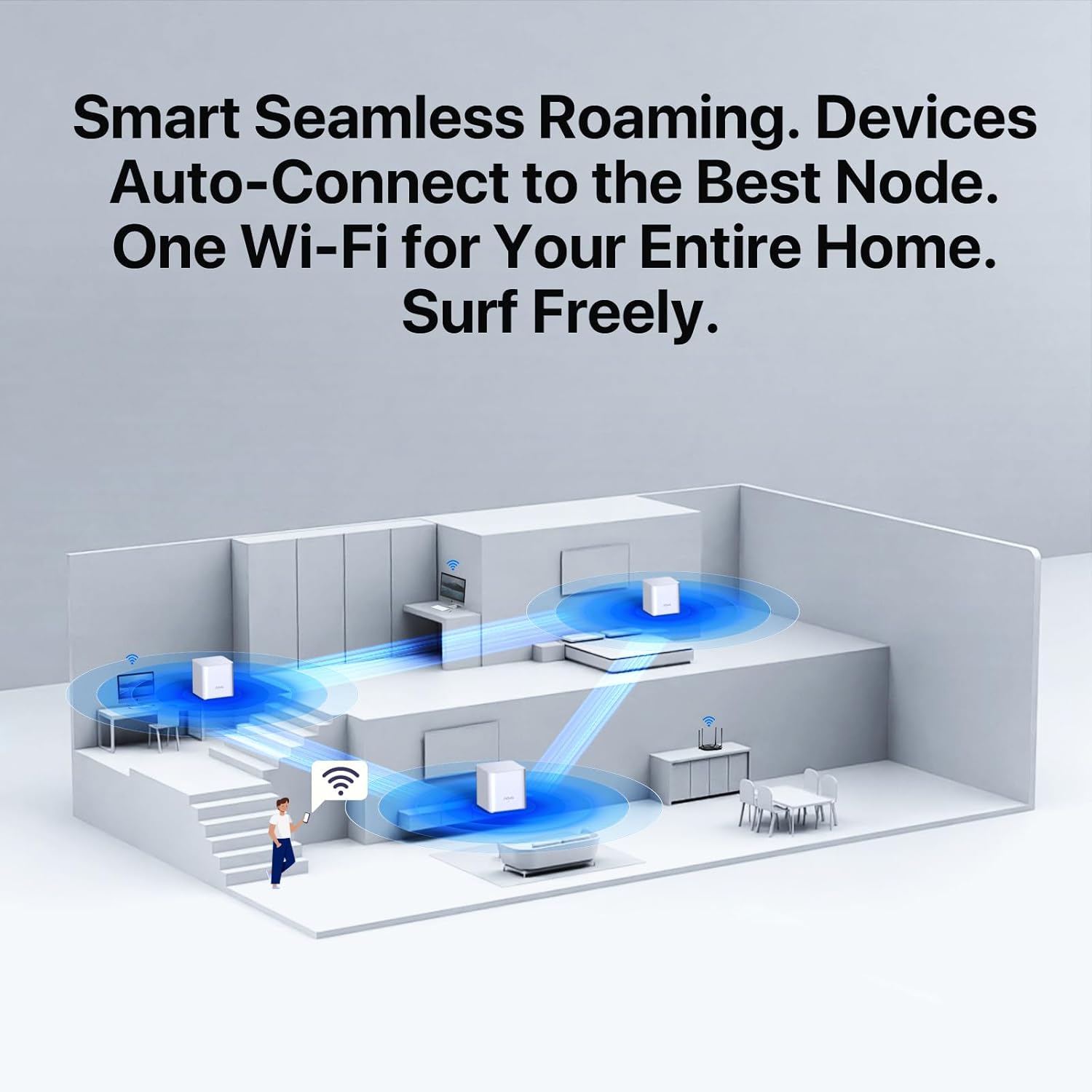
𝐒𝐞𝐚𝐦𝐥𝐞𝐬𝐬 𝐑𝐨𝐚𝐦𝐢𝐧𝐠 𝐟𝐨𝐫 𝐀𝐥𝐥 — Every unit works together for a seamless online experience in a Mesh network. You can set different SSIDs for 2.4G and 5G bands. Users can select frequency bands to obtain the fastest network speed for different devices according to the needs of different devices
𝐄𝐚𝐬𝐲 𝐒𝐞𝐭𝐮𝐩 𝐢𝐧 𝐌𝐢𝐧𝐮𝐭𝐞𝐬 — The Web GUl or Tenda Wi-Fi APP helps you set up, monitor,& manage your home Wi-Fi mesh network easily & quickly. A new node can be added to existing Tenda Nova networks with the push of the Mesh button
9 reviews for Tenda AX1500 Mesh WiFi 6 System Nova MX3 – Covers up to 3500 sq.ft – Whole Home WiFi 6 Mesh System – Gigabit Mesh Router for 80 Devices – Dual-Band Mesh Network – Replaces Wireless Router – 3-Pack
Add a review

Original price was: $94.97.$23.99Current price is: $23.99.
Yudelissa Espino –
WiFi Mesh recommends 💯
I’ve been using the Tenda Nova MW6 Mesh WiFi System for a while, and it’s been fantastic! Setting it up was super quick and easy through the app, and now the coverage around my home is seamless—no more dead spots or dropped connections. The speed is consistent, and the system automatically connects my devices to the strongest signal. It’s reliable, affordable, and perfect for anyone who wants strong WiFi in every room. I highly recommend it!
PNW –
First, no luck. Then, OMG This Really is an Effective Mesh Solution
If you want a mesh router for your house, buy the Tenda Nova MW6. I got tired of multiple routers and SSIDs and extenders. Be careful as some of the “mesh” products marketed over the past year are really just powerful extenders.Broad brush, the advantage of a mesh system is that you can more effectively use the 5 Ghz band to get stronger/faster throughput (over somewhat shorter distances) compared to the 2.4 Ghz (farther/weaker throughput/noisier “Wild West of WiFi”) band.I bought the Nova MW6 Mesh Router from Amazon. My review would have been 1 star. The Tenda product support team was superb and efficient in helping me to overcome a problem. (The problem I experienced may be common in the US so I explain it below.)For $200, Amazon ships. The product is 3 mesh nodes in an elegant box. The product delivers an elegant solution:• 802.11r (fast roaming) and 802.11v (as well as 802.11 b/g/n/a/c• Dual bands, broadcasting simultaneously in the 2.4 Ghz and 5 Ghz bands• You set up with an iOS app or Android app.• The suggestion is to keep nodes no more than 45 feet apart. However, I have 2 nodes that are at least 70 feet from each other. YMMV.• 3 nodes, not 2.• If you have a truly huge house, buy more sets of 3 for less than the other alternatives. (3 was enough for me.)I believe that Tenda’s Nova MW6 product also supports Ethernet backhaul, but I am not sure that has been built yet into the app.You need the app to set up main node and satellite nodes. However, you do not need to create a cloud account with Tenda to set up the mesh network. I am not sure in December 2017 you can configure from Web GUI by just plugging Ethernet cable into the Nova.The problem I ran into was that, because of a restriction by Comcast, Tenda’s Nova MW6 did not work easily when plugged directly into the cable modem. Tenda support recommended that I instead plug the nova into my old router. The mesh system from Tenda now works behind my old router and broadcasts to the other 2 nodes (also connected to each other). Once I plugged directly into my old router, it took 10 minutes to setup. (Could have been 2 minutes but I use extremely long passwords.) My main knock is that I wish the option to plug into my old router had been explained as a setup option in the quickstart guide.The only other knock I might have would be that there is only 1 more LAN port from the main node. If you need more LAN ports for wired Ethernet at your main node (near your broadband connection), you need add an Ethernet switch OR . . . . install by plugging into your old router.)I disagree with the reviews posted here about lack of support from Tenda. My experience was different. Tenda was all over trying to support and truly patient. Maybe Tenda has amped up its support so those reviews are an artifact of the past? In my case, Tenda’s support was super responsive and ultimately effectiveHere are 2 videos on YouTube: https://www.youtube.com/watch?v=4-2hs05ZqKA and https://www.youtube.com/watch?v=mW02nXksDeIIf you want to move toward efficient deployment of a mesh (where the remote nodes connect to each other) versus star pattern system, Tenda Nova MW6 is a compelling choice. The price is about half of the Netgear Orbi (does not yet support Ethernet backhaul), Google Wifi (that sucks all your data), or Linksys Velop. Compared to Zyxel Multy X, you get 3 nodes and not 2. I am not sure D-Link has a true mesh (nodes connect to each other) product yet. Luma may not support Ethernet backhaul. I had never heard of Milo, but it appears to just be an extender (“connect wirelessly from the edges of your existing network”). The price of the Tenda Nova MW6 is slightly cheaper than the TP-Link Deco set of 3 nodes.If you are installing a mesh WiFi in your house, consider Tenda Nova MW6.
Dude from LA –
Great product for the price
It works extremely well in my 1 story ranch style house. Like most things in life though, sometimes things just don’t work the way you want them right out of the box. Ok, I would have given 5 stars but, one of the 3 cubes did not want to behave when it was being setup and bricked itself. If you get them setup correctly these are fantastic. The trouble is, it’s too easy to get a failure when you are initializing them. The good news is, the factory and company have awesome support and were only too happy to replace the bricked cube with another. Read the installation and configuration instructions at least a couple of times before you launch these. Once you get through it, great product. I have a 4 bedroom 2 bath house with living room and family room. Distance between nodes is about 30 feet. I am getting 300+ mbps speed from all of the house.
MsBreezy –
Easy, Reliable, Affordable.
Ok so, this may sound strong but, the Tenda Nova mesh wifi system is one of the absolute best decisions I’ve ever made. 10 mins to setup all 3, no issues, no need to call Tech Spt. The app is clear and easy to understand, there was nothing to it except creating a password. I was worried about coverage because my home is split level, nothing ever worked covering the entire house. A computer company and 2 cable companies told me many years ago that split levels are notoriously difficult for wifi and I’d never have full coverage. I previously had a nighthawk router (which cost more than this system when I purchased it!) and extenders but still barely signal upstairs. No fault to them, I don’t know if mesh was even around back then and if it was I wasn’t aware. This system has 0 problems providing a strong and consistent signal all over. I walked to my back fence, carport, front yard, furthest room on each level and across the street to my mailbox…the signal didn’t even flicker. I wish every dollar I spent was this worth it. We’ll see how it holds up, I’ll update if any issues.Almoat a year update: One box is not working even though the blue light is on. The system shows it as disconnected and I have unplugged it several times and dis what i could do, so, gotta buy another one. The other 2 are fine, I still have 12 devices connected and the one being out I didnt even notice. I just randomly checked the app and saw it was red. Still one of the best purchases because I could not get wifi all over my house before this.
Pravesh S. –
Awesome
Ian –
1. Bought from Tenda Australia and it does come with AU plug.2. Office: connected 1 node in bridge mode to LAN port off the wall. Got our office space 3-4x faster speeds than current wifi setup; more stable too. We have a corner office space in a building floor and I was able to get a signal at the far end opposite corner more than 30m away behind several walls.3. Home: Currently using only 1 node in a medium sized house. Now getting coverage in all parts of all rooms. Full speeds where I used to have some signal before, and partial speeds where I used to have no signal at all. Also reached outside the house and into the garage in the floor below separated by thick concrete. I can easily plug i the 2nd node to get full speeds all through out.Cons/needs improvement.- app dark mode pls; too bright.- Parental controls – would be better to have an option to block specific websites only and/or throttle the speeds instead of cutting off Internet entirely.- Qos: ability to set/limit Internet bandwidth per device or group.- Guest: have an option to limit bandwidth and set no password.
Client d’Amazon –
Très facile à installer, produits de très bonne qualité, fonctionne parfaitement!!!
Jhony –
Preço meio salgado, peguei dias antes do prime day. Fora isso, super fácil de instalar, basta plugar ele na internet, pelo aplicativo Tenda WiFi você se conecta na rede dele, e já configura o wi-fi. Super rápido e fácil de configurar. O roteador Nova fica conectado ao roteador principal (porta LAN do roteador principal com a porta WAN do NOVA), cobertura? simplesmente fantástica! o roteador fica no quarto, a quase 10 metros de distância, fora as paredes que tem como bloqueio de sinal e mesmo assim o sinal chega full em todos os cômodos da casa, inclusive na cozinha/sala. Valeu o investimento. Vou deixar até de usar o roteador que tinha deixado como repetidor de sinal aqui no cômodo onde trabalho.
M. A. W. Kenyon –
Super fast, a little more tricky to set up (took 5 minutes instead of 2) this has increased the wifi around the house as I wanted….my home is quite large (500sqM+) and has lots of concrete and steels, so i thought this top up would help….I have Sky Q installed on a separate Mesh, and use the old Sky 2 router and BBand or TV is usually woeful (SKY Q router not man enough for my home and already has to Sky boosters), but Tenda mesh works perfectly alongside what I have when set up in “bridge” mode…not the cheapest available, but its the best I have used in the 15 years I have lived here. I have about 30 devices connected too which Tenda copes with well….and I have 35Mbs not the super fast BB as that is all my BT junction box will support.