

TERRAMASTER F2-425 2-Bay NAS Storage – Intel x86 Quad-Core CPU, 4GB RAM, 2.5GbE LAN, Network Attached Storage Multimedia Server for Home Users (Diskless)
Original price was: $429.99.$269.99Current price is: $269.99.
Related Products




Product description
The video showcases the product in use.The video guides you through product setup.The video compares multiple products.The video shows the product being unpacked. TERRAMASTER F2-425 2-Bay NAS Server Intel x86 CPU Merchant Video


1 x86 Performance, ARM Cost
2 Control NAS via Mobile
3 Intuitive Web UI
4 Easy Remote Access
5 Direct Data HDD Mount


1 Supports 4K Transcoding
2 Multimedia Hub
3 TerraSync: Easy Data Sync
4 Download Without Limits
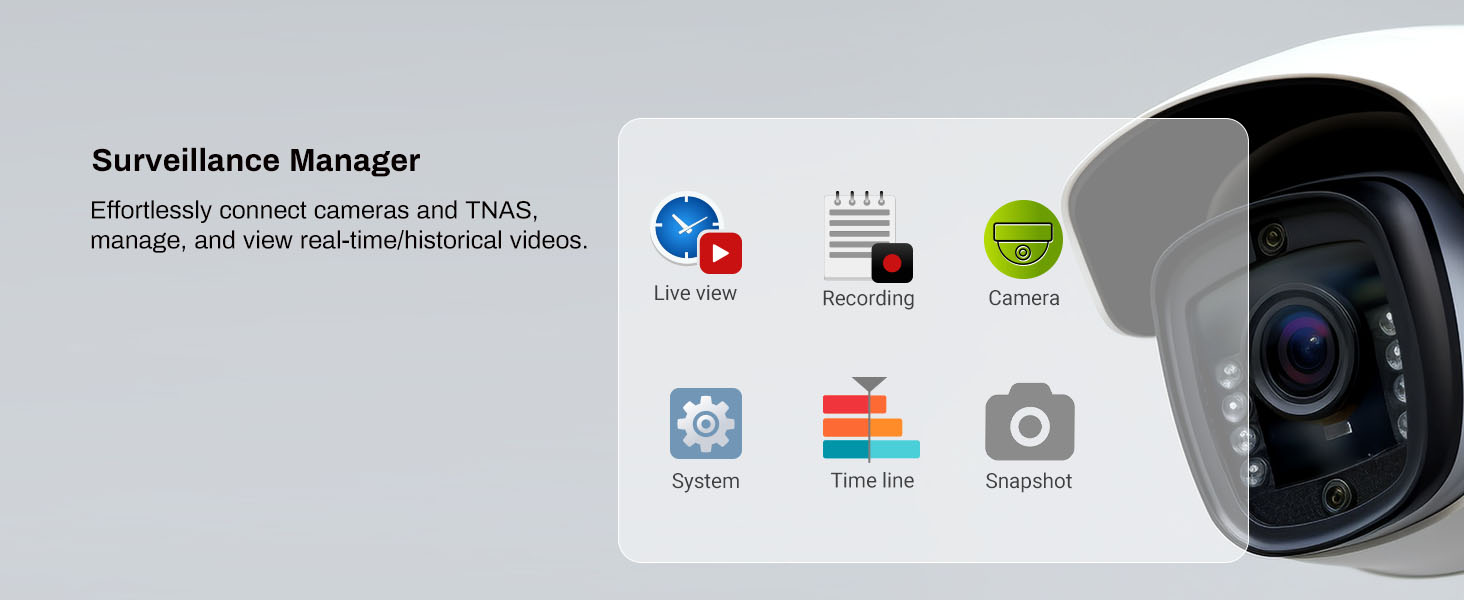
5 NAS-Powered Surveillance




1 AI NAS, Smart NAS
2 AI Photo Management
3 Supports 50+ Accounts
4 Supports up to 60TB
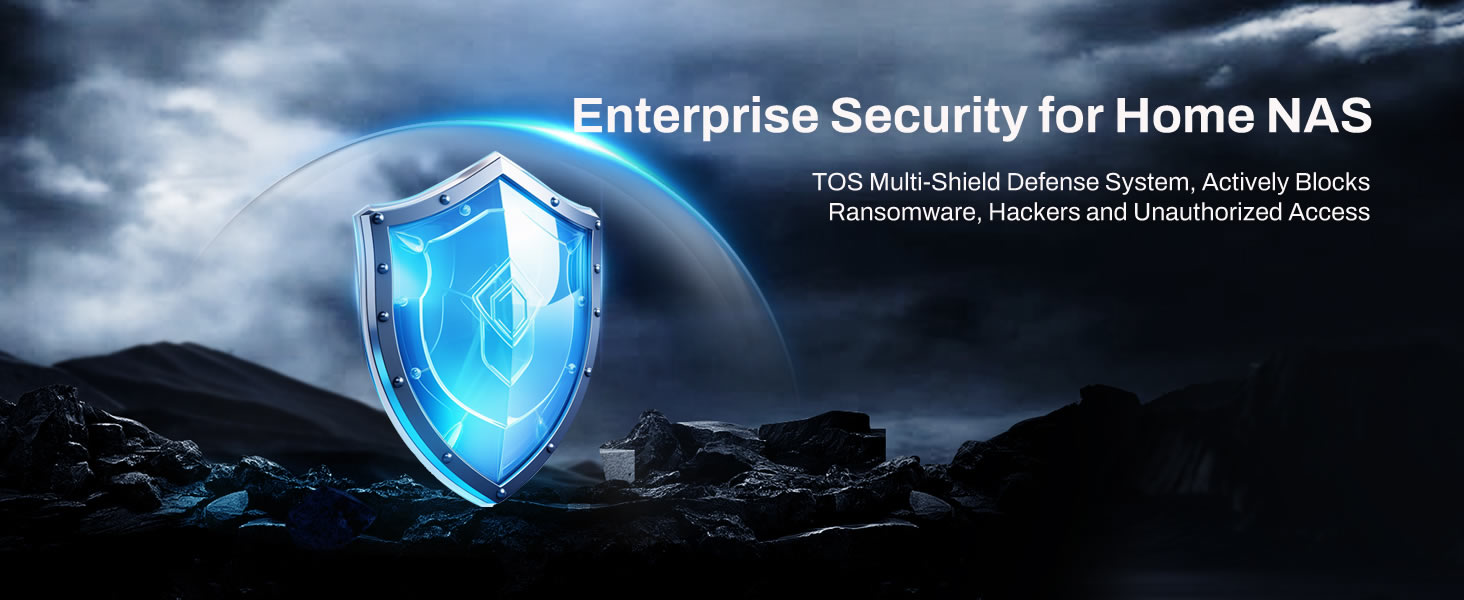
5 Hack-Proof Your Data



1 Powerful Hardware
2 Super Quiet
3 Great Heat Dissipation
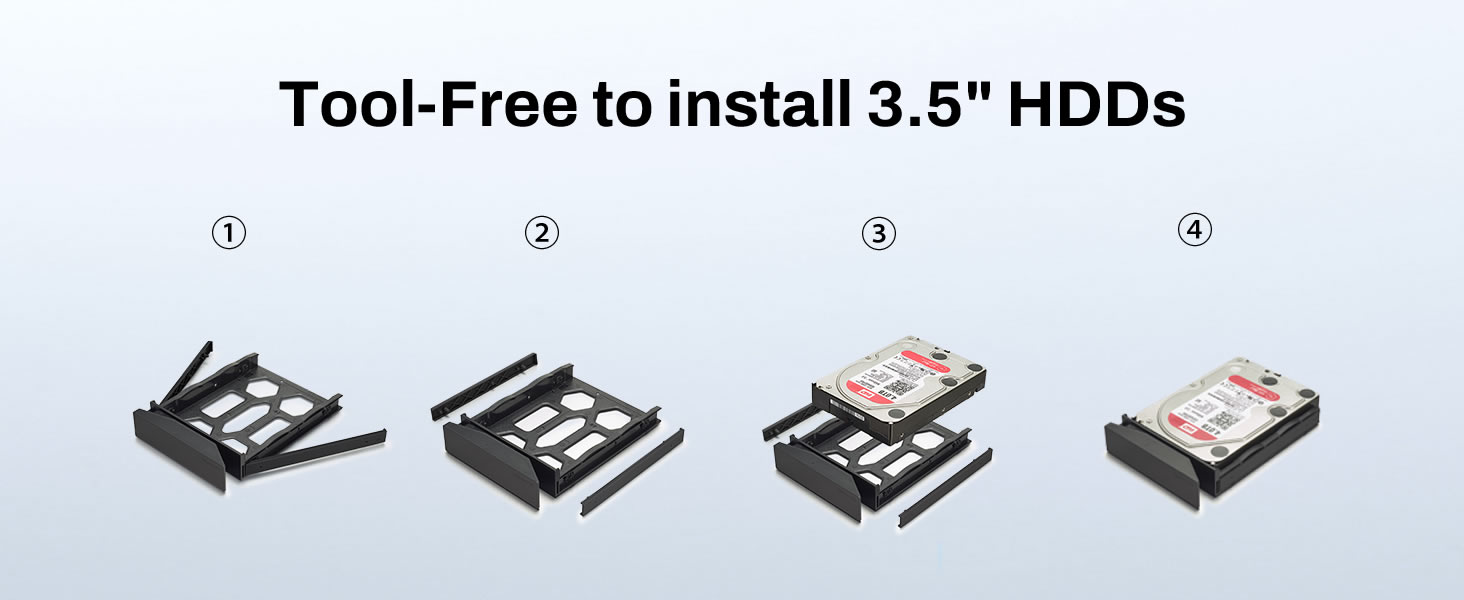
4 Tool-Free
5 Unique Push-Lock Design
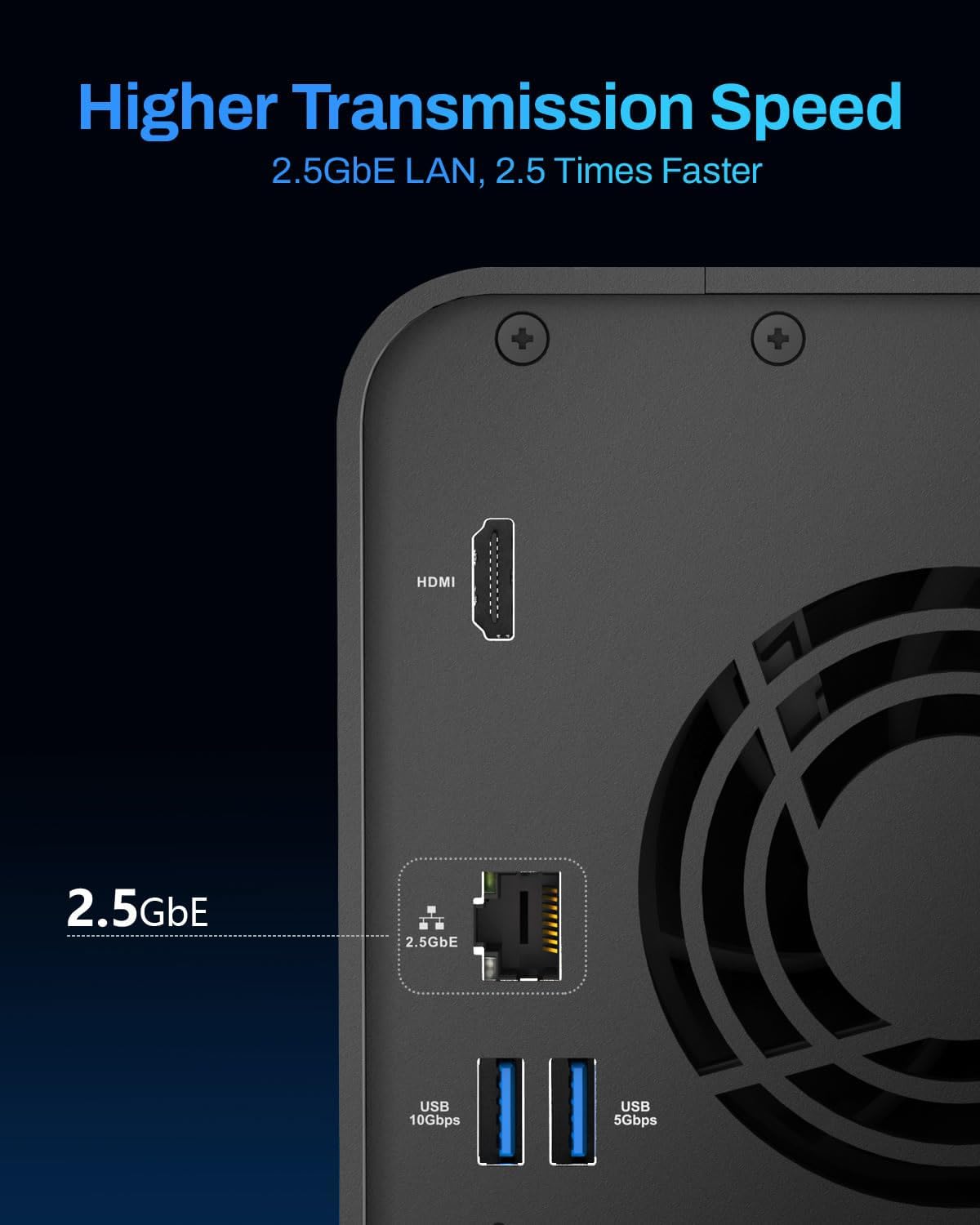
Powerful Intel x86 Performance for Home & Multimedia: The F2-425 network attached storage features an Intel x86 quad-core processor, 4GB RAM, and a 2.5GbE port, delivering robust 4K video transcoding and smooth multimedia streaming. Ideal for family photo backups, media libraries, and seamless playback on devices like TV, Chromecast, and smart TVs.
AI-Powered Photo Management with Local Privacy: The F2-425 multimedia server leverages on-device AI to intelligently categorize photos by faces, pets, objects, and scenes – without cloud dependency. Supports JPG, HEIC, PNG, and more, with secure sharing via TNAS Mobile (custom expiry, download limits, and password protection).
Effortless Cross-Platform Access & Sync: The F2-425 NAS server enables access files like a local drive with TNAS PC client or map NAS storage as a network disk. TerraSync enables real-time PC-to-NAS backups with version history (up to 32 versions). CloudSync integrates Google Drive, OneDrive, and more for hybrid cloud workflows.
Plug-and-Play Data Direct Access: The F2-425 2-bay NAS is equipped with TOS 6 which features unique Data Disk Mount, letting you hot-swap existing HDDs without reformatting – access data immediately via network. Combined with tool-free Push-lock drive bays, swapping drives takes under 10 seconds.
Enterprise-Grade Security & Scalable Storage: The F2-425 NAS storage comes with multi-layered protection: firewall, OTP authentication, DoS defense, and ransomware-proof HyperLock/WORM. Supports TRAID for flexible storage expansion, plus snapshots and Surveillance Manager for IP camera recordings. Scales to 60TB (2x30TB) for family data centralization.
TERRAMASTER High Performance NAS Comparison
Add to Cart
Add to Cart
Customer Reviews
4.2 out of 5 stars 44
4.0 out of 5 stars 212
4.0 out of 5 stars 212
4.0 out of 5 stars 212
Price
$269.99$269.99
—
—
$699.99$699.99
Drive Bays
2
2
4
4
CPU
Intel x86 4-Core
Intel x86 4-Core
Intel x86 4-Core
Intel x86 8-Core
RAM
4GB
8GB
8GB
32GB
LAN Port
2.5GbE Port
2.5GbE Port
2.5GbE Port
2.5GbE Port
M.2 SSD Slot
None
2
2
2
USB Host (Front)
USB 3.2 *1
None
None
None
USB Host (Back)
USB 3.2 *1 + USB 3.1 *1
USB 3.2 *2
USB 3.2 *2
USB 3.2 *2
Max Raw Storage Capacity
60 TB (30TB x 2, RAID 0)
60 TB (30TB x 2, RAID 0)
120 TB (30TB x 4, RAID 0)
120 TB (30TB x 4, RAID 0)
Supported RAID Type
RAID 0/1/JBOD/Single; TRAID
RAID 0/1/JBOD/Single; TRAID
RAID 0/1/5/6/10; TRAID/TRAID+
RAID 0/1/5/6/10; TRAID/TRAID+
4K Hardware Transcoding
✔
✔
✔
✔
Push-Lock Tray
✔
✔
✔
✔
Power consumption
22W(Access), 11W(Hibernation)
22W(Access), 11W(Hibernation)
35W(Access), 14W(Hibernation)
35W(Access), 14W(Hibernation)
Powerful Performance: Equipped with an Intel x86 quad-core processor and 4GB RAM, the F2-425 network attached storage effortlessly handles 4K transcoding and multitasking. The 2.5GbE port ensures ultra-fast file transfers and supports multi-user concurrent access.
Home Multimedia Hub: The F2-425 media server supports hardware-level 4K H.265 decoding, compatible with Plex, Emby, and Jellyfin for smooth HD video playback, with DLNA for seamless multi-device streaming. The Photos app features AI smart album and efficiently organizes millions of photos.
TNAS Mobile Full Control: Initialize setup for your F2-425 NAS storage via the TNAS Mobile app without a PC. The mobile app supports automatic photo and video backups, plus real-time local/remote synchronization, all managed through a single client.
Ultra-Quiet & User-Friendly: The F2-425 NAS server operates at just 19dB(A), ideal for quiet environments like bedrooms. Its tool-free Push-Lock design HDD trays enable to install HDDs in 10 seconds.
Massive Storage & Security: The F2-425 2-bay NAS supports up to 60TB storage (2 x 30TB for each bay), 50+ independent user accounts, and flexible TRAID arrays, saving 30% more storage space than traditional RAID while ensuring data redundancy. SPC security module and CloudSync (supporting Google Drive, OneDrive, Dropbox) guarantee worry-free data protection. Additionally, TerraSync enables two-way sync between the F2-425 and PCs/Macs.
13 reviews for TERRAMASTER F2-425 2-Bay NAS Storage – Intel x86 Quad-Core CPU, 4GB RAM, 2.5GbE LAN, Network Attached Storage Multimedia Server for Home Users (Diskless)
Add a review

Original price was: $429.99.$269.99Current price is: $269.99.
Amazon Customer –
Good quality and software
Using now
Frank Pizzuta –
Easy setup and now using plex
Very easy to setup. I used the built in applications to load plex. I then copied my home movies to it and we can now watch them on our smart tv with the plex app.
HJeffK –
A good basic NAS that should fit most homes.
The old saying goes that you get what you pay for and I believe that to be the case here and I don’t necessarily mean that in a negative way. The reality is that for most folks, this will be more than you will need. The processor used here is a bit outdated. You probably don’t want to install more than a couple of 16-20gb hard drives in here, but having an NAS for photos, some videos, and your personal files should be plenty for most. I went with to WD Red Pro 18GB drives and it works great. You simply slide them into the drive slots and you are off. Set up is relatively simple. You can also set this up as a Plex server which I haven’t done but will be. If nothing else, I have never done it and have always wanted to. There are a million YouTube videos on how to do it but it is awesome to be able to steam media from this remotely. I will update this review when I get it done. For a beginner to intermediate set up, this works great. Recommend.
Jack –
All good
Interface is basic, but does the job I need. Instructions could be better, but I didn’t encounter any problem. Yet to see it’s durability as only 2 years warranty is provided.
Michael Gregory –
absolute garbage
Absolute garbage. Boot time 15-20 min. Didn’t retain the user logins. Lost remote access to the designated ports. Reset and reconfiguration – same issue. No technical support to speak off.
Mark K. –
Nice little Plex server
Very nice little unit for running a Plex server and providing some backup storage. It came up easily and although not fast – it took literally a few days for the Plex Server to be done adding all the stuff Plex Pass provides – it has worked really well and supports at least 2 video streams on the network with no glitches. Very happy with the purchase so far
Anonymous –
Great NAS!!!
Love this NAS! Meets my needs perfectly. Highly reccomend it for anyone looking for a basic NAS that doesn’t break the bank.P.S. don’t forget to setup security features to protect your NAS if you intend to access remotely!
Sobodash –
Dependable storage
Great machine for the value. This is my second Terramaster NAS. No idea how it handles transcoding since that isn’t what I’m using it for.
Ian Richards –
Very good quality NAS. Easy to install. Delivery of the item was poor. The delivery driver didn’t leave the box at the front door and didn’t ring the door bell. The box was left in a position where it could easily have been accessed by passers by.
Cliente de EERM78 –
Superó mis expectativas totalmente, tiene muy buen desempeño, me falta conocer más el sistema que tiene (TNAS), pero ha cumplido todo lo que promete. Buen desempeño, fácil de instalar y programar y muy intuitivo. Ampliamente recomendado. Llego en perfectas condiciones el paquete.
Victor V –
I was looking for a budget NAS for my home. When I initially got this one I wasn’t sure if I went too budget or not. I was trying different setups and trying different OS options. I had installed truenas and gave it a try. In the end I went back to the TerraMaster TOS. I found there software was the easiest to work with and gave me the customization I wanted. The only recommendation would be to up the RAM. This is true for almost any NAS. I am running it as media server and central storage of files (not quite a true backup). I also have an external SATA Drive bay to use for actual backups of important data. Using there interface is great because it will run of the NAS for file transfers with no need for an external computer once you get it going. The biggest this was it pointed out the problems with my home network setup where I had bottlenecks that I was unaware of. Once I sorted out my home network it works great. As a Plex server I have had no issues, easy to have 4k movies streaming on several devices with no buffering at all.
miguel angel gomez fernandez –
Sencillo, buena calidad, relativamente fácil de configurar
Maurice Lapierre –
Très bien comme NAS et Jellyfin est déjà prêt à fonctionner. Un excellent serveur pour mes films et séries.