

Uhale 10.1″ Digital Picture Frame with 32GB Storage Support SD Card, Electronic Photo Frames with 1280×800 HD IPS Touch Screen, Instantly and Securely Share Memories, Send Wishes from Anywhere
Original price was: $59.99.$5.99Current price is: $5.99.
Related Products




From the brand


With over a decade of experience in the digital picture frame industry,WONNIE has built a reputation for excellence.Our products are highly regarded and widely sold across multiple countries.Seamlessly connect your smartphone or computer to effortlessly upload and share pictures in stunning clarity. Through your support,WONNIE can craft a product that not only fulfills your requirements but also surpasses your expectations.
Digital Picture Frame


Instant and Private Photo-sharing:Download the fr-ee Uhale APP for Android or iOS mobile phones. After connecting the digital photo frame to wifi and pairing it with your mobile phone,you can use your mobile phone or computer to transfer photos and videos to the digital photo frame no matter where you are in the world.
Unlimited Users Connections & Send Wishes:With our electronic photo frames, You can transfer photos and videos with your relatives and friends to share happy moments. Additionally, our electric picture frame features a unique blessing-sending option, enabling you to send personalized greetings to your relatives and friends via the fr-ee Uhale APP for Christmas, Mother’s Day, and Valentine’s Day.
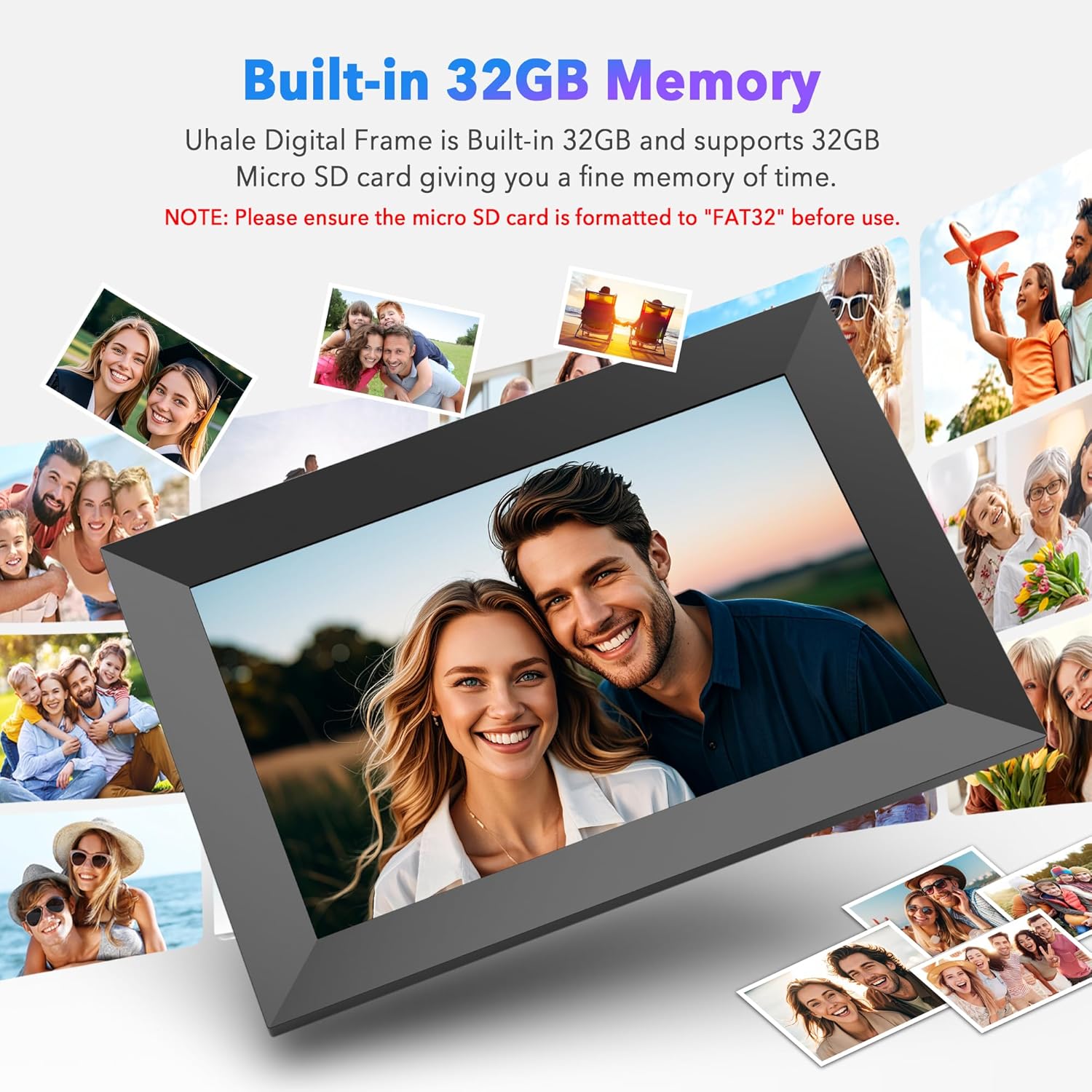
Auto-rotate & Large Storage Space:Our smart technology easily detects the digital frame’s orientation to ensure your photos are displayed correctly. This digital photo frame wifi has built-in 32GB memory and supports 32GB Mirco SD card. You can store more than 100,000 photos (the average photo size is about 300KB). At the same time, you can also transfer photos through the SD card to meet your different needs.
Note: ① Please ensure the micro SD card is formatted to “FAT32” before use. ② For optimal compatibility, we recommend using a 32GB storage device, as larger capacities (e.g., 64GB/128GB) may not function correctly with this frame.
10.1 inch IPS Touch Screen:This digital photo frame has a resolution of 1280*800. Through the high-definition touch screen, you can easily browse photos and videos, pause playback,adjust brightness, and volume, making these operations very convenient. Digital photo frame immerses you in the vibrant world of your photos, easily visible from any corner of the room.
Video Transhfer:WONNIE digital picture frame has video playback capability. You can play videos by inserting an SD card or importing videos to the digital photo frame through the SD card. Additionally, you can also upload videos through the Uhale app on your mobile phone to the digital frame.(Notice: There is no time limit for videos uploaded by SD card. Only 120s videos can be uploaded through Uhale APP)
One-Year Easy Replacement Policy: WONNIE place great importance on maintaining the integrity of our brand as we firmly believe that our reputation is the cornerstone of our success. As such, If you encounter an issue with a smart photo frame, our professional after-sales team will handle it properly within 24H.
8 reviews for Uhale 10.1″ Digital Picture Frame with 32GB Storage Support SD Card, Electronic Photo Frames with 1280×800 HD IPS Touch Screen, Instantly and Securely Share Memories, Send Wishes from Anywhere
Add a review

Original price was: $59.99.$5.99Current price is: $5.99.
Julius D –
Uhale 21” Digital Frame I think this is an excellent high quality digital frame See detailed review
Uhale 21” Digital Frame Summary – I think this is an excellent high quality digital frame, with lots of storage, ability to manipulate the Photos for best appearance, and good customer service. This frame gets a 5 star rating from me. Because I was soo impressed I did a more detailed writeup.Packaging & ContentsThe Uhale 21” Digital Picture Frame comes well protected. The Frame and contents are inserted into a Styrofoam cut out case, which is then packed into external well taped up cardboard box. It comes with the Frame, sturdy plastic stand, wall mounting hardware, that allows for vertical or horizontal placement, Remote with 2 AAA batteries, (does not have a touch screen needs the remote,) Plug with power cord, and a user manual.Uhale AppThe Frame can be connected to a smart phone by downloading either the IOS or Google version of the App. More on this later.StorageThe Uhale 21” frame comes with one of the largest storage capacities of any Digital Frame I was able to research. It has 64G of built in storage, of which approx. 6G is taken up by Operating system. In addition, you can add a 128G USB and / or an 128G SD card. These cards can be used for 1) Import Pictures or Videos 2) Export Pictures or Videos 3) Backup or Restore Pictures & Videos This allows for a restore after a reset or can be used to load onto a new Uhale Digital Frame. Note: Must use Fat32. If using SD card larger than 32G, need to format the card, using a program like Rufus, make sure you Indicate “no boot record” to be created.I purchased and plugged in a 12” USB Extender, so I can plug and unplug the USB without taking the frame off the wall. I also plugged in and left the SD card (after formatting for FAT32) in place. I use the SD card to back up the photos on the frame. Running a backup will overlay existing photos and only adds new pictures. Frame will also display last backup date.SettingsIt is important to understand that there are 3 sets of settings impacting the use of the Frame.1) The iPhone (Smartphone) Settings for the Uhale app – When you first link (referred to as Binding) your Phone to the Frame via the App, it will ask you if you want to allow all Photos, select photos or None) I selected all and it loaded into the Uhale app “Gallery tab” everything I have in my Photos collection including documents. These do not get automatically loaded on to the frame. You have to select the ones you want to be sent. However, I didn’t want them in my Gallery at all. Emailed C.S. and told me how to fix in settings. I kept looking on Frame and on Remote and did not see the options they were referring to. I happened to access the iPhone Settings for the App and found the ability to allow all photos, be able to select which I want in Gallery or not allow any to gallery.2) There are settings you can access from your phone, when you go into the actual App itself. These are pretty limited.3) Then there are the majority of the settings you can access on the frame by use of the remote. The manual lists them all. It allows you to Delete, Import, Export, or back up restore Photos. In addition, has a default when uploading Photos, do you want them to fill the frame or not.Uploading photos to frame by using:A) Smart Phone1) Using the Uhale App – by clicking on one or more photos in the “Gallery” tab of App.2) Going into your smart phone’s own Photo Album, tapping on one or more pictures in your Photos, pressing the upload icon that appears as an option and select the Uhale App to upload to frame. Note: Up to 100 Pictures can be uploaded at a time.B) Using the USB and or SD card – Plugging either in, will cause a prompt to pop up, asking if you want to Import, export or actually play from the USB or SD card (even if not uploaded to frame). Can support a 128G USB or SD.C) The Uhale Website – Utilizing your PC or laptop access the site, and can drag pictures to the site for upload.Note: Does not have an option to upload via email.Manipulating pictures being sent to frame or even after they have been sent to frame.The manual is not always very clear, but playing with the Remote helped me figure out what to do.One of the most useful buttons on that remote is the MENU Button (3 lines) or the Home button (House) which is very similar. Pressing the Menu button, brings up a number of different functions you can use to manipulate the Photo. It allows you to select a photo, and if the image is blown up too large, clicking on the blow-up button, will bring it to a more manageable size and (based on a setting option chosen), will either blur the sides, add white or black bars. In addition, it will also allow you after a few clicks, to also move the image up or down, if a head is cut off etc. so don’t have to make it smaller.Customer ServiceI sent them 3 separate emails a few days apart. Each time they responded within 2 days, with either a “How To” link or description of how to do something. That is impressive.MiscellaneousCan display Time and Temperature in right corner, as part of photo display.Frame can be turned off via remote or placed in sleep mode with wake up and sleep time.Can also display Time, Time and Date, when Frame is placed in sleep mode. There are 4 different displays you can choose (See menu (3 lines) on remote – Lower right icon)What I would like to see added to this frame1) Provide ability for adding pictures to the Frame via email2) Make the Uhale app more usable like the remote.3) Have a swivel on the wall mount, so can easily change from Vertical to Horizontal
Stolfom –
Fun display
This has worked well for us. It was easy to set up and connects clearly to our wifi. The display is clear and bright. Great photo quality—as good as the original photo was. I enjoy scrolling through my photos with the touch screen and find my family members just hanging aroudn the frame swiping back and forth to talk about the memories. I feel like it’s a bit expensive, but all in all, there are others that are more expensive, and this one works just as well as those. I ended up buying another one for a family member.
LaNett Davis –
Easy to set up and use
I love that I can see all of my pictures. This frame is prefect and has different options on how you’d like to view you pictures. I purchased 3 more to give as gifts. The app is also very user friendly. You can even set up other users to share their photos on your frame simply by sending the a link or QR code.
cheryl k –
Late to the party on these great frames!
We were given one of these as a gift and after saying it we have purchased several for others. Specifically for our older parents, who live in other states. Being able to send pictures to them is invaluable. Great gift idea
Judy E. Gatfield –
Great Gift!
Received one as a gift last year and we loved it so much that we purchased one as a Christmas present for our son’s family this year. Everything has to go through the app to set it up, which I had trouble with over the holidays. Not sure if it just wasn’t being administered on the days I was trying or what was going on. The website makes it very simple to upload a large number of photos at once. If you have the chosen pictures in a file folder ready to upload you can do up to 500 at a time and the process goes very quickly. I ended up with 823 photos and only used 6GB out of 32GB! Lots of room left to add more. We keep ours on the counter top bar in our kitchen and refer to it as ‘the Kitchen TV’. You just can’t help yourself from watching it. Just purchased another one for my husband’s office because we love it so much.
C. Jones –
Easy setup. Great gift for the price point.
I purchased this as a gift for my in-laws. It is very easy to setup and upload photos. Under five minutes. 4.5/5 stars. It would be 100% perfect if it did not need to stay plugged into the power all the time for it to work.
JK Looze –
Good quality and fun to have on the wall.
Superb video device. Easy to use, pictures are clear and crisp. What I particularly like is even where the photo does not take up the whole frame instead of having black in the joining areas it is some color coordinated with the photo. I do find the remote a little finicky, but that’s a small downside.
farah –
Great Christmas gift
Gave one to my mom and one to my in laws and they love it! We can send pictures and videos and they receive them in seconds.