

YOUTHINK Infrared Intelligent Remote Control, Air Conditioning Smart Home Controller Remote Timing Smart Home Control Panels for Tuya for Zigbee
Original price was: $305.95.$27.03Current price is: $27.03.
Related Products




Product description
Universal Remote Controller


Device Sharing: Device sharing and group control, control home infrared devices with family members, and enjoy smart life together.

Input Power: 2 AAA batteries (not included)
Smart Remote Controller is compact and lightweight.

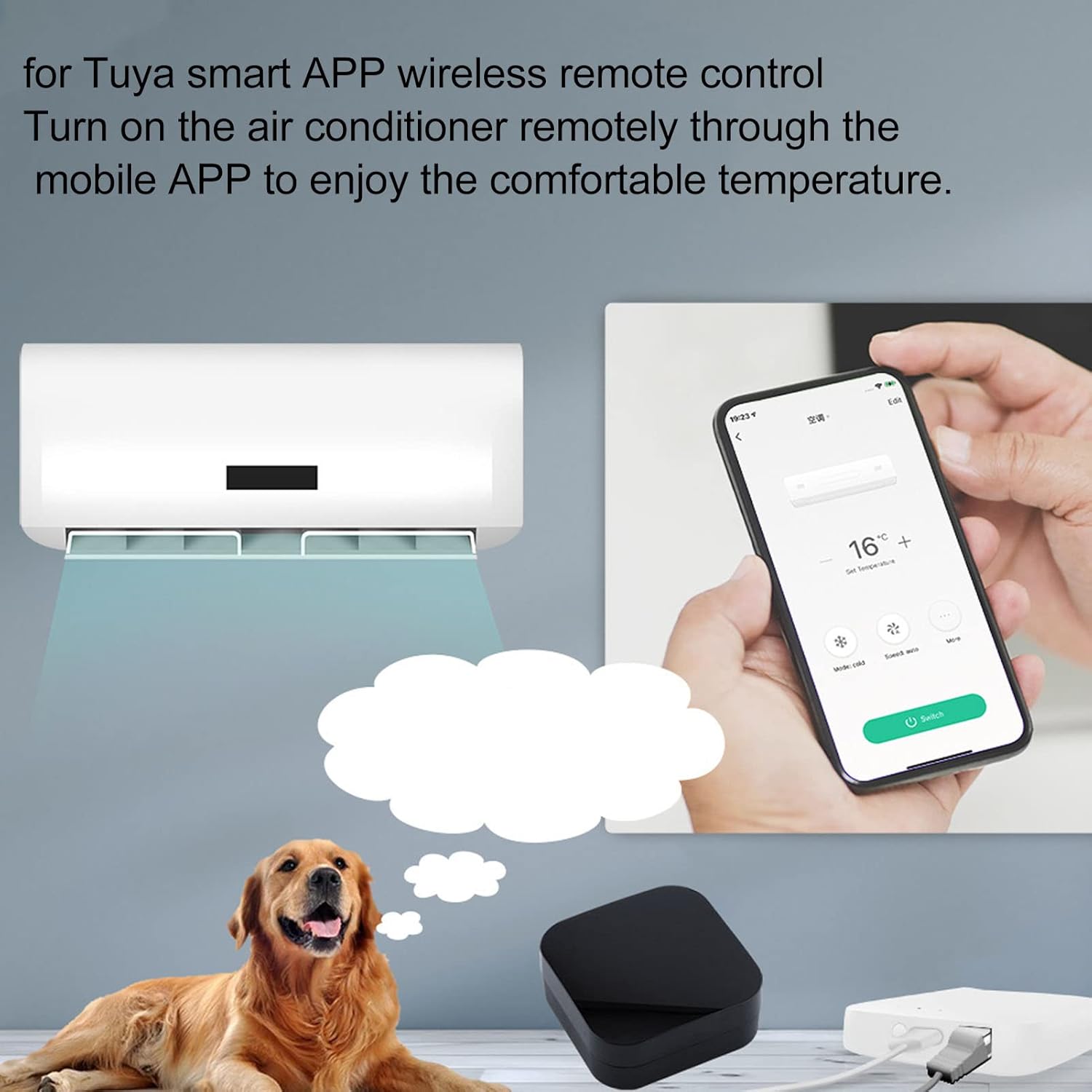
APP REMOTE CONTROL: intelligent APP wireless remote control, remotely turn on the air conditioner and TV through the mobile for Tuya APP, enjoy comfortable temperature, and offer you a better life experience.
DIY FUNCTION: A wireless versatile remote to regulate your intelligent home devices. The DIY function is more stable, supports the DIY function, and the controller can be manually added as necessary.
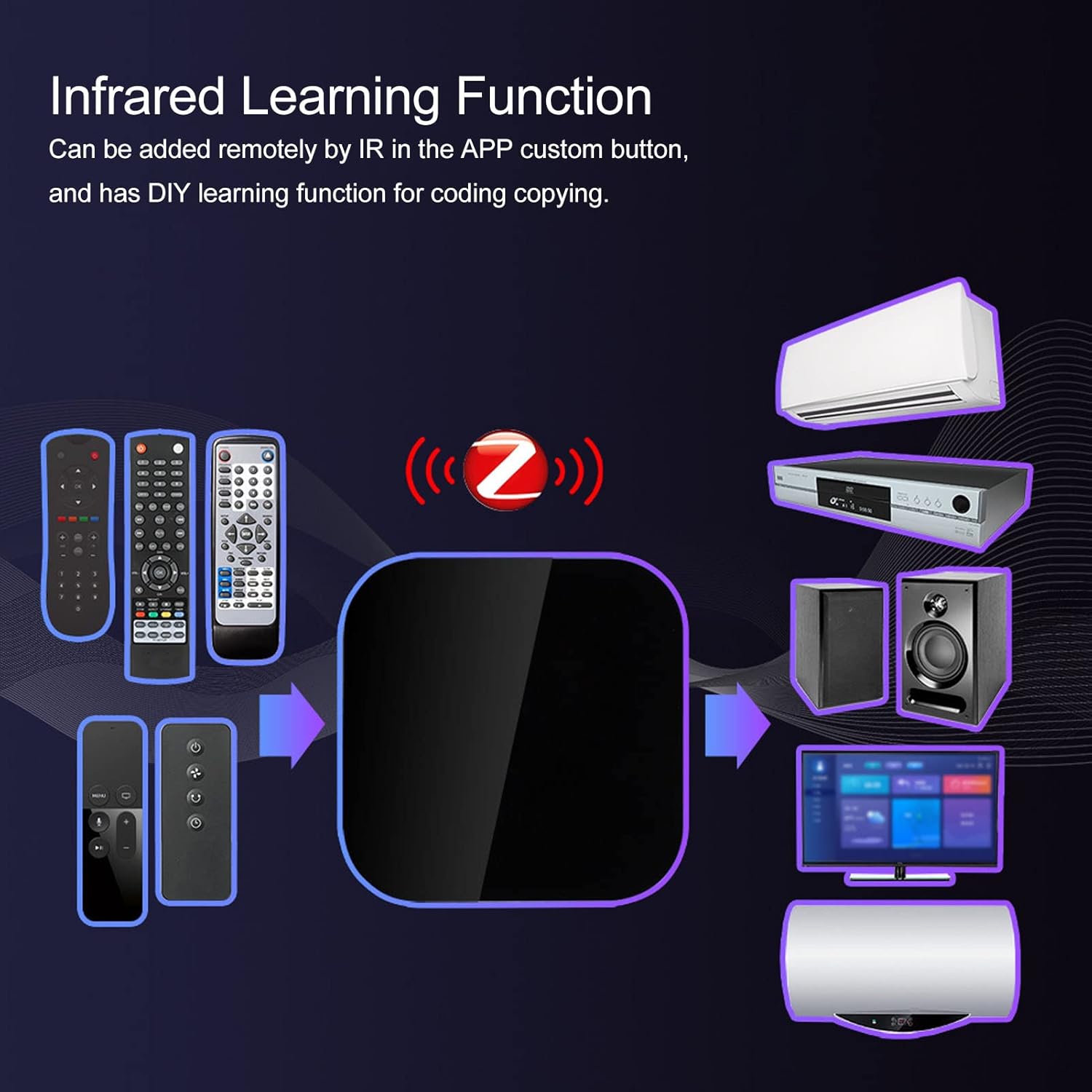
INFRARED LEARNING FUNCTION: Infrared learning function can be added remotely by IR in APP custom button with code copy DIY learning function.
DEVICE SHARING: Smart wall switch can be performed Device sharing and group control, control home infrared devices with family members, and enjoy smart life together.
BATTERY POWER SUPPLY: Wireless remote control demands the use of to 2 AAA battery power supply(not included), substitute the original USB power supply of the old version, solve the problem of finite distance, space, etc., and it is more convenient to usage.
5 reviews for YOUTHINK Infrared Intelligent Remote Control, Air Conditioning Smart Home Controller Remote Timing Smart Home Control Panels for Tuya for Zigbee
Add a review

Original price was: $305.95.$27.03Current price is: $27.03.
Andrew Metzger –
Battery-Powered Zigbee IR Blaster Works with Home Assistant, Z2M, and ZHA with TS1201 Quirk
My understanding is that it works out of the box with Zigbee2MQTT.If you use ZHA though, initial setup is a bit crazy, but worth the effort. To use it these devices in Zigbee Home Automation (ZHA), you need a custom python “quirk”. This is how it goes.Using Home Assistant, I’d recommend you add the device temporarily to check its unique identifier, and confirm yours shows up as supported by the required ZHA quirk.What I bought from this listing appeared as a TS1201 by “_TZ3290_ot6ewjvmejq5ekhl” (under Zigbee -> Devices, check the “Device Info” for yours).Download the ts1201.py quirk by GitHub user ferehcarb, and save it to your Home Assistant install in the directory “/config/custom_zha_quirks/” (you may have to make that directory first).If you have a TS1201 by “_TZ3290_ot6ewjvmejq5ekhl” device, you are supported with no edits. Otherwise, you may have to edit the ts1201.py file and add your device to the “MODELS_INFO” section around line 398.Note: Remove the device from Home Assistant after checking the identifier. This device needs to be added again once the TS1201 quirk is installed.Restart Home Assistant completely (reboot the host), and add the TS1201 again.With the quirk correctly loaded, you should see “Quirk: ts1201.ZosungIRBlaster” in the Device Info (Settings -> Devices & Services -> Zigbee Home Automation -> Devices -> your TS1201). It will come with one control, a switch that does nothing.You can now proceed with the actual setup. On the same device info screen, click the Menu button (next to Reconfigure) then click “Manage Zigbee device”.Select the “ZosungIRControl” cluster. On the Control tab, select the command “IRLearn” and set on_off to True, which allows the TS1201 to read one IR code/button. The TS1201 has a dim LED (in one corner on the top) that will turn on solid while learning a code and turn off after a code is captured.On the Attributes tab, you’ll use the attribute “last_learned_ir_code, and then “Read Attribute” to view each IR code and copy them somewhere safe. I recommend using right-click and Select All, since the learned IR code in Base64 format can be very long.I suggest making a list of codes you’ll need and saving them in a list (Power On, Power Off, Volume Up, Volume Down, Mode, etc.) to stay organised. Repeat the two steps (set IRLearn to true, then go to last_learned_ir_code to read and copy the value) for every code you need.Create a Home Assistant Script for each button/code. If you create an empty script, switch to the YAML editor temporarily. You can use this YAML as a template. When you switch back to the visual editor, some settings will be populated.“`yamltv_power_on:alias: “TV Power On”sequence:- service: zha.issue_zigbee_cluster_commandmetadata: {}data:# Cluster type is always: outcluster_type: out# Command type is always: servercommand_type: server# Change the IEEE to the value for your deviceieee: 4c:5b:b3:ff:fe:13:0f:2a# Endpoint ID is always: 1endpoint_id: 1# Cluster ID is always: 57348 (0xE004 in decimal)cluster_id: 57348# Command is always: 2command: 2params:# Change the code to some last_learned_ir_code valuecode: B6QMpAzNAV0BwAMDmAGqBEADwA8CzQGY4AIBB6oEmAGYAc0BQBdAC+ADAwGYAUATQAMBmAFAAcAHQAEDqgTNAUAzAJjgDAEBzQFAGwOqBJgBQAHgAQcBzQFAFwCY4BABAc0B4BEf4AUbgEsAmKAB4AUb4AUBQBsAmOAIAUA/AJjgHgEDqgSYAeAPAUAbQAPgAwFADwfIxKQMpAyYAeADAQKqBM0gAwGYAeALAQOqBM0BwKcBqgTgAwOAFwGqBIADQAFACwGYAUAXAc0BgAvgBwEBzQFAGwCYoAHAIwOqBM0BQBcDqgSYAeANAQHNAUAfAJjgIgHgEUvgHQHgIz/gEytAG0AD4AMBA6oEmAE=# Mode is usually: single (depends on your controlled device)mode: single# Icon: can be anythingicon: mdi:power-on“`Save and run each script to test the commands. I’d suggest making one script with the right IEEE values etc., and only changing the script’s Name and IR code each time.
Amazon Customer –
Fiddly to use; Requires TS1201 support ZHA Quirk, but does what it says“}` allows you to fire commands to the devices from automations.It’s anything but convenient to get started with, but it *does* work. It’s worth it to avoid polluting my WiFi, though.
You need the TS1201 ZHA Quirk for this to work with HomeAssistant and ZHA. It’s a bit fiddly, but you can find it on Ferehcarb’s GitHub under `zha-device-handlers`.Once it’s paired, you need to use ZHA’s “Issue zigbee cluster command” service with cluster ID 57348 (Which is decimal for hex ID 0xE004) to send messages with cluster type “in”, command type “out”, and command 2. Under “Params”, `{“code”: “
Jacqueline Tremblay –
fonctionne très bien
Bojan –
Bought a new device was sent an oppened and very used device
Laken Tiller –
does not work. can’t get it to pair with my devices.