

Canon 4507B002 Document Scanner
$25.99
Related Products
![Canon Megatank G3290 All-in-One Wireless Supertank [Megatank] Printer | Print, Copy Scan | Mobile Printing |2.7″ LCD Color Touchscreen | Auto Duplex](https://thesmart-zone.co/wp-content/uploads/2025/12/71xXs7dyuWL._AC_SL1500_.jpg)


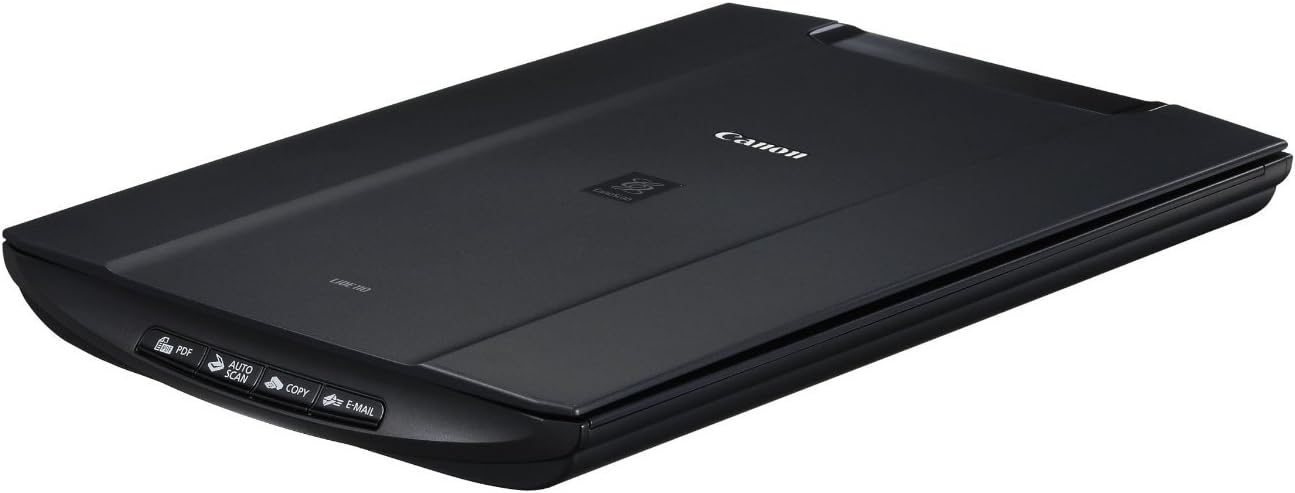
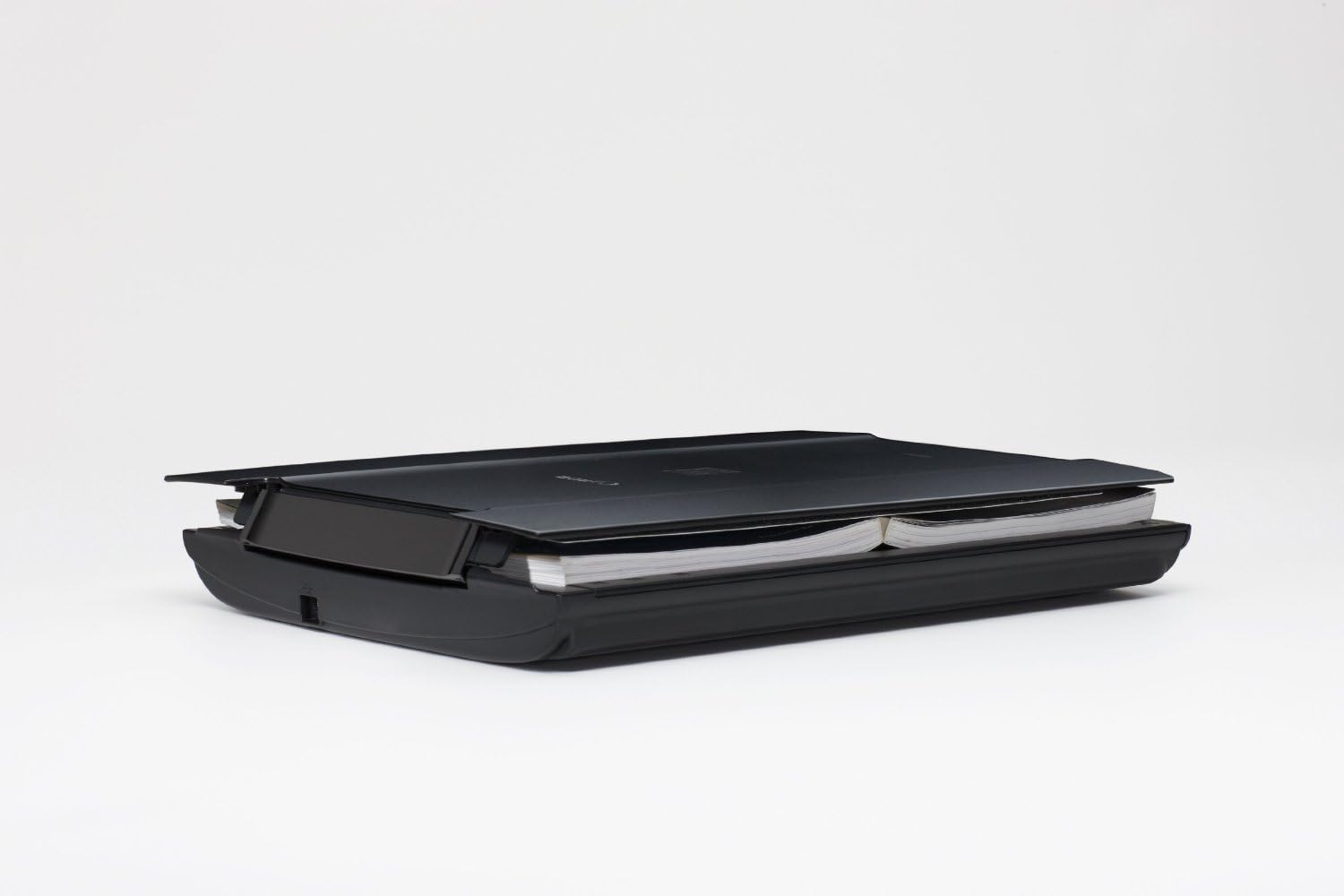
Are you looking for a dedicated scanning solution with great quality, versatility and a compact design? Then the CanoScan LiDE110 color image scanner is sure to impress. The CanoScan LiDE110 features the quality, speed and ease of use you need with a maximum resolution of 2400 x 4800 (optical) dpi for excellent scanning quality for both photos and documents. You’ll immediately notice how easy the CanoScan LiDE110 is to use. Auto document fix automatically delivers beautiful, easy-to-view scans by advanced image analysis and area-by-area data correction while the auto scan mode feature automatically detects the original and saves its appropriate settings. Need to share information? The CanoScan LiDE110 has four EZ buttons that enable you to scan, copy, email or create a PDF faster than ever.
versatile
features the quality, speed and ease of use
The CanoScan LiDE110 has four EZ buttons that enable you to scan, copy, email or create a PDF faster than ever

JC –
Simple, Effective Scanner for Windows 7 or Ubuntu
Have been using this scanner with two computers, one with Windows 7 64 bit and one with Ubuntu 10.04.For both OS this scanner has been plug and play, no additional software needed.With Win7, just plug in the scanner to the USB port and Windows will automatically download the correct driver. From there, you can either install Canon’s provided scanning software or you can use MS Paint (included with Win7) to do your scanning. Canon’s software, as other reviewers touch upon, offer some great flexibility and some useful features (such as auto-cropping) so it may suit your needs. Me personally I don’t like installing additional software if I dont need to, and I dont particular need any post-processing (color adjust, cropping, etc) features that the Canon software may have because I prefer to work in Photoshop or MS Paint.So for Windows, you do NOT have to install the Canon software if you do not want to. Simply open up MS Paint, and in the file menu choose the option to retrieve from Scanner. It will give you simple options (such as scanning color picture or black and white) and if you go into the custom settings you can set the DPI of the scan. Much less flexibility than the Canon software but at least you dont have to install anyhting else on your computer.At 300dpi in MS Paint a scan of a black and white paper (say, an application form) takes ~15 seconds. If I up it to 400dpi the same scan takes ~35 seconds. The quality is great and 300dpi is more than enough for simple form scans. I’d probably bump it up as high as i could for picture scans though, if you werent pressed for time.The scanning bed is approx. 8.5″ by 12″. Perfect size for a regular paper size document but slightly small for a legal size document (8.5″ by 14″). To scan a legal size document I had to make two scans and then crop and paste them together (which is easily done in Paint). Kind of annoying but if you wanted to scan a legal size document in one go you would need an Automatic Document Feeder (ADF) scanner and those are much more expensive, usually.This scanner is a bargain and has worked for me with no hiccups so far. Would recommend.
Jeff –
Not fancy, but it more than meets my needs…
I sought out this scanner based on the recommendation of a co-worker for its’ cousin, the LiDE210. I needed a relatively portable scanning solution in my over the road trucking operation for the purpose of forwarding paperwork digitally to the home office. The LiDE110 is remarkably light and compact, certainly not much larger, if any, than it has to be. Since it draws its’ power from the same USB port it uses for communication, it’s quite simple to use in a mobile environment, even when AC isn’t available (so long as my laptop is charged, at any rate … incidentally, the scanner doesn’t seem to have a huge impact on the laptop’s battery life, either). And, as a scan resolution of 300dpi is more than sufficient for archiving documents, some of the objections other reviewers put forth about the ultimate resolution of the scanner being misleading simply don’t bother me.Also, in relation to another observation I read in customer reviews prior to purchasing this unit, it was indeed initially rather noisy in operation. Since the noise level really was inconsequential to me, I had no problem with it being that way, though it certainly confirmed those reviews. However, after a few months of light to moderate use (somewhere between two and five times a week, on average), I find the unit has quieted considerably, so much so that sometimes I have to listen closely to even be sure it’s scanning. If this turns out to be a precursor to some sort of failure, I’ll come back and edit this review, but at this point I’m presuming it’s something to do with normal break-in of the moving parts (which, these days, tend to be more nylon and plastic than anything else). Meanwhile, it’s become very quiet.This product is an excellent (and cheaper) alternative to portable sheet feed scanners, which in my experience often generate unacceptable page skewing and are significantly slower in scanning a standard 8-1/2 x 11 document. For smaller documents, like cash register receipts, I can place multiple pieces on the flatbed and either scan them all at once (using image editing software to break up the resultant scan as needed) or preview the scan and select each receipt individually for its’ own scan. Again, it’s generally quicker than sheet fed scanners and avoids skewing (which is even more of a problem with small, odd-sized receipts and documents).At this point (about three months in) I am very pleased with my Canon LiDE110 and would recommend it to anyone wanting excellent basic document and image scanning, a minimal footprint and very good mobility / portability.
Luisa Potocco –
Ottimo prodotto ottimo anche il rapporto qualità’ prezzo, facile da installare e da usare e consegna super:veloce e imballaggio perfetto lo consiglio caldamente. arrivato pochi minuti fa ed è già al lavoro
Frootkikker –
Gebraucht aber in gutem Zustand und voll funktionsfähig.
A reader –
I bought this because this model is known to work well with Linux (unlike the new 120 model, which doesn’t work if your Linux machine has only USB 3.0 sockets). It works perfectly. It’s scanning speed is a lot faster than the ancient scanner it replaces. The fact that the scanner gets its power from the USB cable rather than from a mains adapter is a nice bonus.
Amazon Customer –
Good
Airabat-India –
This is a very good product available in India. I purchased in for the use of my 75 year old father who is staying in India. The menu is extremely user friendly – my father picked it up with very limited instructions.It comes with a CD for product installation. After the CD gets the program installed on your computer, it is quite easy to use. it has a feature to scan multiple documents at one go – can save the scan either in PDF and picture of your computer. After the scan is done, it has a feature to work on the scan size too: You can crop the size of the scan.Comes at a reasonable price, energy saving and a scan machine for everyday use. I thoroughly recommend it.