

Epson – Perfection V39 II – Color Photo and Document Flatbed Scanner – 4800 dpi Optical Resolution – High-Rise, Removable Lid – Scan to Cloud – USB Power – Image Scanning – Black
$129.99
Related Products


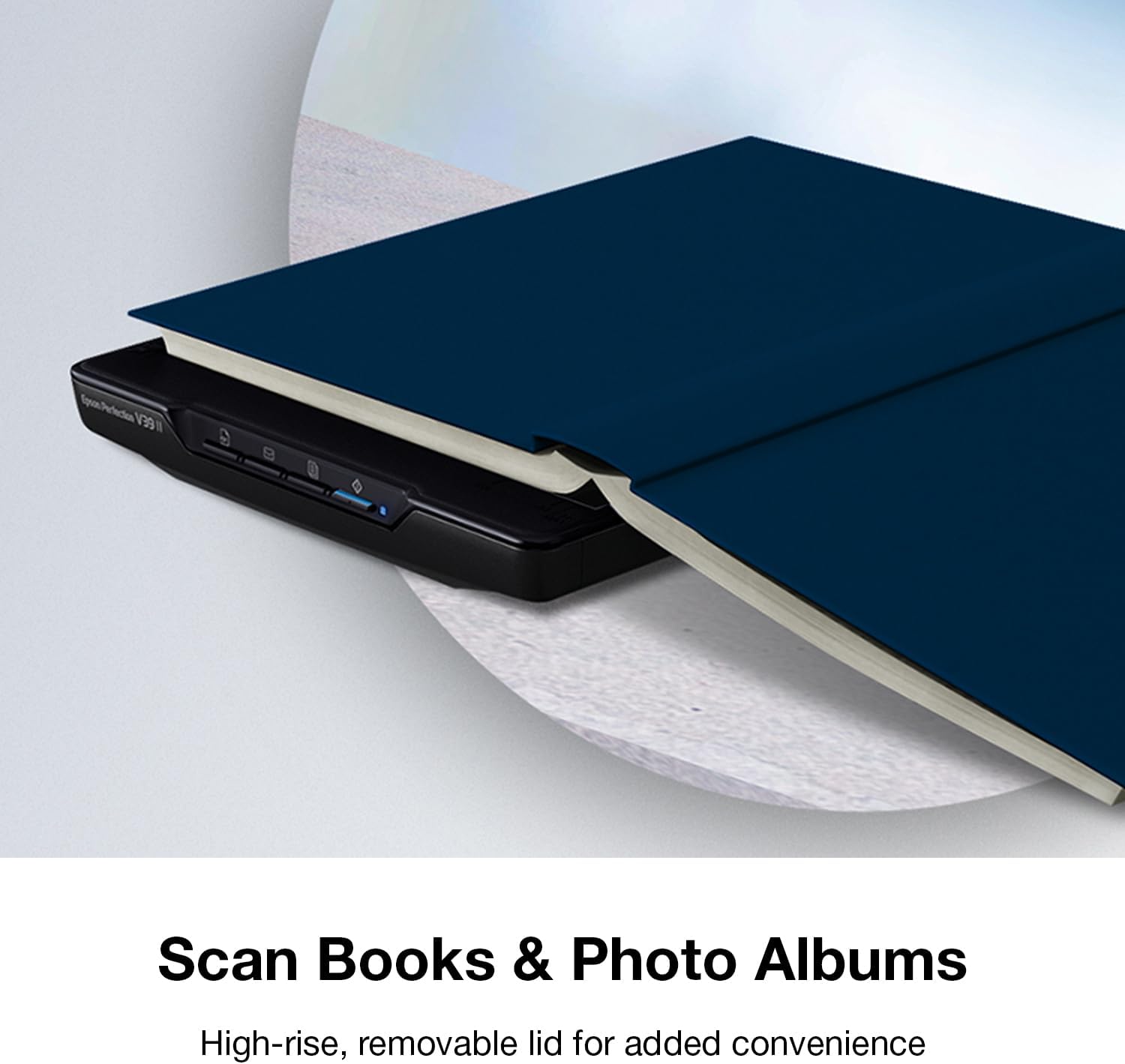

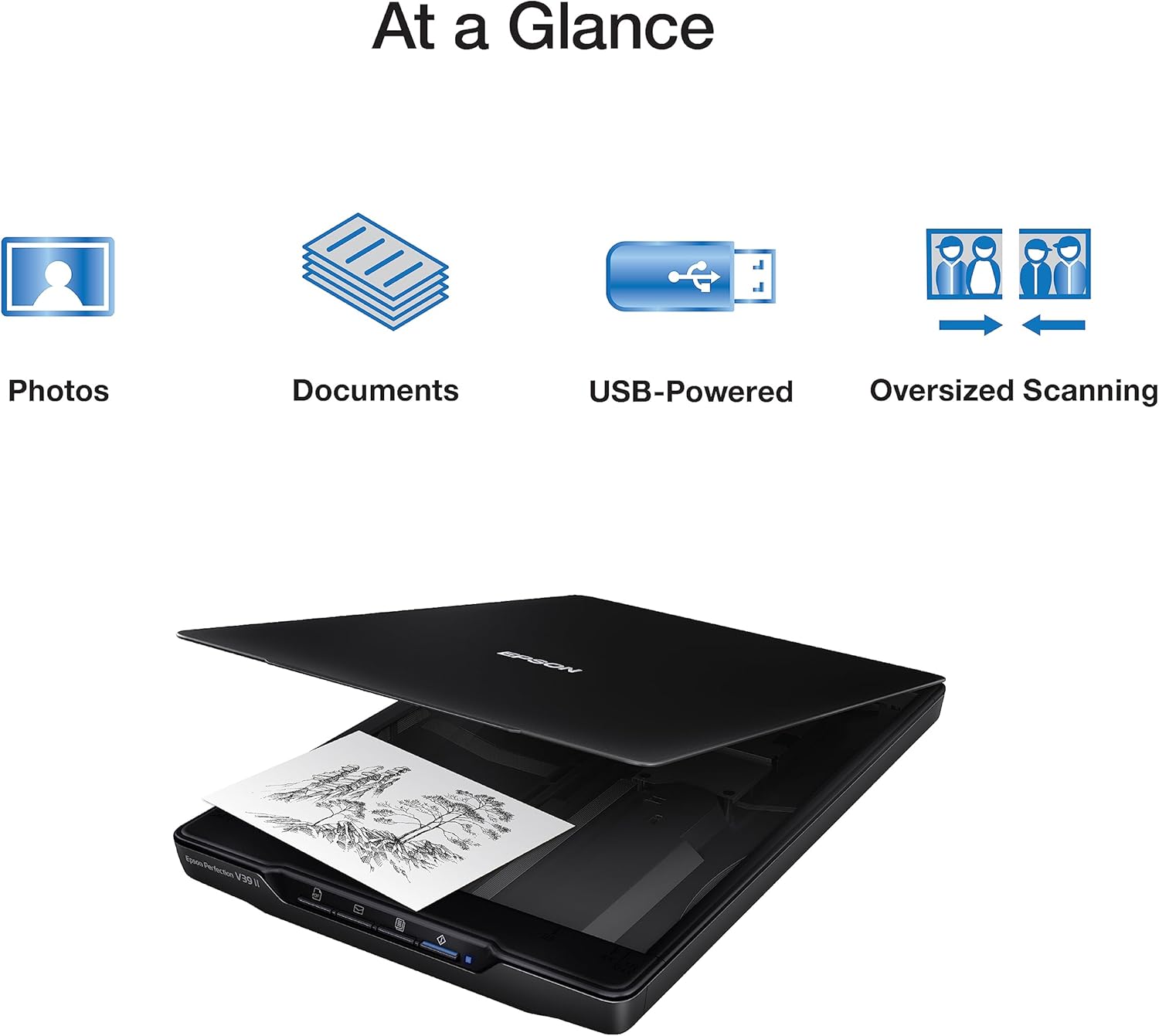


Simplify scanning tasks with the Epson Perfection® V39 II, a compact and lightweight flatbed scanner perfect for scanning color photos and documents. With an optical resolution of 4800 dpi, Optical resolution is the maximum scan resolution of the image sensor, using the definition of ISO 14473, it ensures superb image quality . Effortlessly scan to USB and cloud storage with Epson ScanSmart software installed on the connected Windows® PC or Mac®. Internet connection required, using the included Epson ScanSmart® software, internet connection required for software download. Restore faded photos with Easy Photo Fix® technology and enjoy quick letter-sized scans in just 10 seconds, based on letter-sized scans at 300 dpi in Black-and-White, Grayscale or Color Mode. Featuring one-touch scanning and Optical Character Recognition (OCR) software for creating editable Microsoft® files , it’s your versatile solution for home or office scanning.
CLEAR, DETAILED PHOTO SCANS – Achieve amazing image clarity and detail with a 4800 dpi optical resolution, perfect for enlarging photos.
IMAGE AND DOCUMENT SCANNER – Easily scan photos, artwork, illustrations, books, documents, and more with this compact and lightweight scanner.
ENHANCED SCANNING – Seamlessly stitch oversized images together or cloud storage with Epson ScanSmart, maximizing efficiency.
EFFORTLESS ONE-TOUCH SCANNING – Scan documents and images in fewer steps with easy-to-use buttons, making scanning a breeze.
PHOTO RESTORATION MADE EASY – Restore color to faded photos with one click using Easy Photo Fix technology, ensuring your memories remain vibrant.
8 reviews for Epson – Perfection V39 II – Color Photo and Document Flatbed Scanner – 4800 dpi Optical Resolution – High-Rise, Removable Lid – Scan to Cloud – USB Power – Image Scanning – Black
Add a review

$129.99
Linda G –
Great scanner for the price!
So far I have scanned over 4,800 images and I have been very pleased with the quality of the scans. Not only does it scan multiple images at once, it will often put them in the right direction. And it will still scan an image correctly even if it isn’t exactly straight. Sometimes an image may need to be rescanned, but I found this to be only sometimes and with certain images over others. The 4×6 seemed to have the most rescanned and even those were not that many.A few times the images on the scanner bed were scanned all as one image but that was very rare and I found switching to a different selection of images resolved the problem. This occasionally happened with black and white images. Swapping out one of the images for one of color always resolved the problem.The scanner software, despite what some reported, works great for scanning the images and for simple cropping. I really like that you can continue to scan images instead of sending them to your computer after each scan. It makes the process much faster. Additional photo editing would probably best be done in dedicated software.Despite the minor negatives I have mentioned, I still give it 5 stars because it honestly deserves it, in my opinion. No, it is not a professional scanner, but most of us do not need to scan our family photos in a professional scanner. The scans are clear and concise. Exactly what is needed.The scanner is super lightweight and easy to store. And very convenient since it only needs to be connected to your computer and not to a power source.I have had a lot of scanners over the years and honestly I was trying to avoid scanning all of my photos on a flatbed scanner, remembering how torturous it was to get the photo straight in the past. But I am so glad that I took the chance and made the purchase of this scanner.
Russell A. Starner –
A good entry level scanner for your budget conscience comsumer.
This scanner is easy to use, you put your pictures or documents on the scan bed and push a button and you will have the items digitized. Note: you will have to keep the items aligned to the edges of the scan bed especially pictures. I have noted that if the picture is not flush that there will be a little bit of white around the edges.The speed of the scanner is not the fastest but then it is not meant for speed. It is a consumer scanner for personal use with good accuracy for the items scanned. Note: When scanning Black and White photos, Your best bet is to use the “Photo” setting as using the automatic presets will not scan the photos correctly.This is a portable scanner that has a stand on the underside so you can set it on its side to make room on your desk.The software setup is quite easy. Just download it from the Epson Website and follow the instructions of your scanner model for setup. Note: It is not suggested or recommend to connect the scanner to a powered USB hub. You best connect it to your PC/Mac directly.
Gavin Gifford –
Software is terrible…So many issues…DO NOT buy this scanner.
I originally bought this scanner to create high-res digital images of my artwork. The instructions were a tad confusing at first, but I figured it out.I then installed the software needed to operate the scanner, onto my computer. I went through all of the proper steps, following the installation instructions to the letter. Then, I tried to use the scanner. And that is when the first issue occurred.I placed a piece of my artwork on the scanner bed and opened the proper program on my computer. I then tried activating the scanner. The software popped up a little window saying: “No Scanner Detected.” Okay. So I tried plugging the USB cable into a different port and restarting the program. Same issue. I repeated this process multiple times, trying the cable at least three times in each of the four USB ports on my computer.I tried using the buttons on the scanner to scan the picture, to no avail.I tried restarting the computer and doing it all over again, but that didn’t work. Finally, I figured I should try re-installing the scanner software. I uninstalled the software, restarted my computer, then re-installed the software. Then, I tried scanning again. And that is when issue number two manifested.After I re-installed the software the scanner was finally able to connect. So I tried scanning the picture again. I would like to mention that every time I opened the program it took about one minute to finally open, and took about ten to twenty seconds to register any clicking I did within the program. As well, it crashed just about every time I opened it.Back to the issue at hand: Both the product description, the operating manual, the box, and the scanner itself testified that it could scan at 4800dpi. So, I trusted the description and all that and attempted to scan at 4800dpi.The software then popped up a window saying that I couldn’t scan at that resolution. It did not give a reason as to why. I tried again and achieved the same results. I tried 1200dpi. Same. Thing. Happened. I tried 600dpi, it wouldn’t let me do that either. Finally, it said the scanner was ready to scan. But…it could only scan at 300dpi. I did the scan at 300dpi, and that is when issue number three happened.The image was scanned successfully at 300dpi. Then, I tried to save it. The software itself is not very user-friendly, and I had to look at the manual several times, and online, before I finally figured out how to save the scanned image. I followed the instructions…but, you guessed it, the program gave me an error saying the image could not be saved — again giving no reason as to why that was. The program then crashed. I tried again…eight times, the program crashing every time until the ninth time worked. It told me the image had been saved. I went to the destination folder to find that the image had, in fact, not been saved at all. I did a search of the entire hard-drive for the image, but it did not exist. So I tried saving it again. The program crashed. I did this about three times, everything following the same pattern. I troubleshot the program, I looked online for tech support, but none of the ‘solutions’ worked in the slightest.So, I re-installed the software. The same thing happened, every issue the same. I re-installed the software, restarted my computer, checked my computer for updates, multiple times, and in multiple orders. But, every single time, the program had the exact same issues. And, for the record, I checked the system requirements for the operation of the scanner, and my system exceeded every single one by a mile.After about ten more attempts, something finally seemed to work. Seemed being the operative word here. I opened the program, the scanner connected, the program didn’t crash, and it let me select the option of scanning at 4800dpi. I would like to emphasize again how completely user-UNfriendly the software is. Despite spending an hour and a half reading the manual and doing research online, the program was still hard to figure out. And that’s coming from a guy who is not generally stupid when it comes to this sort of thing.Anyway, I clicked “scan”. But, lo and behold, again an error window appeared, telling me I couldn’t scan at 4800dpi. This time it gave a reason: I did not have enough room on my hard drive for the image. I had over 1 Terabyte of empty space on my hard drive! That’s far more than enough for the estimated size of the file! I tried scanning again, with the same result. I tried 3600dpi. I tried 1200dpi. I tried 600dpi. Every, Single. Time. I got the same error message. Then, like before it let me scan at 300dpi. I did that but ran into the same saving problem as earlier.Being the extremely stubborn person I am, I repeated the process of uninstalling the software, restarting my computer, reinstalling the software, troubleshooting, scanning the software for problems, trying the buttons on the scanner itself, trying to scan at different dpi’s, trying to save the 300dpi image. I counted: I repeated this process, occasionally changing up the order of steps sixteen different times!But, every single time I ran into all of the same issues that I had been constantly having!Finally, I said enough is enough, packed up the scanner, and returned it. I would absolutely recommend not getting this scanner. The software is terrible, and it’s confusing to figure out. Do not get this scanner.
Paulina Marín Cruz –
AMO este producto. Puedo tener todas mis fotos impresas en mi computadora a una impresionante buena calidad. Lo recomiendo muchísimo. Y es bastante rápido y muy fácil de usar e instalar
massol –
tres facile a brancher car un seul cable USB, pas de soucis de fonctionnement avec Mac, il le reconnait de suite, ( normal c’est du Mac ! ) logiciel tres simple a utiliser, toutefois 2 petits défauts : pas de bouton d’arret on dois débrancher l’USB, sinon il reste allumé en permanence, et bruyant en fonctionnement, mais pour le prix rien a redire
Marion –
The scanner is easy to use . It scans very well. I use it to scan watercolour paintings and it works well except for some of the really subtle paintings that have a lot of white at the edge of the images. But it’s a good size and does the job.
RODRIGO CALERO GIL –
Lo esperado
michael t. –
Used it to scan all the family photos for up load to NAS, a stable and fast scanner.