

GoveeLife Wireless Mini Smart Button Sensor, Group Control Multiple Devices, Versatile Control Button, Battery Powered, Supports Most GoveeLife Smart Products 2Pack
Original price was: $27.49.$17.99Current price is: $17.99.
Related Products




Product description


Set different automations to control your GoveeLife electronic devices
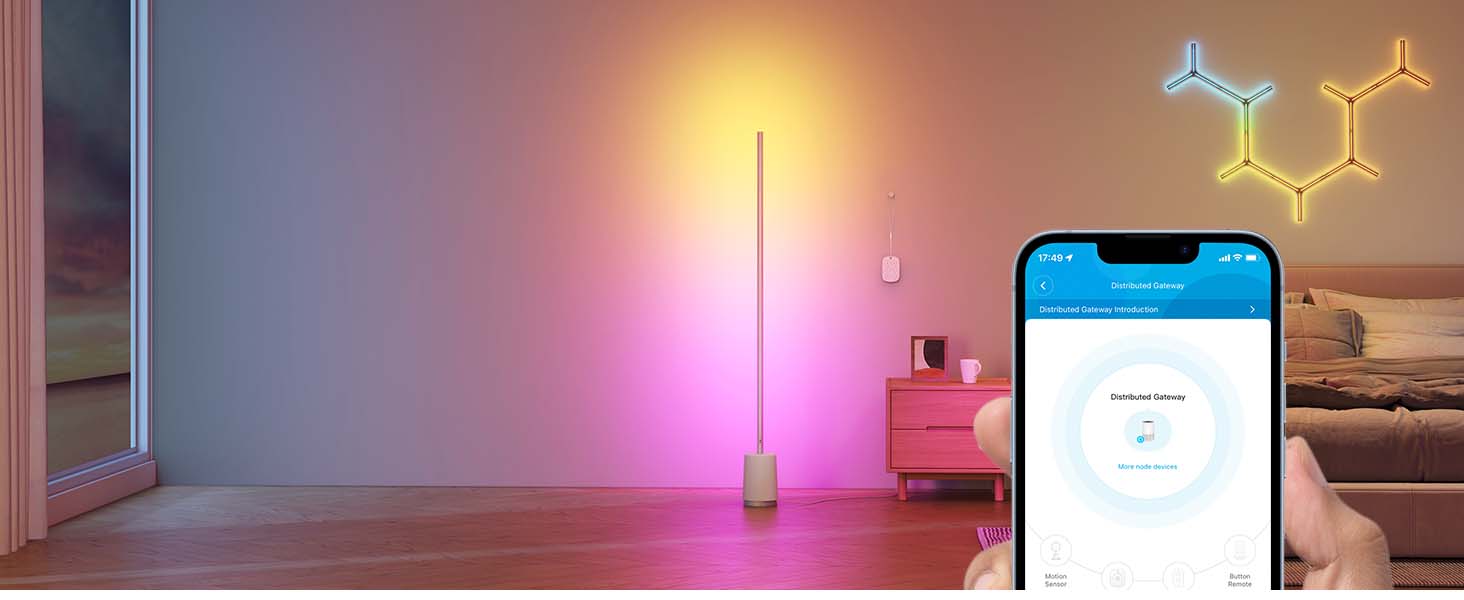
A distributed gateway is the result of GoveeLife’s exclusive innovation, which automatically builds a distributed gateway by using GoveeLife devices around you as node devices. lt is used together with GoveeLife’s Bluetooth sensors which enables their networking capabilities and smart connection functions, allowing you to enjoy an automated life.

 What is a “distributed gateway”?
Which automatically builds a distributedgateway by using GoveeLife devices around you as nodedevices. Allowing you to enjoy anautomated life.
 What is a “distributed gateway”?
Which automatically builds a distributedgateway by using GoveeLife devices around you as nodedevices. Allowing you to enjoy anautomated life.
 What is a “distributed gateway”?
Which automatically builds a distributedgateway by using GoveeLife devices around you as nodedevices. Allowing you to enjoy anautomated life.

Product Dimensions : 1.69 x 1.57 x 0.47 inches; 0.63 ounces
Item model number : B5122
Batteries : 2 CR2 batteries required.
Date First Available : April 9, 2024
Manufacturer : GoveeLife
ASIN : B0D17B48HK
Best Sellers Rank: #13,216 in Tools & Home Improvement (See Top 100 in Tools & Home Improvement) #24 in Home Automation Hubs & Controllers
Customer Reviews: 4.0 4.0 out of 5 stars (300) var dpAcrHasRegisteredArcLinkClickAction; P.when(‘A’, ‘ready’).execute(function(A) { if (dpAcrHasRegisteredArcLinkClickAction !== true) { dpAcrHasRegisteredArcLinkClickAction = true; A.declarative( ‘acrLink-click-metrics’, ‘click’, { “allowLinkDefault”: true }, function (event) { if (window.ue) { ue.count(“acrLinkClickCount”, (ue.count(“acrLinkClickCount”) || 0) + 1); } } ); } }); P.when(‘A’, ‘cf’).execute(function(A) { A.declarative(‘acrStarsLink-click-metrics’, ‘click’, { “allowLinkDefault” : true }, function(event){ if(window.ue) { ue.count(“acrStarsLinkWithPopoverClickCount”, (ue.count(“acrStarsLinkWithPopoverClickCount”) || 0) + 1); } }); });
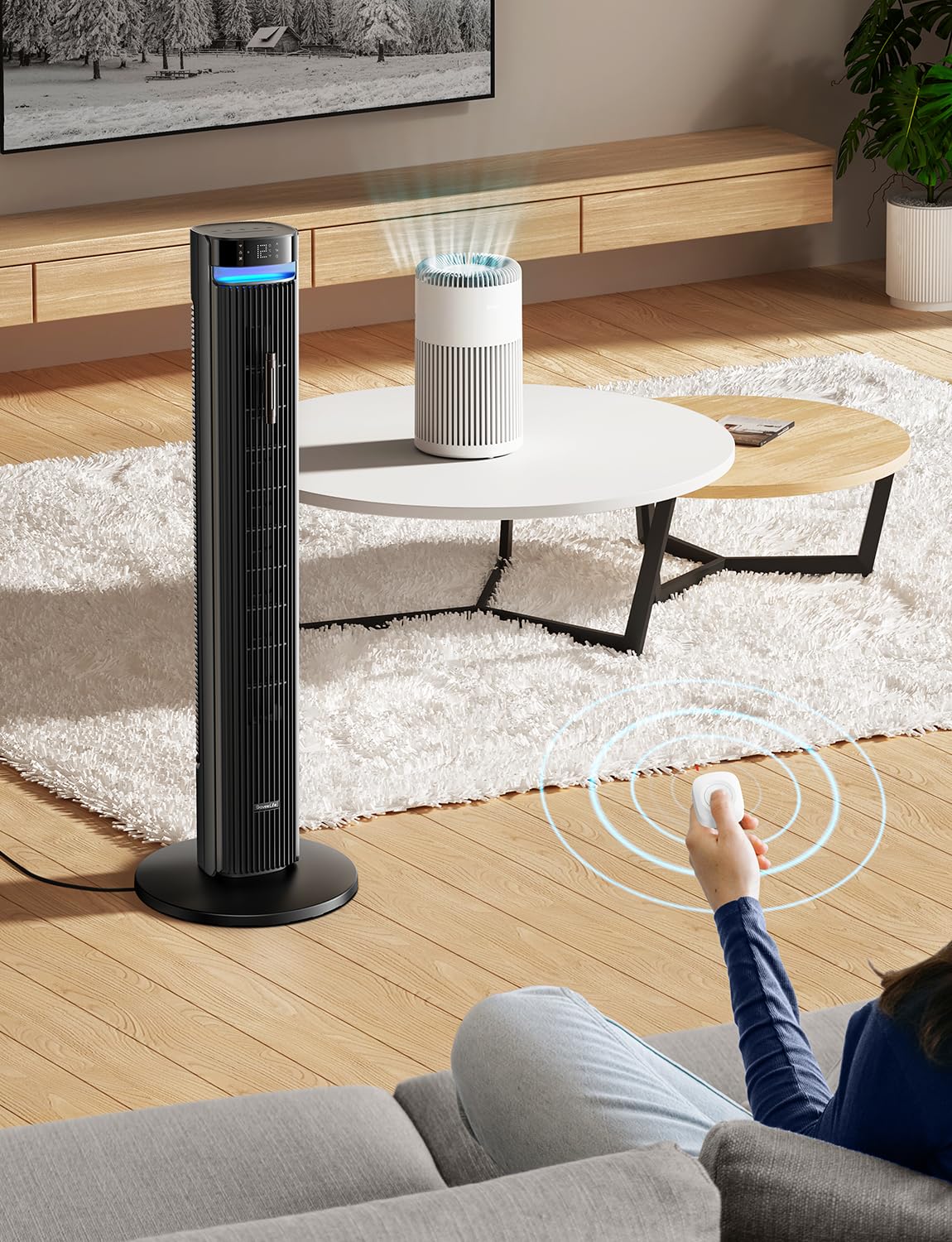
One Touch Control: Enjoy your automated life with the GoveeLife Smart Button Sensor. The smart button can control GoveeLife intelligent devices in the same space, realize one-key synchronous control, and create the ultimate innovative experience for you.
Alternate mode: Each time the button is pressed, it alternates between executing the tasks in the “command” and turning off the devices in the “command”. For example, if the button is pressed to execute the tasks in the “command”, the next time it is pressed, all the devices in the “command” will be turned off with a single button press.
Distributed Gateway: Featuring GoveeLife dual-mode devices (sold separately) that support both Wi-Fi and Bluetooth. Maintains an effective distance of 55m/180ft between devices and sensor. (not support 5G WiFi)
Maximum Compatibility: The GoveeLife Button Switch supports 50 GoveeLife smart ecological devices. Add the GoveeLife products you have to your setup to enhance your experience. The sensor is more powerful with multiple GoveeLife devices connected.
Easy to Use: Small and portable without taking up space. The package includes a sensor, manual, warranty card, battery, Lanyard Loop, and support for four months of battery life (the insulation strip needs to be unplugged for the first use).
Need Attention-This device can’t connect to Alexa, Google Assistant.
8 reviews for GoveeLife Wireless Mini Smart Button Sensor, Group Control Multiple Devices, Versatile Control Button, Battery Powered, Supports Most GoveeLife Smart Products 2Pack
Add a review

Original price was: $27.49.$17.99Current price is: $17.99.
Aaron –
Perfect addition
I’ve been upgrading areas of my house to smart plugs and lights and my partner was going crazy that she couldn’t turn my lights off without using an app. Perfect solution! Connected easily and mounted to my wall with the adhesives seamlessly. Button clicks just fine to turn on and off and connect multiple devices to. When turning on and off they do not always turn on in sync, if that’s a deal breaker, but it’s compatible for all my Govee devices, if you want some control without using your app I recommend.
LT Merritt –
Eh, it’s ok
I installed two of the Govee 6in Downlight 2’s in a hallway. I’m using this switch to control them both. Unfortunately, it is hit or miss when it comes to controlling them both at once. Sometimes they’ll both come on at the same time, as i had hoped. However, sometimes one will come and one won’t which leads you to hit the button again causing that one to go off and the other to come on. From there, it’s either open the app and turn one or the other off, or play a game of non-fatal Russian roulette and hit the button FAST to get them in sync.It does work. It was super easy to setup and get it paired in the Govee app. It turns on the lights (sometimes light) fast. I still recommend it.
Ashley Harris –
Great Functionality, But Quality Control Needs Improvement
I purchased the GoveeLife Wireless Mini Smart Button to enhance my smart home setup and integrated them with my home assistant via Bluetooth. Setup was straightforward, and the buttons are compact and stylish, fitting well into a minimalist aesthetic.However, one of the buttons in my initial purchase was defective. It drained the battery within 24 hours, even after replacing it with a fresh one. This was disappointing, as I had to go through the hassle of returning the product.Thankfully, the replacement set worked perfectly. The buttons respond quickly, and their integration with my system has been seamless since then. I appreciate the functionality and convenience they add to my smart home, but the defective unit was a frustrating setback.Overall, it’s a good product, but quality control seems hit or miss. If you’re willing to deal with a potential return, it’s worth considering for its compact design and smart home compatibility.
Travis H. –
Works like I expected
I love these little buttons. I have it stuck next to my remotes for my TV and sound system and can just press this little button to turn on my TV back lights and the rest of the associated lights. Pressing it again turns it all off. No more having to go into the app on my phone. It’s a quick little button. Easy to set up. Small and easy to hide but looks fine to have out too. Recommended for those who want a small button for adjusting govee lights!
DD Gott – Donadees Corner –
Looks smart. Acts stubborn.
GoveeLife Smart Button – Small Size, Big Letdown Despite its sleek design and promising smart features, this button failed to deliver. The setup was unclear, the responsiveness was inconsistent, and the integration was unreliable. For now, it’s more frustration than function.
N –
Govee is now a toy company
Over the years I purchased many different govee devices and still use them. The app was straight forward, the devices were very responsive to swith them on and off and just worked. However, the most recent devices are junky. Toy like filmsy plastic mounts for the ceiling lights that feel like they will fall off the ceiling any time. The spotlights bulbs are very slow to respond. They never go back to full brightness unles you move the bar on the app. The button is a joke, the light comes up seconds after you press and most of the time does not work.Goodbye Govee, was a good run. I will replace every govee device I have with something else, not sure what yet. Kasa Smart looks good, immidiate response to a single switch I have, will try a few more devices.
Shawn h. –
Great smart button
Works great never any issues with adding govee products in general.
JL –
GREAT Button Function for the Govee Smart Plugs!
I have LOTS of TPLink Wifi plugs of all types. I have started to also adopt these Govee brand plugs as I have had great experience with their Strip LED Lights and Smart Moisture Detectors.Their plugs do not disappoint! It also is detectable by Alexa and can be controlled by voice. This button is then also used as an alternative to voice. Basically pushing the button relays a voice command to the Govee brand plug. It comes with a 3M sticker to mount the plug and has a replaceable 2032 button cell.NOTE: Your Govee Smart Plug is your gateway! So you have to add your Govee Smart Plug first to the Govee Home App. Then after that you add this Govee Smart Button to the App.1. Open the back of the Button cover, should pop right off starting at the tab. Pull out the blue plastic battery preserver.2. Open your Govee Home App and click the top right + button > bluetooth button. Then hold the Smart Button for 3 secs or so and it should start blinking Red.3. The device should now show up in your Bluetooth Device Nearby. Select the device and follow the app steps to Name it and test the device.4. Connect it to a compatible gateway or their compatible Govee devices like the plug.5. Click the plug and create an Auto Run RULE:If: Click + > “Name of Button” > Button Pressed > (Check on top Right)Then: Instant Execute> Select the Smart Plug you want to control> On or Off > (Check on top Right)Alternate Mode: Turn On (Blue)Note: This will basically alternate between On and Off for the plug each time you press it. So it does not matter what you select in Instant Execute if you are using this ONE button version. *You can opt for the two button version and bind one button to On and the other button to OFF.6. Make sure you Select YELLOW Check top right to Confirm Changes and Saves.7. Test your button! Enjoy. It does have a second delay from pressing to plug actually switching, it is normal latency for smart devices in general.Warning: Using Alexa may throw off your on/off alternating function. The button will always alternate between ON then Next press will be OFF. It does not know when the actual plug is on or off. So using button to turn On your plug then Alexa voice to turn off the plug. The next time the button is pressed, it will alternate to OFF command. So you would just have to click again for On function.Hopes this helps some one that is having trouble on configuring this. These are very useful as Alexa can be slow sometimes and have hard of hearing! Or very useful for those less tech savy family members that would prefer a physical button than talking to an AI.