

HP LaserJet M207dw Laser Wireless Printer, Black and White, Duplex, Best-for-Office
Original price was: $169.00.$25.99Current price is: $25.99.
Related Products


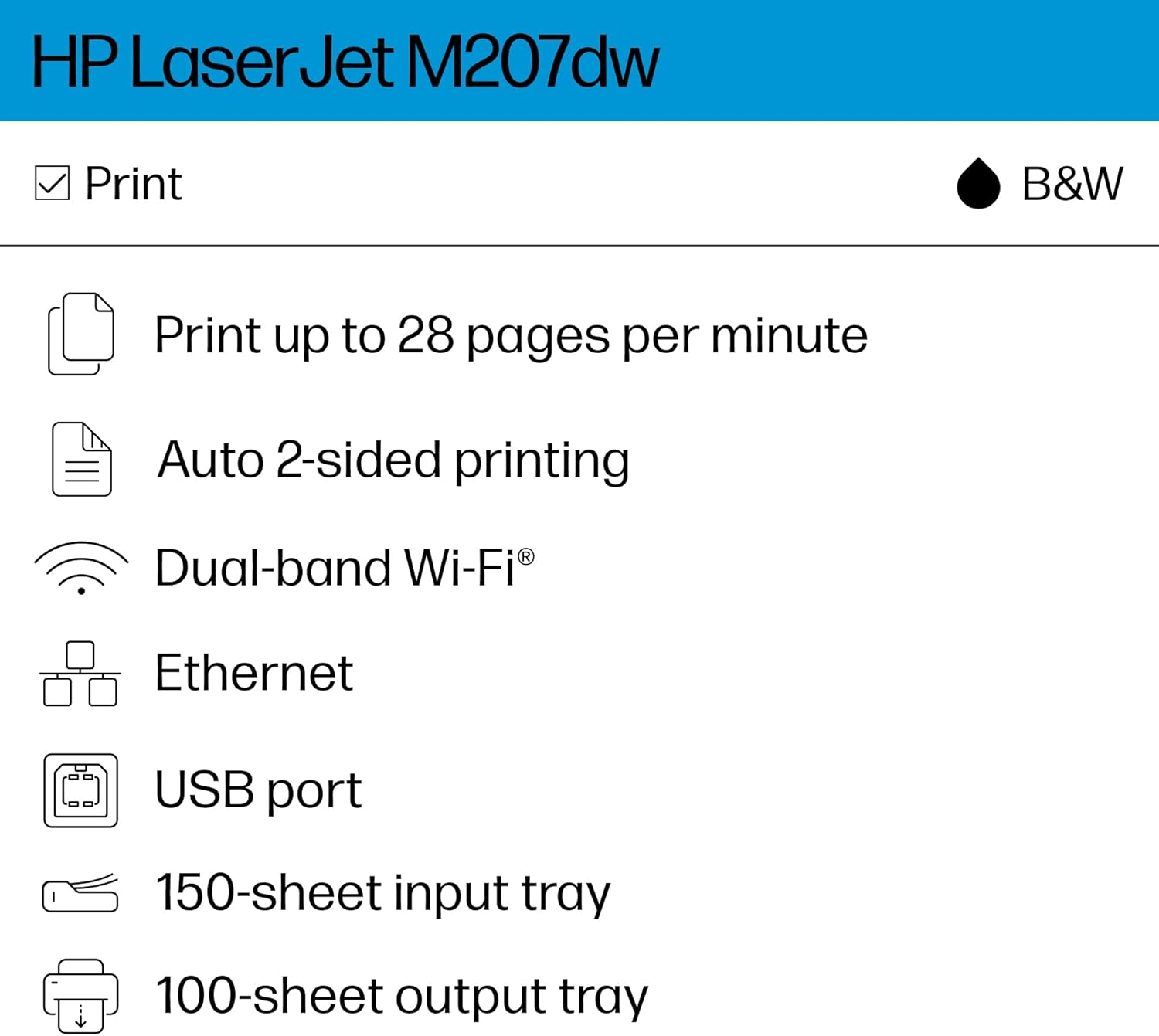
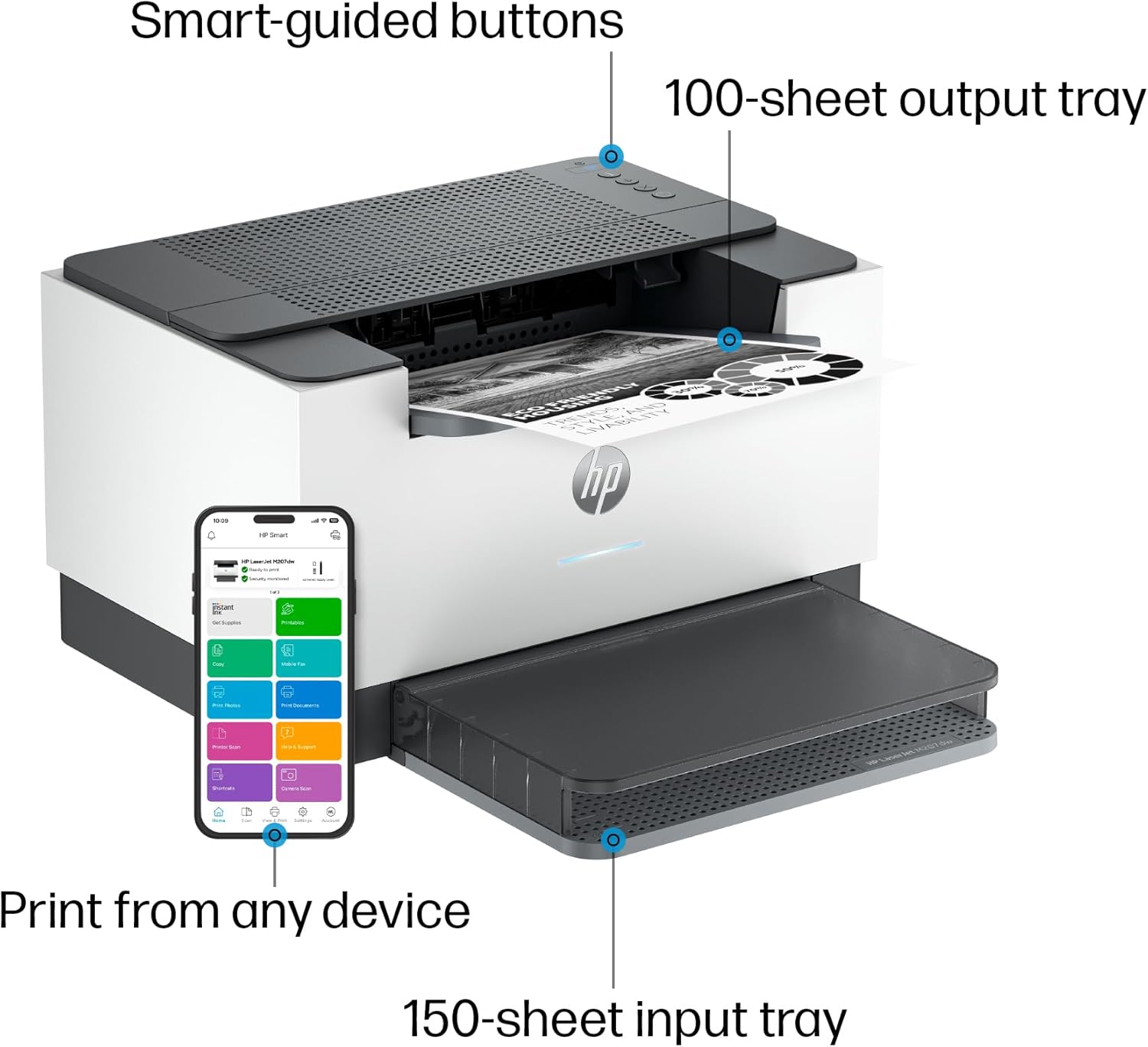


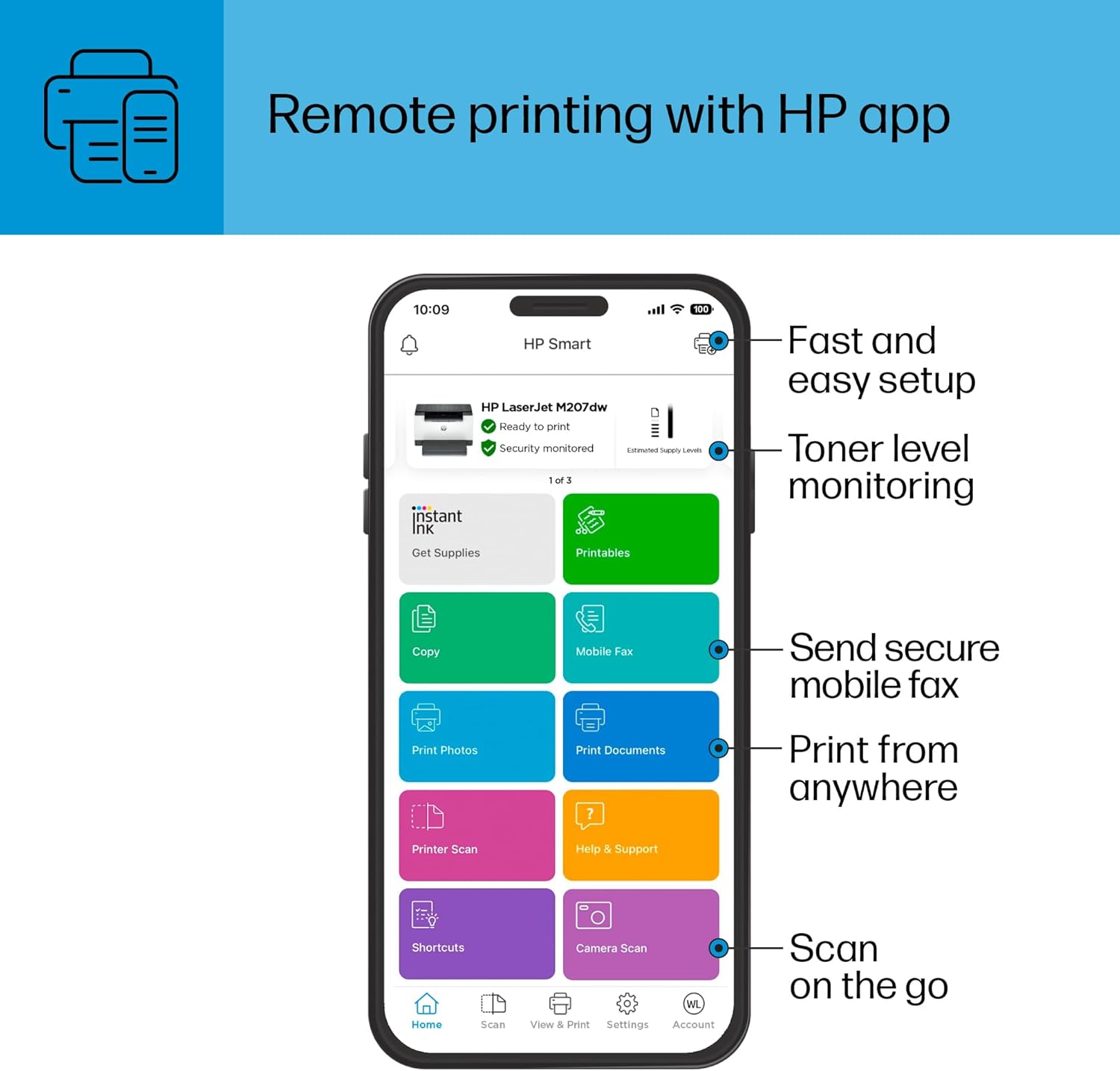

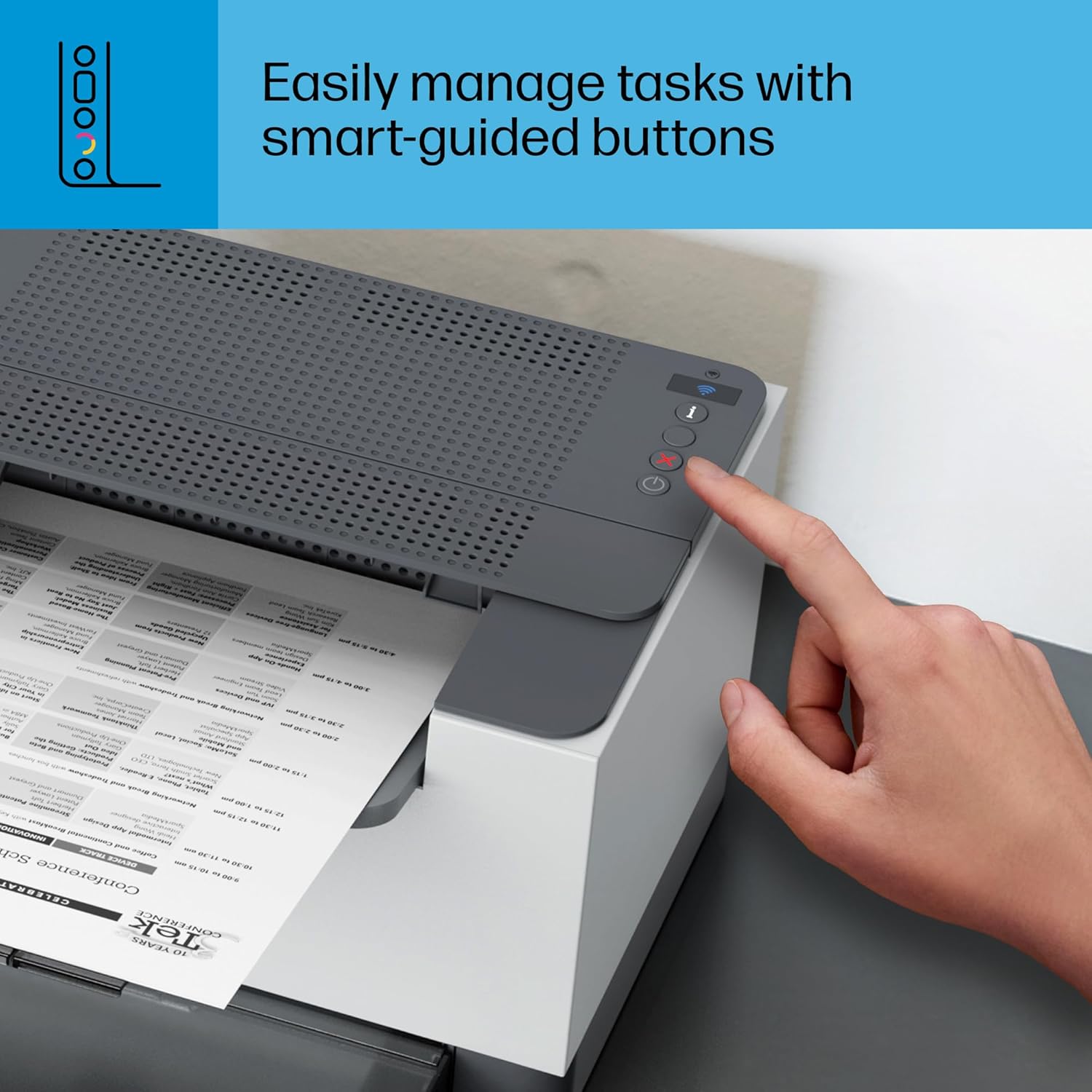
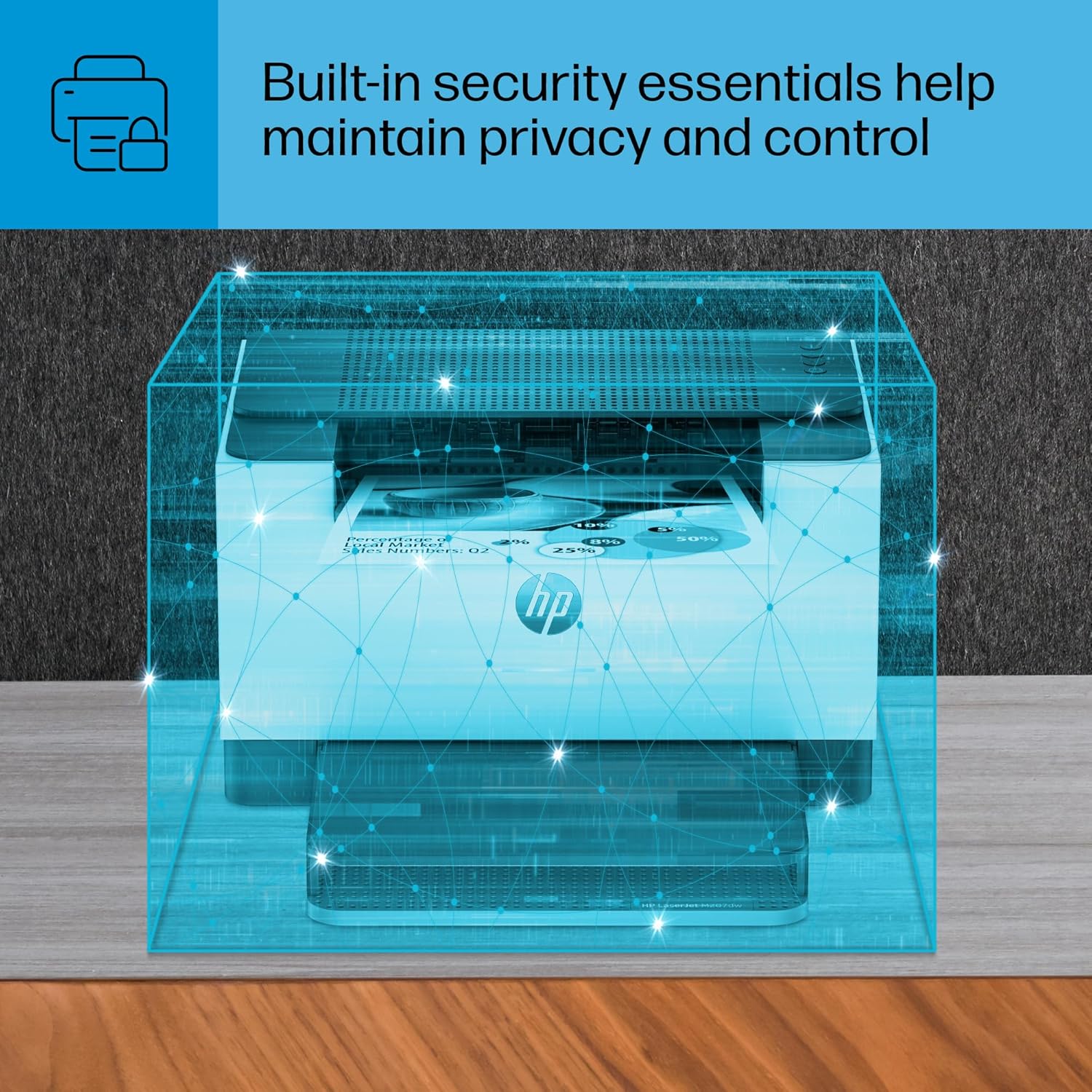


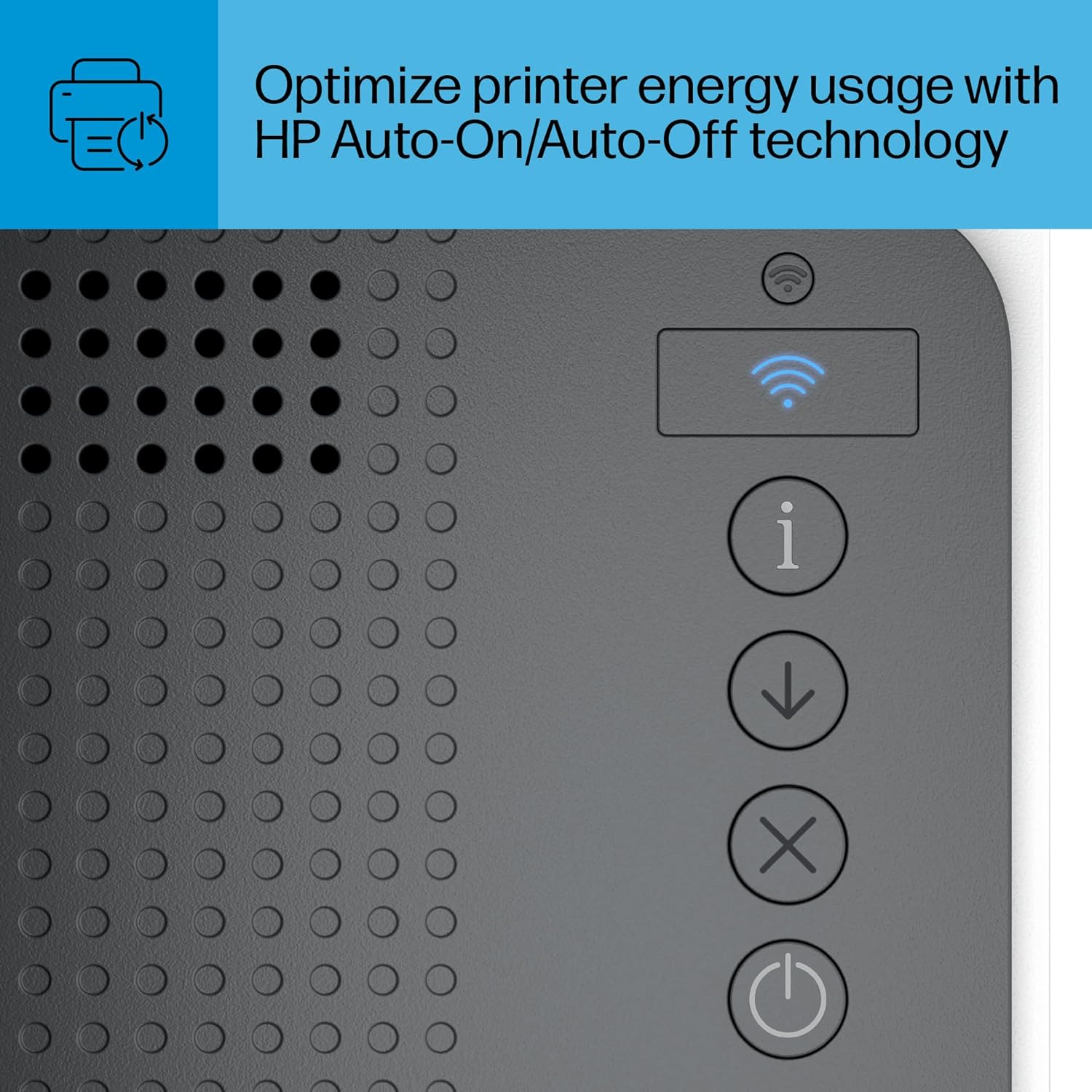
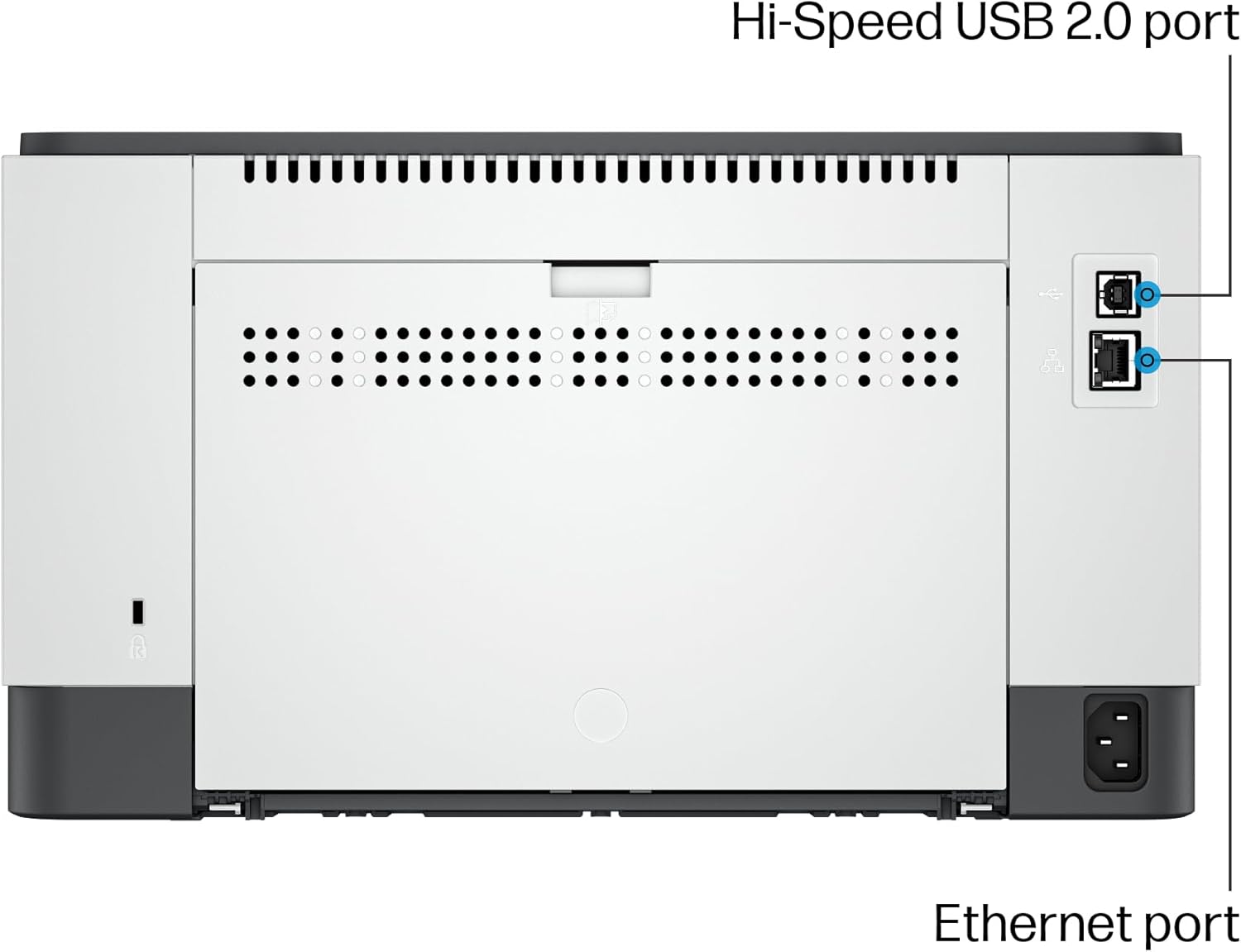
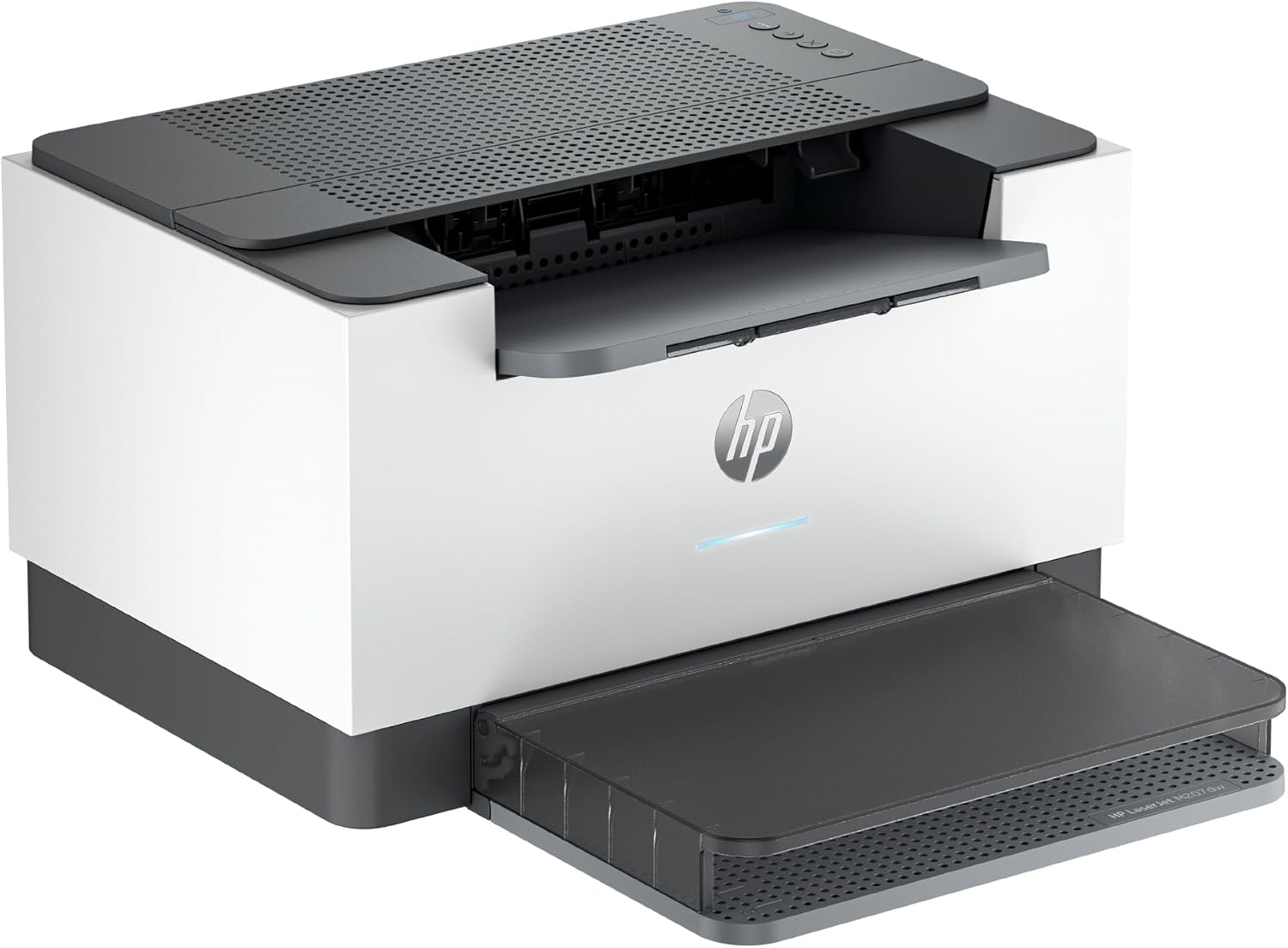
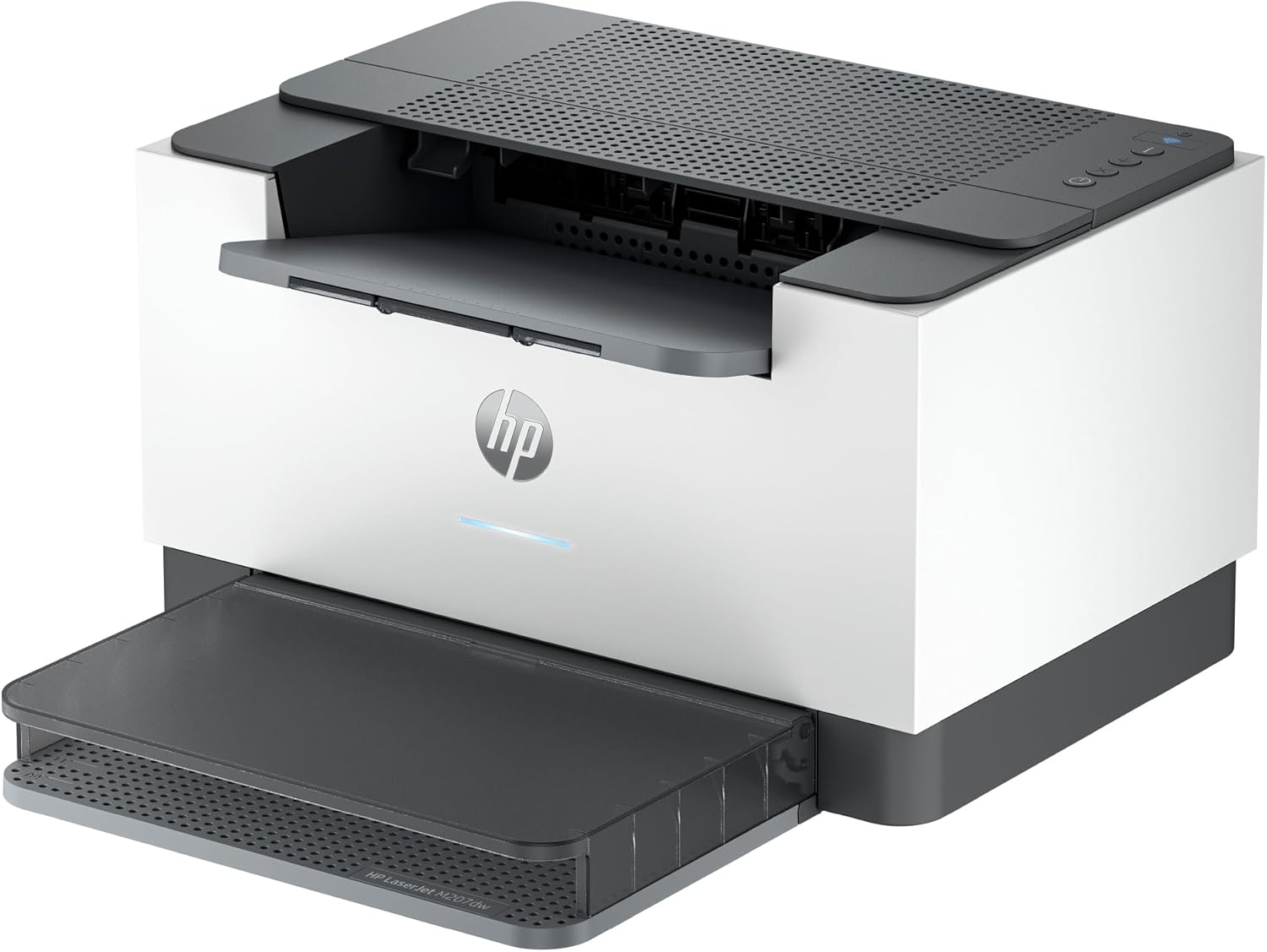
The HP LaserJet M207dw is a wireless printer that offers fast 2-sided laser printing, plus easy setup and reliable connectivity via dual-band Wi-Fi, Ethernet and USB 2.0. Get peace of mind with strong security and work more efficiently with time-saving features and mobile printing in the HP app. Plus, save energy with the HP LaserJet M207dw’s Auto-On/Auto-Off technology. This duplex, monochrome printer creates pages with precision laser quality and is able to fit in any office space. The HP LaserJet M207dw is best for offices printing everyday black-and-white documents.
FROM AMERICA’S MOST TRUSTED PRINTER BRAND – Perfect for offices printing black & white brochures, business documents and presentations. Perfect for 1-5 people
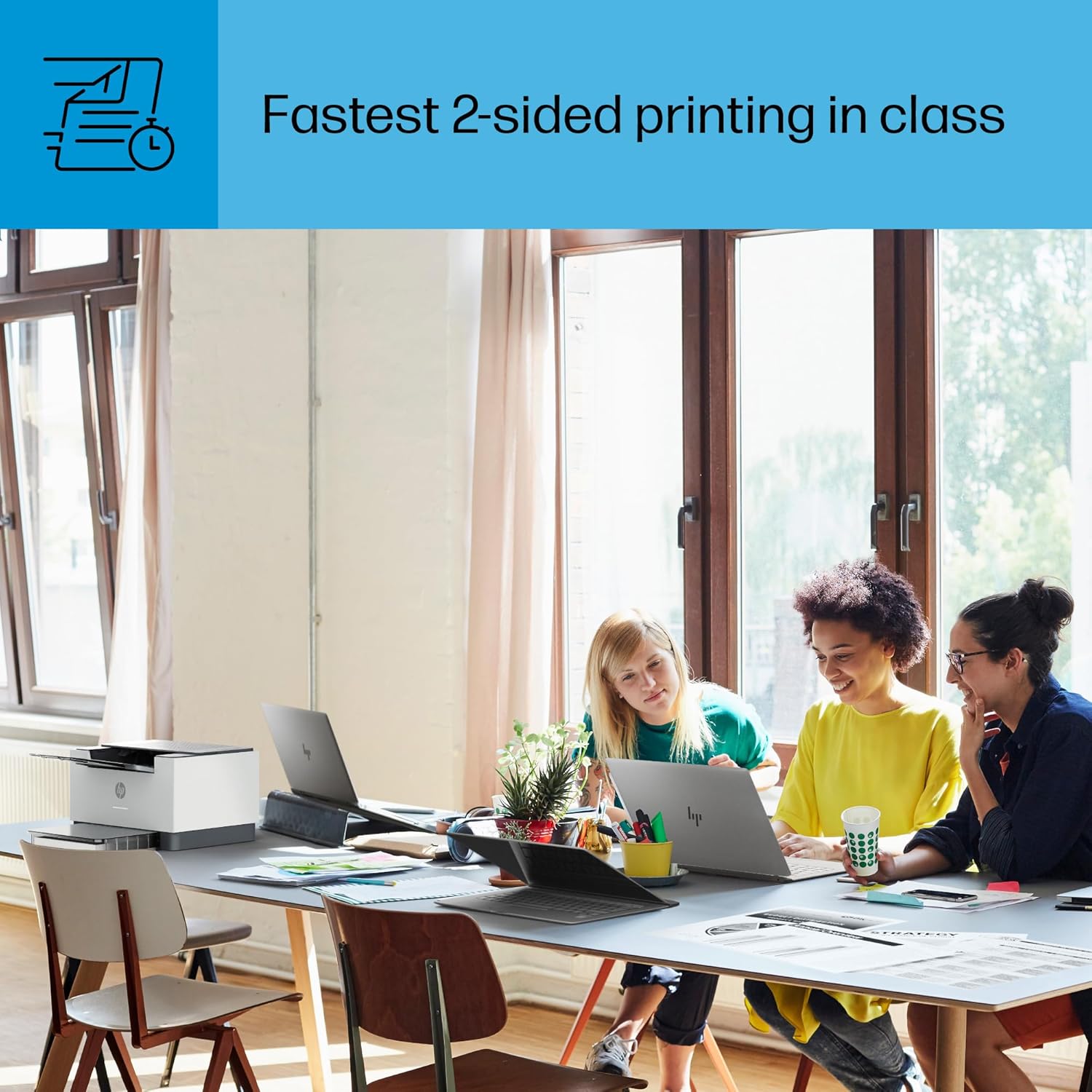
FASTEST TWO-SIDED PRINTING IN ITS CLASS – Up to 28 black-and-white pages per minute single-sided. Quickly finish multipage print projects with the fastest in-class two-sided printing speed
DUAL-BAND WI-FI WITH SELF-RESET – Automatically detects and resolves connectivity issues
STRONG SECURITY – Built-in security features help protect your printer from potential attacks
PRINT FROM ANY DEVICE – Wireless printing from any mobile device, PC or tablet. Ethernet included. Works with Microsoft, Mac, AirPrint, Android, Chromebook and more.
8 reviews for HP LaserJet M207dw Laser Wireless Printer, Black and White, Duplex, Best-for-Office
Add a review

Original price was: $169.00.$25.99Current price is: $25.99.
Chris Field –
Great for the price.
Haven’t used it much, but easy setup, wifi printing is a cinch, print quality is fine. Takes a few seconds to warm up from a cold start, but otherwise it works fine
HRexpertReader –
What a joy!
This printer is such a joy. I never thought I’d say that about a printer. I’ve had Brother and Canon printers, both of which had me near tears repeatedly due to connectivity issues, stupid unbreakable deep sleep cycles, and any number of inexplicable issues. Setup of this printer was a breeze. I pretty much plugged it in and all our devices could find it and use it without any software install or anything. It is fast and quiet and over the past weeks has never failed to just do the job (well once it needed more paper, but it told me, I put in paper, and it printed. No extra steps). My son came over and printed from his phone without needing to install anything. We’re both gobsmacked at how wonderful this printer is. If this is possible, why are all the other ones so terrible? Ten stars for this baby.
Kel S –
Hard to connect to WiFi but I did it and I like the printer.
Took me two days to connect to the WiFi. Follow all the instructions in the manual and make sure you have the correct WiFi password. lolAlso the app is slow so don’t push any buttons until it sends you to the next step.Brings fast and well on both sides. Compact. Perfect B&W laser printer. No more $70 ink cartridges every month or two.
Jen –
Great Printer but Used Toner
Great printer, but would have been GREAT to include a full cartridge of toner with it. She died after 100 pages. I expected that to last at least to 3000. Ensure thar you get a backup when purchasing.
Teresa A. –
Easy to set up
Easy to set up. Works like a dream with the wi-fi. Bought it for the wi-fi capability and economy of ink cartridges. I can’t speak to heavy use as I only need occasional use.
RegularTechUser –
Setup not working
Took me 2h to get this printer connected to WIFI and connection is still not stable. Installation instructions such a waste of time and HP sends one to a terrible AI supported chat robot which did not help.
Computer Sage –
Hp printer that doesn’t miss the mark!
Only a few days, but the early results are GREAT. Unboxing was easy and fast. Just get power and paper and away ya go! I chose to use the Ethernet port. Windows 11 found it and installed. Worked! Now if you want WiFi on, you will need to get to its web interface. Get it’s ip address and go to it. Login info in on a label on the printer under the lid for where the toner goes in. Log in and explore, turn on WiFi and connect. Many more options in the web interface too. Customize settings to your liking. Fast prints, great quality! Now to see how long it lasts!
Jack Bricker –
Ok printer but suggested HP app waste of time.
Why did you pick this product vs others?:My previous printer was an HP so I decided to buy another one. This printer prints faster than my old printer. I followed the instructions but it wouldn’t connect wirelessly to my network. Using the suggested HP app and it prompts you to buy HP products but otherwise was no help. I had a CAT6 cable and it quickly connected when using the cable.