
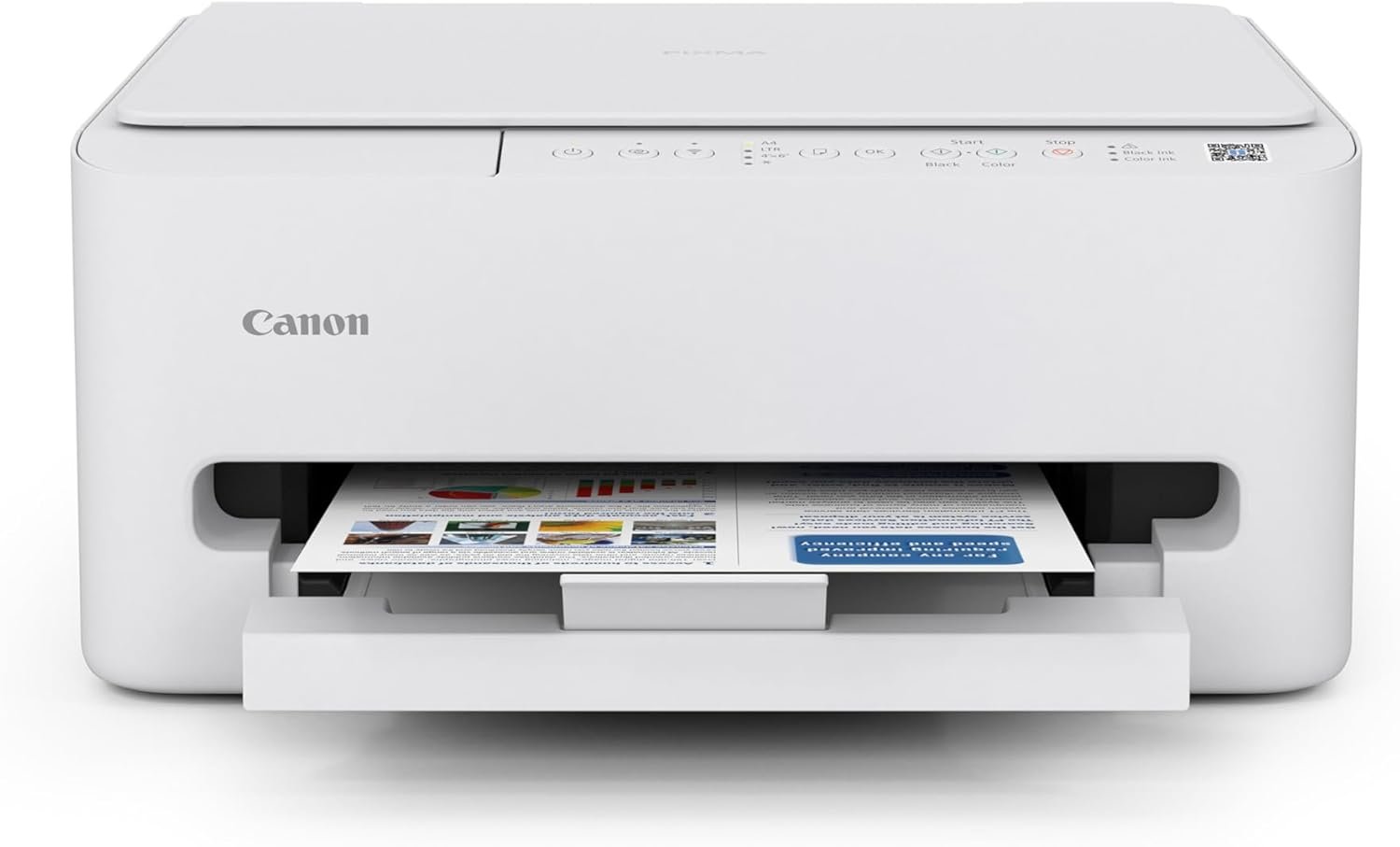
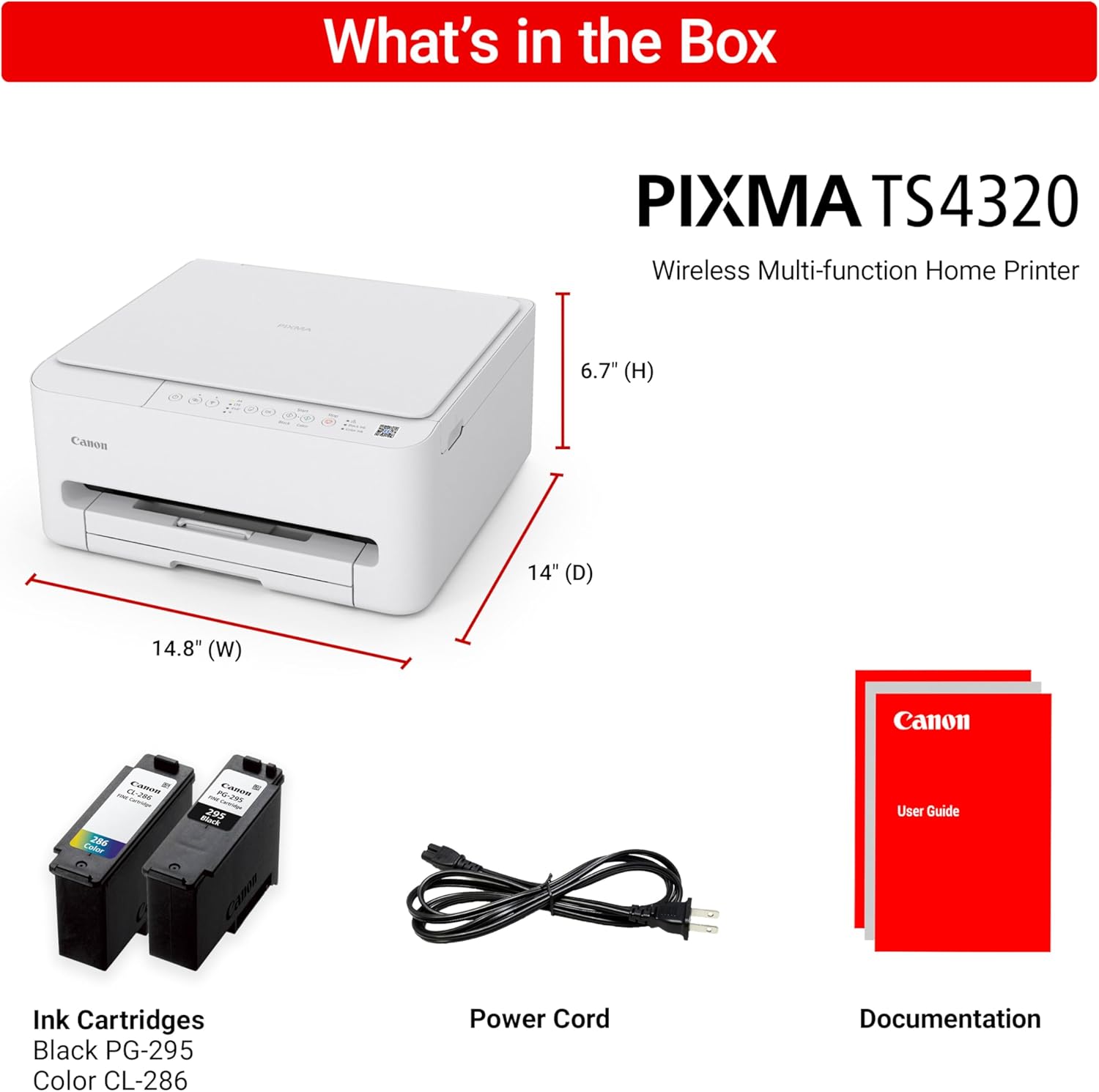
Canon PIXMA TS4320 Wireless Color Inkjet Printer for Duplex Printing, White – Cost Efficient Home Printer with Copier/Scanner, Compact Design, Easy Setup, 1 Year Limited Warranty
Original price was: $66.87.$7.99Current price is: $7.99.
Related Products




The PIXMA TS4320 is the most affordable and user-friendly option. It’s designed for users who need basic printing, scanning, and copying – like school projects, recipes, and vibrant photos without the need for a display screen or advanced features. While it lacks the OLED display and ADF found in the higher models, it still offers auto 2-sided printing, wireless printing, a compact design, and easy setup—making it a dependable choice for light home use. Best for: Users who want a simple, budget-friendly printer for occasional tasks like printing homework or recipes.
Affordable Versatility – A budget-friendly all-in-one printer perfect for both home users and hybrid workers, offering exceptional value
Crisp, Vibrant Prints – Experience impressive print quality for both documents and photos, thanks to its 2-cartridge hybrid ink system that delivers sharp text and vivid colors
Effortless Setup & Use – Get started quickly with easy setup for your smartphone or computer, so you can print, scan, and copy without delay
Reliable Wireless Connectivity – Enjoy stable and consistent connections with dual-band Wi-Fi (2.4GHz or 5GHz), ensuring smooth printing from anywhere in your home or office
Scan & Copy Handling – Utilize the device’s integrated scanner for efficient scanning and copying operations
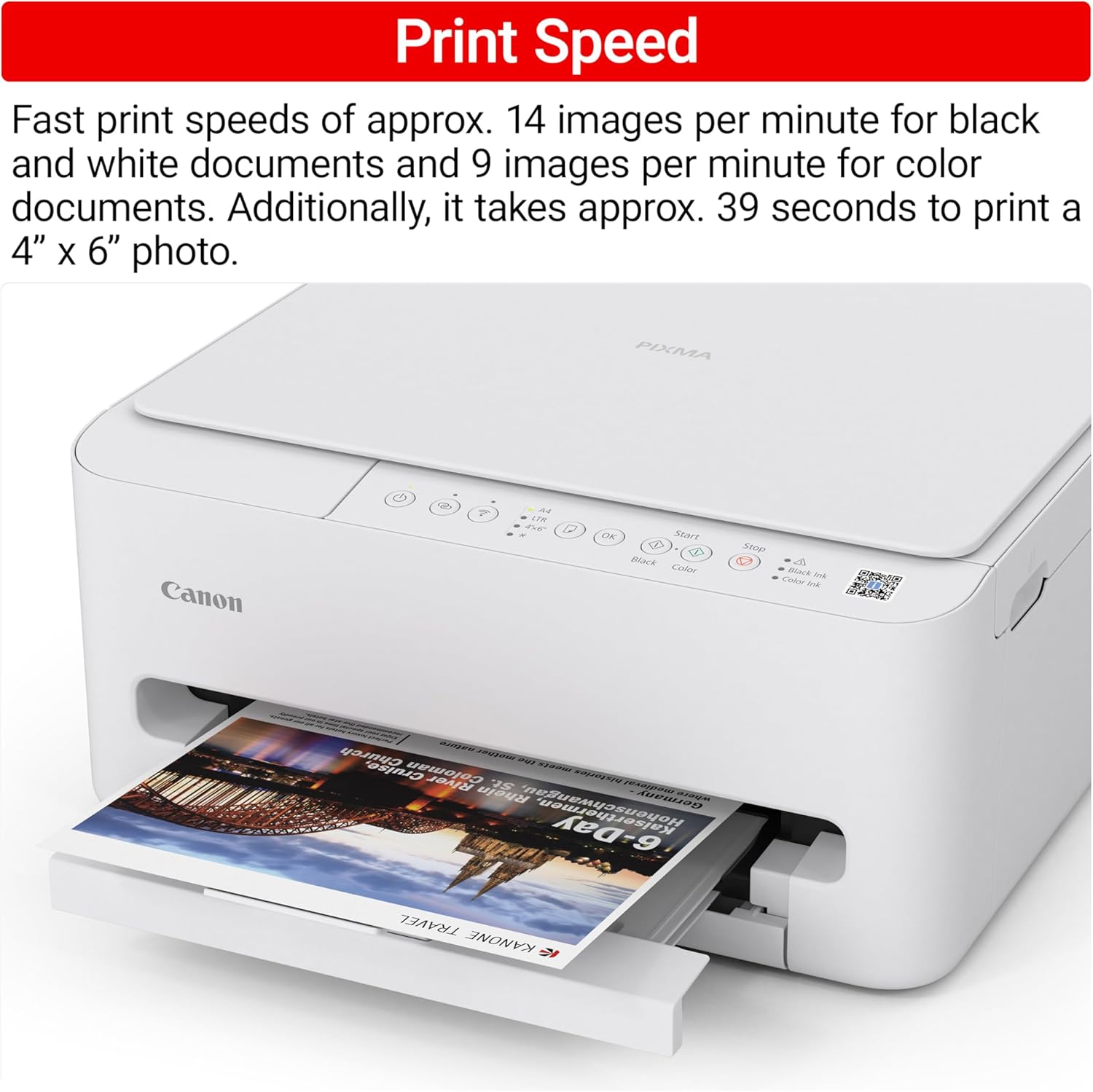
Save Time & Paper – Optimize your printing with automatic 2-sided printing, reducing paper consumption and speeding up your workflow
Diverse Media Support – Print a wide range of documents and photos up to 8.5” x 11”, with or without borders, for all your creative and professional needs
Compact & Stylish – Designed to fit seamlessly into any workspace, its small footprint complements your environment without sacrificing functionality
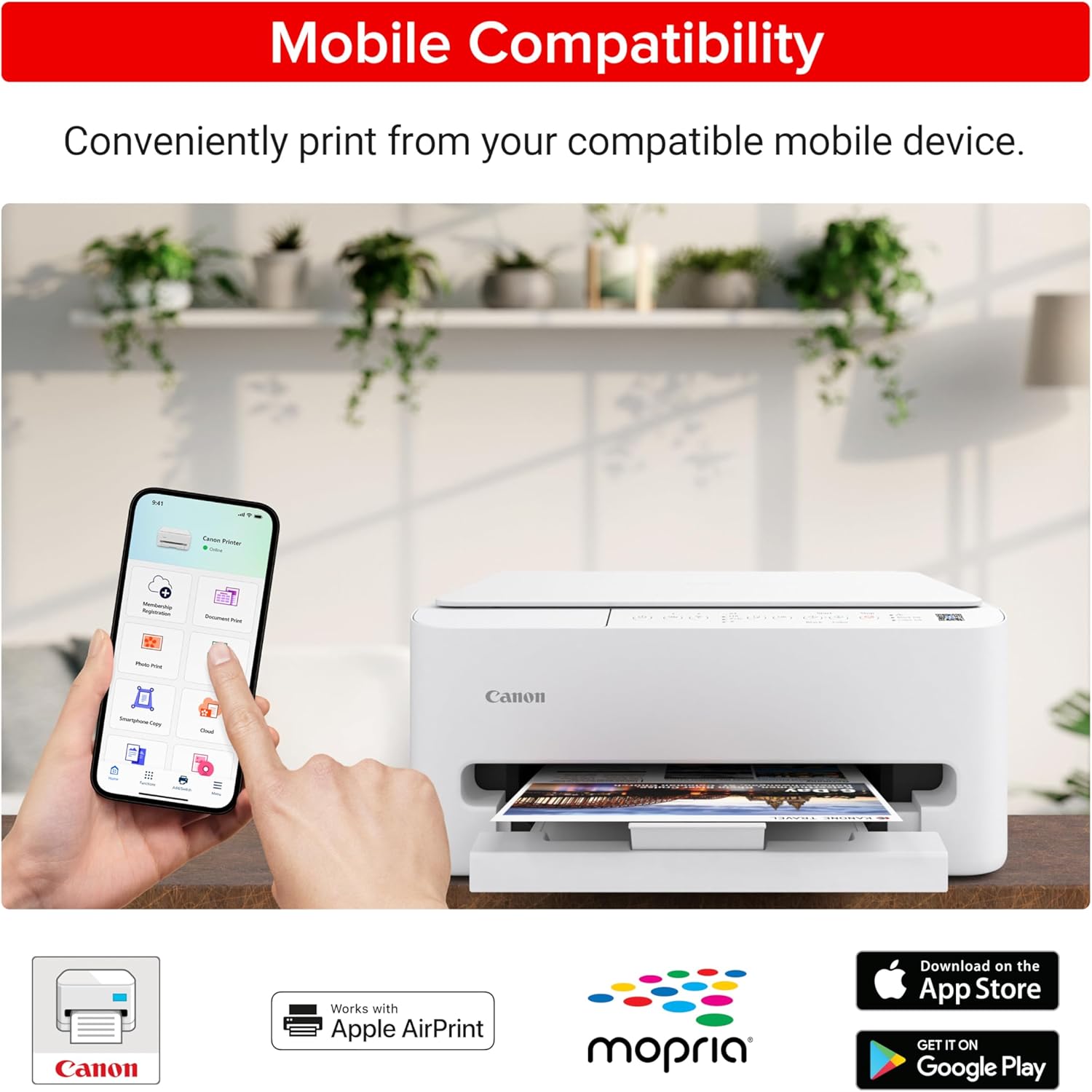
Convenient Mobile Printing2 – Print directly from your smartphone or tablet with popular services like the Canon PRINT App, Apple AirPrint, and Mopria Print Service
Eco-Conscious Choice – This printer is EPEAT Silver and ENERGY STAR certified, helping you reduce your environmental footprint
13 reviews for Canon PIXMA TS4320 Wireless Color Inkjet Printer for Duplex Printing, White – Cost Efficient Home Printer with Copier/Scanner, Compact Design, Easy Setup, 1 Year Limited Warranty
Add a review

Original price was: $66.87.$7.99Current price is: $7.99.
Myk –
Solid purchase
I was hesitant to buy this because some of the reviews had mentioned things like “hard set up”, “instructions not good” and such. Quite literally the easiest set up, lol. Scan the QR code and it takes you step by step with pictures & videos. It comes with starter ink, and gives you an option to subscribe to get it automatically shipped to you based on your usage. Someone mentioned that it’s noisy, it’s a printer – it’s going to make noise. It was the standard amount of noise for any printer. Set up was so easy I was printing documents from my phone within five minutes. So far, no complaints and I’ve printed about 115 pages and copied 4 pages so far. It’s a good printer especially for the price. Just use your common sense when setting it up.
Phara –
Recommend it
I am very satisfied with this printer. It was easy to set up right out of the box, and the printing quality is sharp and clear. It works well for both documents and photos. The connection to Wi-Fi was simple, and printing from my phone or laptop is fast and reliable. It’s quiet and efficient. Great value for the price — I would definitely recommend it.
Chouch –
Good first impression.
I ordered this printer as a replacement for an older Canon PIXMA MG 6821, which I was using mainly as a scanner and rare occasional color printing. This is also my intended use for this TS3720. The printer was delivered yesterday well packaged. It is fairly light in weight and decent nice esthetics. It came with a power cord, 2 starter printer cartridges (Black PG-275 and color CL-276), and few pieces of paper documentation, namely useless legal stuff. No printed guide or manual and no USB cable (No biggie). Canon lists a sampler of 3 photo papers included in the box, which was missing and not there (Again, no biggie). Initial basic set up overall was fairly easy and straightforward. There is a brochure with a website to go to. Just follow the instructions which include getting the ‘Canon PRINT’ app to install the needed drivers. Initial testing for the print and scan functions worked. I have not tested the copy feature. I used a direct USB cable connection to my desktop PC. The little LCD display is a nice feature to have. The print speed is good enough and the print quality is very good for both black and white letter/document, as well as color photo (4×6 photo paper). I have not tested the mobile/Android connection. It takes some searching to find what you need for instructions (e.g. placing the photo paper print side forward and long side up). The wireless connection was a bit of a challenge, but the online instructions helped. I recommend you press the info “i” button to print (3 pages) for network set up. It will have the SSID, MAC address and the printer password which you will need. I created a Canon account and may possibly look into the PIXMA print plan (cheapest for occasional use is currently at $3.99/month, and Canon currently has a 4-month free offer). For $50, it is a good value for this printer and would recommend and purchase again. If your main go-to printer for daily frequent use is a color inkjet multifunction all in one, then spend more and get a better one. Otherwise, for occasional home use, it serves the bill, and time will tell as to durability. The main reasons for dinging one star are some shortcomings: The lack of more adequate instructions (A printed basic user guide would have been nice), better resources on Canon’s website in terms of downloads and support (I would have preferred the option of downloadable drivers, instead of an app from the Microsoft store), true advertising (If you say photo paper is included in the box, then by golly include it). Thank you.
Kindle CustomerS Brunner –
Poor directions
Fair for the price but 3 problems.1. You download the QR for directions but they are insufficient.2. FYI: to replace ink cartridge pull down the plastic levers. You feel like you’re going to break them but they don’t break.3. Connecting printer to the internet is quite difficult. I haven’t figure out yet to have 2 different phones connected to this printer and you need a phone to operate.
Phil –
This is great for non-experts. The apps are easy to use and the print quality is excellent.
I’m no expert and I haven’t had a printer for over 5 years. This is the first wireless printer I’ve ever used. With help from some YT videos I had it set up and printing in less than an hour. After that, I figured out how to make copies without looking at any instructions. I recommend this one to anyone looking for an affordable, easy to use wireless printer. It works well with my iPad Pro 3rd gen.
Doogie –
Easy Setup – Works Great
Because I’ve returned 2 printers this year because of setup glitches, I was fully prepared to return this if there was even a slight indication that setup was going to be a hassle. Everything was simple and Wifi linked right up and I was printing in 15 minutes. I don’t need any yet but I like that the ink cartridges are reasonably priced. I was very pleasantly surprised since this is a budget printer but it’s great.
Capital Gaines –
Great for Home Office Printing
The Canon Pixma is easy to setup, offers excellent print quality and replacement cartridges are fairly inexpensive. For the price, it’s a winner for home office needs.The printer is a little slow when you depress ‘print’ but I can live with that.
Caroline –
Wireless printer
This printer is wireless…so sometimes can be acting up cause if you don’t have any connectivity at home, its not be able to print out.
Rachel Rodriguez Bernal –
Hasta el momento ha funcionado muy bien, la instalación es por medio de la app y fue muy fácil.
Danielle –
Para mim foi um otimo custo-benefício. É rápida e bem melhor que uma hp antiga que eu tinha. Imprime bem em vinil adesivo. É super silenciosa. Gostei.
Rosalia Reyes Martinez –
Solo imprimí unas cuantas hojas y sea terminado la tinta
Fernando –
Gostei muito da impressora,creio q seja um excelente custo benefício,bem prática e atende bem a que eu preciso,tira o fato dela ter um design clean e belo.
Kittshia –
Es buena pero las tintas salen más caras que la misma impresora