

Rongta Portable Printers Wireless for Travel, Bluetooth Thermal Inkless Printer for School/Office/Home Use, Support 8.5×11 US Letter&A4 Thermal Paper, Compatible with Android,iOS & Laptop (F82-Black)
Original price was: $69.99.$6.99Current price is: $6.99.
Related Products




Product description


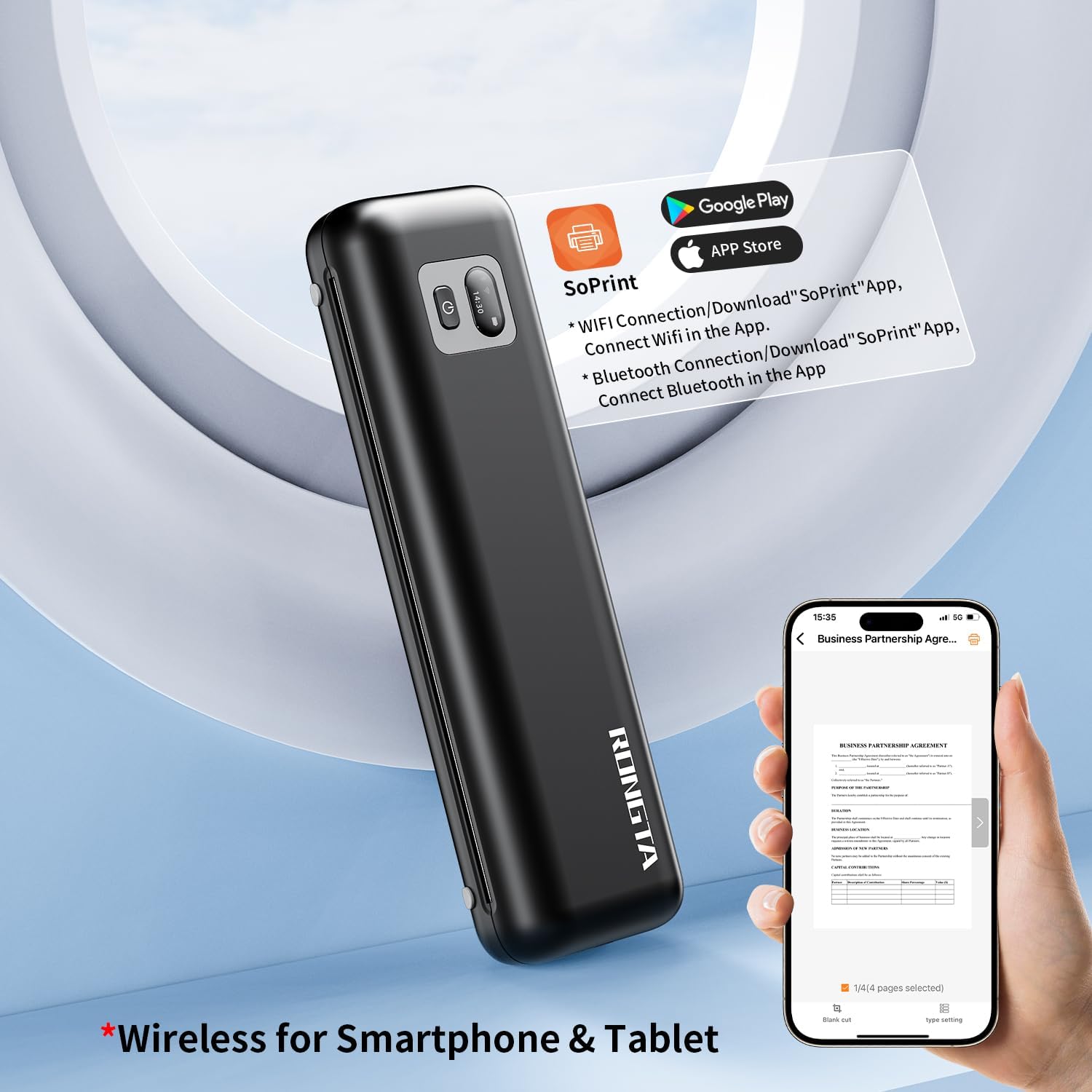
Phone & Tablet Wireless Connection 
Computer & Laptop Usb-C Connection 
F82 Printer Driver Installation for Windows
Easy set up Windows driverDownload the driver from:rongtaglobal.com/f82
The video showcases the product in use.The video guides you through product setup.The video compares multiple products.The video shows the product being unpacked. F82 Printer Driver Installation for Windows Merchant Video
F82 Printer Driver Installation for Mac
Easy set up Mac driver Download the driver from:rongtaglobal.com/f82
The video showcases the product in use.The video guides you through product setup.The video compares multiple products.The video shows the product being unpacked. F82 Printer Driver Installation for Mac Merchant Video
Does it support wireless printing via bluetooth for smartphones?
Yes, the portable printer supports wireless printing via Bluetooth. Connect the bluetooth in Soprint APP.
Why is the printer printing blank papers ?
It may because the thermal paper installed incorrectly. Pls try another side of the thermal paper.
Is it compatible with windows or Mac laptops?
Yes, this printer is compatible with Windows and Mac laptops via drvier, download website: rongtaglobal.com/f82.
How do I download the APP?
You can search “SoPrint” in iPhone app store or Android google play to download the APP.
Easy to Set Up: RONGTA F82 portable thermal printer for travel go by bluetooth.Download “SoPrint” APP from Google Play or APP store for iOS and Android Phone or tablet.Connect the printer via bluetooth or via wifi on the App, choose the F82 and make a Bluetooth/Wifi connection in the APP, then it can easily print from your iPhone, iPad, or Android mobile, tablet.The inkless portable printer supports USB cable connection for Laptops,compatible with Windows 7-11 and MacOs for PC.
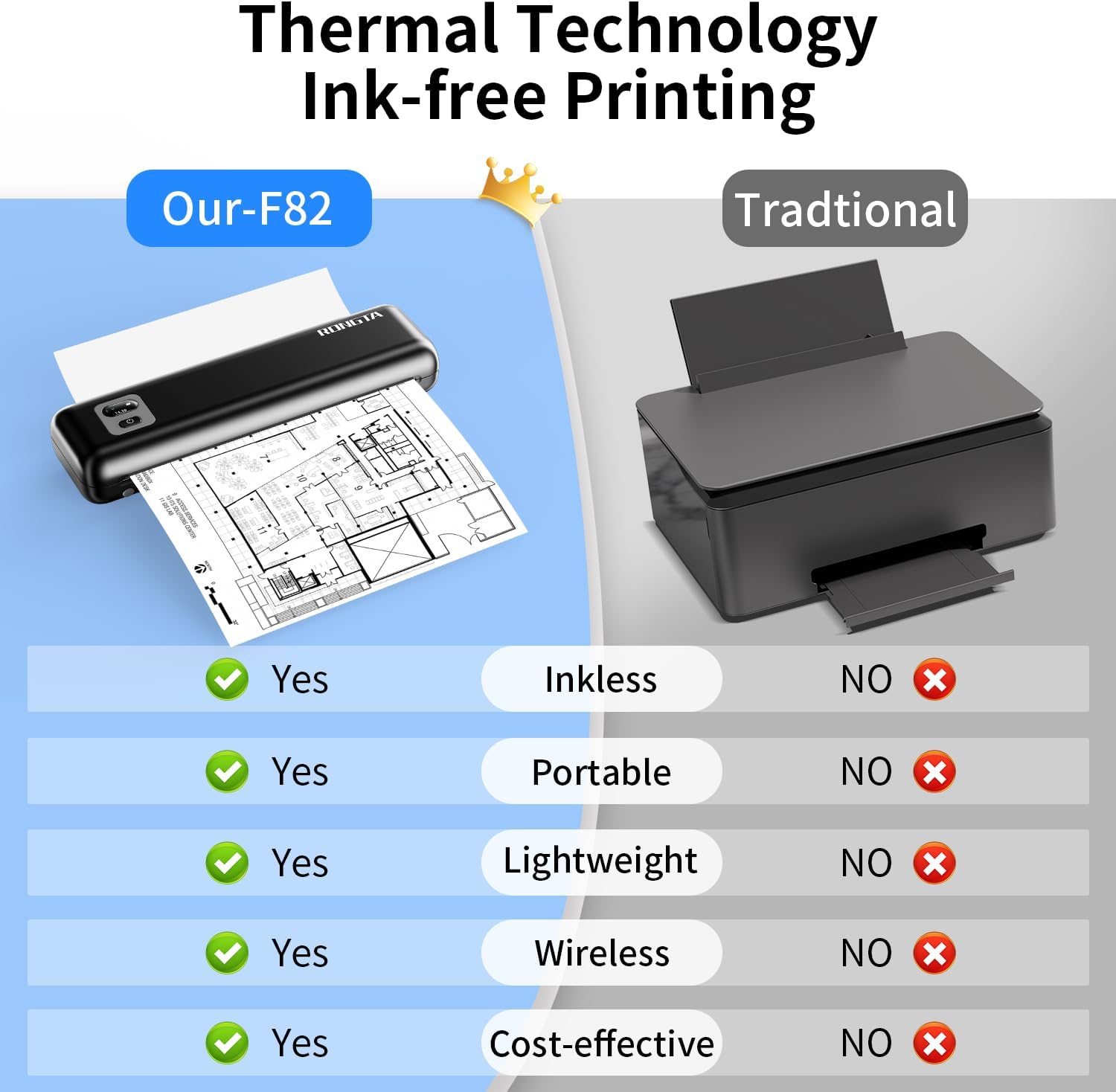
High Quality Print: RONGTA portable printer, 300DPI resolution, large to 8.5″ paper warehouse design, easy to use and maintain. It meassured 10.9×3.8×2.1inches, with weight only 0.99lb(450g).Print recipes, forms, letters, assignments, study materials, and travel documents hassle-free with advanced thermal technology. Meanwhile,with noise levels under 60dB, this mini thermal printer operates quietly, ideal for printing in quiet spaces like libraries, meeting office, or at home.
Mobile Thermal Printer: Bluetooth and wireless printers for iphone, can be used with bluetooth smart devices of Android &iOS,portable thermal printer 8.5 x 11 inches, printing ranging from 4 to 8.5 inches ,including US Letter legal, A4 thermal papers or 4inch thermal papers roll.Do not require a ribbon or ink cartridge, portable thermal printer, small printers easy for home use, low operating cost.
Portable and Compact: When traveling you can take the portable printer wireless in your backpack or tote bag wherever you need. It is compact and portable whether in office home or on business trips,or any outdoor occations. Print contracts,office documents,inventory lists,or study materials for school.
USB Connection for Laptop: Connect to laptops and computers via USB-TYPE C to print the files you need.Computer print you only need to connect the USB cable and download the corresponding printer driver from USB disk to print,it is convenient and fast, easy for home use.
Warm Tips: Do Not Support Chrome. Rongta portable printers wireless for travel can’t support pair bluetooth via Phone or tablet directly, must be pair on the”SoPrint” APP. Download APP “SoPrint”, then turn on app make a Bluetooth connection. Wifi Connection in the APP Choose”Printer Setup-Current connection mode-Connected WiFi-Start Connection and key into the password then connect. Please use thermal paper, do not support normal paper.
8 reviews for Rongta Portable Printers Wireless for Travel, Bluetooth Thermal Inkless Printer for School/Office/Home Use, Support 8.5×11 US Letter&A4 Thermal Paper, Compatible with Android,iOS & Laptop (F82-Black)
Add a review

Original price was: $69.99.$6.99Current price is: $6.99.
ana miranda –
The handwriting is blurry with black dots
The operation was so complicated that it made one question one’s life! This indicates that the instructions were unclear. Searching for the tutorial on the WIFI network turned out to be impossible as no relevant guide could be found. After waiting half an hour on the customer service hotline, the person finally answered. However, after half an hour of guidance, the connection still couldn’t be established. Finally, after successfully connecting, it was necessary to reinstall the driver on a different computer.
love to read –
Fast wireless portable printer easy to set up
This is a portable thermal printer that uses rolls of thermal paper and not ink. It can be set up as wireless or used connected to your computer with the cord included (USB-A with a USB-C adapter). It includes one roll of paper, the cord and a travel bag. It was not too bad to set up, it took about 30 minutes until I set it up and was able to print, because you have to upload an app from the App store and set up your internet connection and find your device in the app and choose the correct paper type. It came fully charged which was nice. The paper needed to be fed through the paper feeder. Once set up I printed a test page. It printed fairly fast and was crisp and clear. It was easy to tear off the printer against the tear strip on the printer. You can choose how many pages of a document that you want to print. I’m not a fan of the thermal paper though because the print fades over time and you don’t get a clean edge once tearing it off the printer. For this fact I would only use it at home for personal use and not for work because I don’t feel the printouts look professional. I did research on the paper roll refills and you can get 8 rolls ( 200 printed pages total) for about $18. The printouts since they come from a roll have a bit of curl once printed . You can put something heavy on them to flatten them. If you need a quick portable printer but don’t need perfect paper edges this will work for you.
Angel –
Impresora
Un producto excelente es pequeña recargable y funciona a la perfección
Yerika Escalante –
Súper práctica
La amo, puedo llevarla a donde sea
Kenneth Jay –
Nice prints and easy to setup
Works great! Nice crisp print well worth the money
Michael –
Cost is low but quality is great.
Perfect for my needs.
Robert f. –
works great
works as it should!
Mark bristor –
Printer
Nice unit