

3 Bay Hard Drive Enclosure with Cooling Fan for 2.5“/3.5″ SATA HDD/SSD with USB A/C 3.0, Support 60TB, Hot Swappable, Daisy Chain Expansion, Tool-Free HDD Enclosure, DAS(NO RAID/NAS)
$73.99
Related Products





From the brand

CENMATE CARES

More Easier, More Efficient
Our Mission
Every brand starts with a mission, cenmate’s mission is to bring efficient computer accessories, make the computer more useful, make your work more easier.
Why Choose cenmate ?
Our company is an integrated set of design, development, production, sale and service company, we can make each product at a low cost and high quality, so provide a good value for you at the end.
Professional technical staff can figure product issues out quickly and provide efficient solution.
【Reliable External Storage System for Individuals and business】The 3.5 hard drive enclosure supports 2.5/3.5 inches HDD and SSD, max capacity up to 20TB for each hard drive, it’s a ideal external hard drive enclosure for personal or enterprise using.Save space on your desktop or laptop.
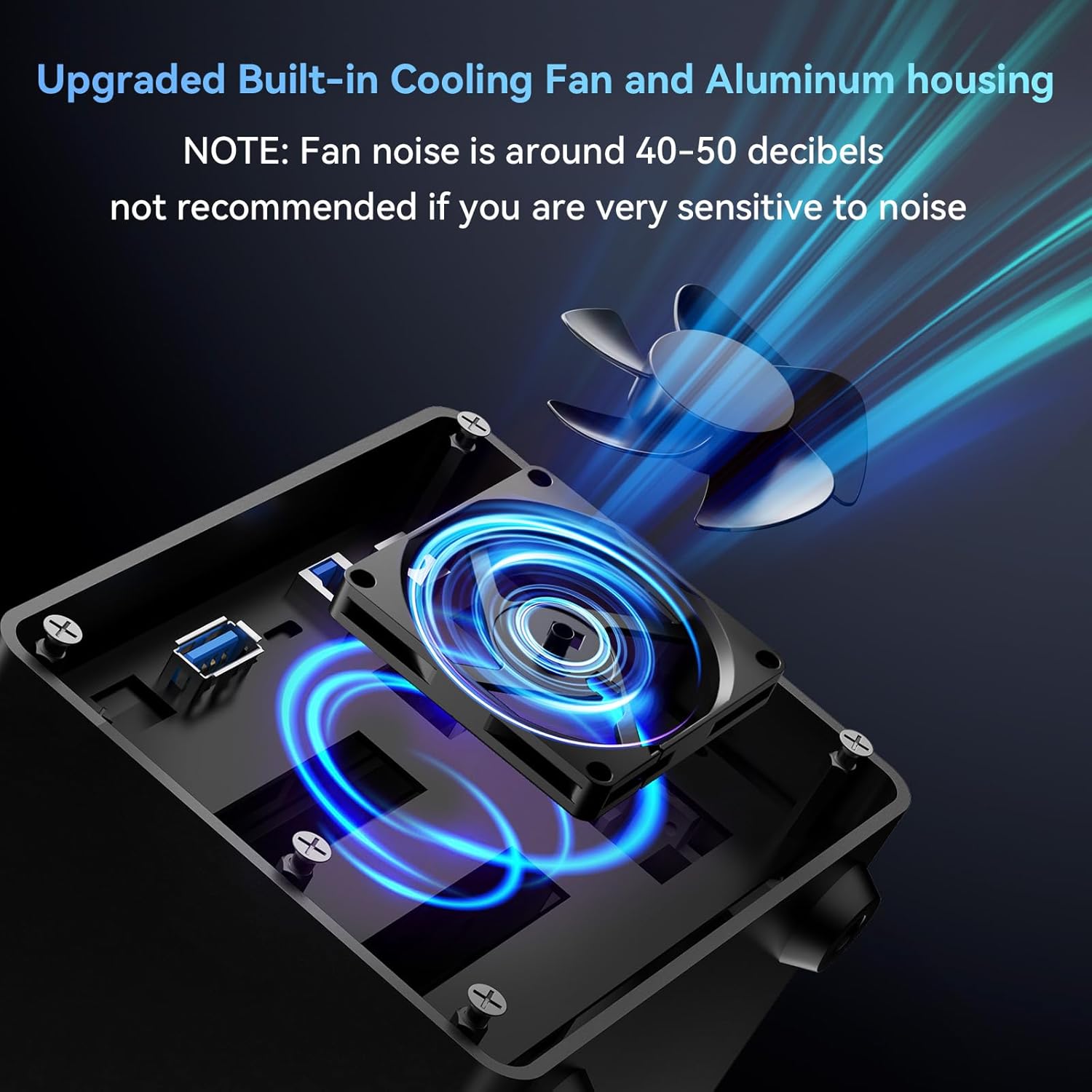
【No heat】The sata enclosure built in Aluminum-Alloy materials and 2.7 inch Fan.Maximize the security of your data. NOTE:Fan noise is around 40-50 decibels, not recommended if you are very sensitive to noise.
【Up to 5Gbps】This 3.5 hard drive enclosure equips with GL3510+ASM1153E chips and USB 3.0 output interface.Transfer 1G files in 3-5 seconds with USB 3.0 Ports, which is 10 times faster than USB 2.0.
【Hot Swappable Convenience】The HDD enclosure supports hot swapping, allowing users to replace hard drives without powering off the device. This feature enhances convenience and efficiency in data transfer processes.
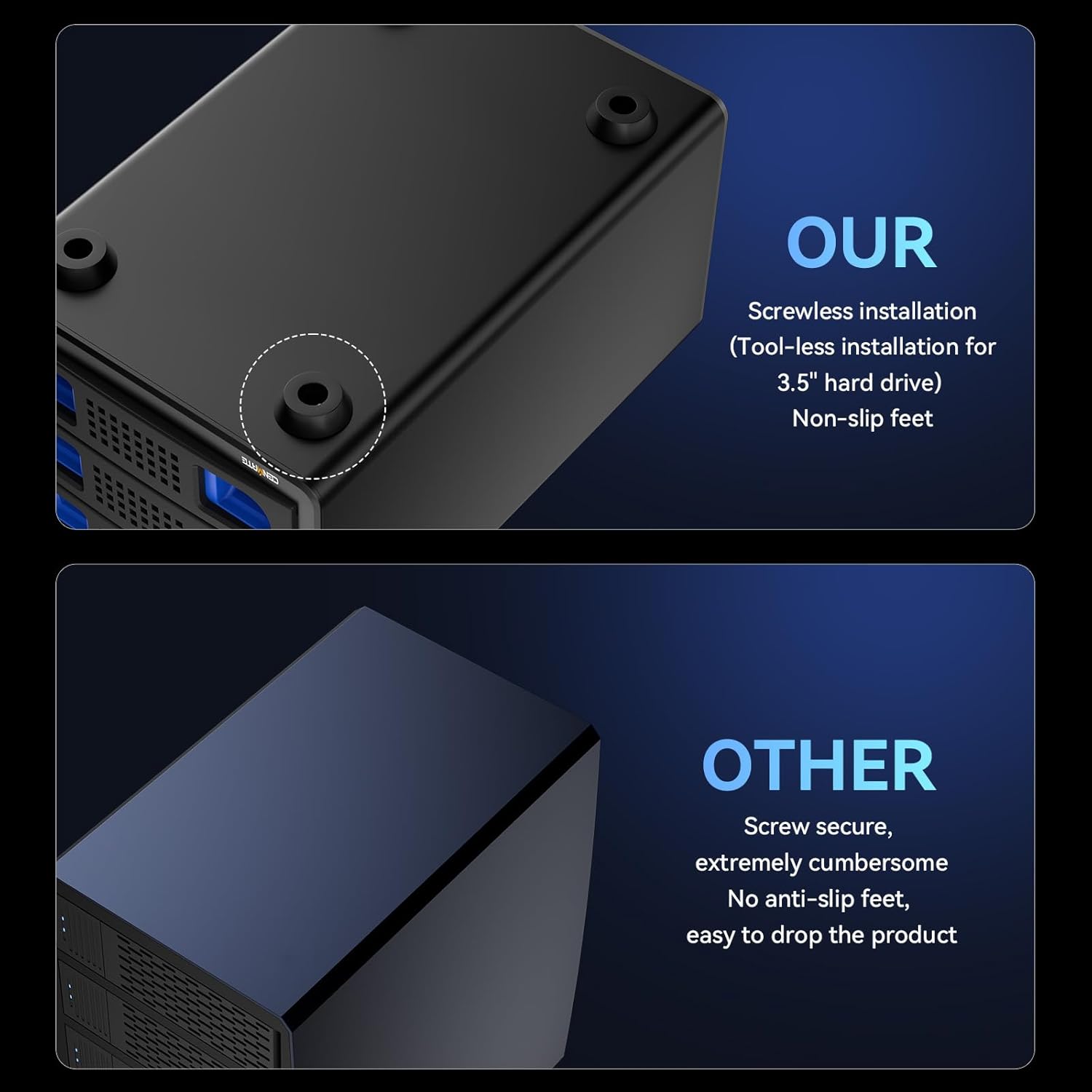
【Tool-Free Installation】Featuring a tool-free hard drive tray design, the external hard drive enclosure enables easy installation and removal of hard drives without requiring additional tools. Plug and play! No fuss, no muss!
【Daisy Chain Expansion】Add a USB HOST port for external hard drive enclosure and daisy chain to expand capacity. Expansion 180TB storage through daisy chain up to 3 devices
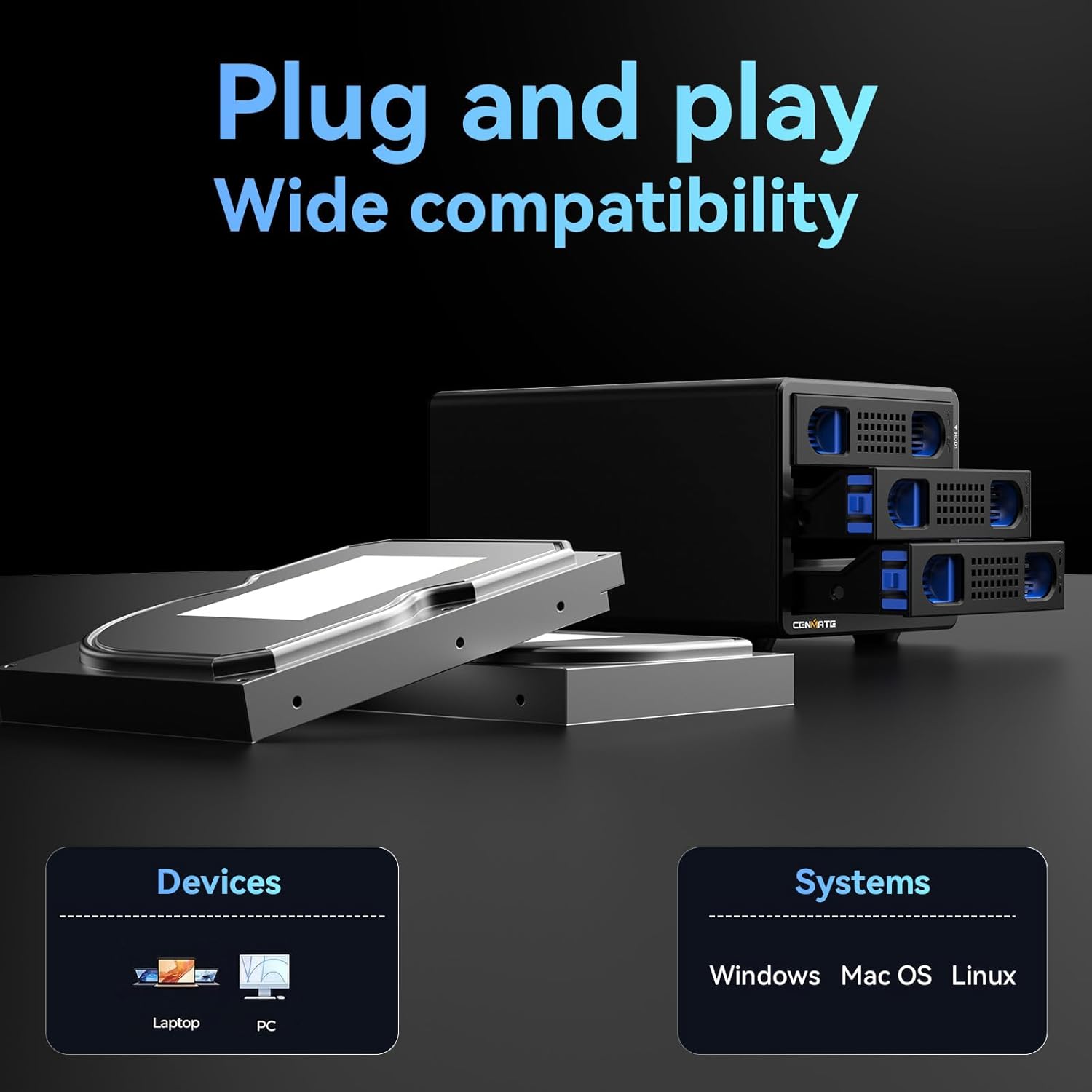
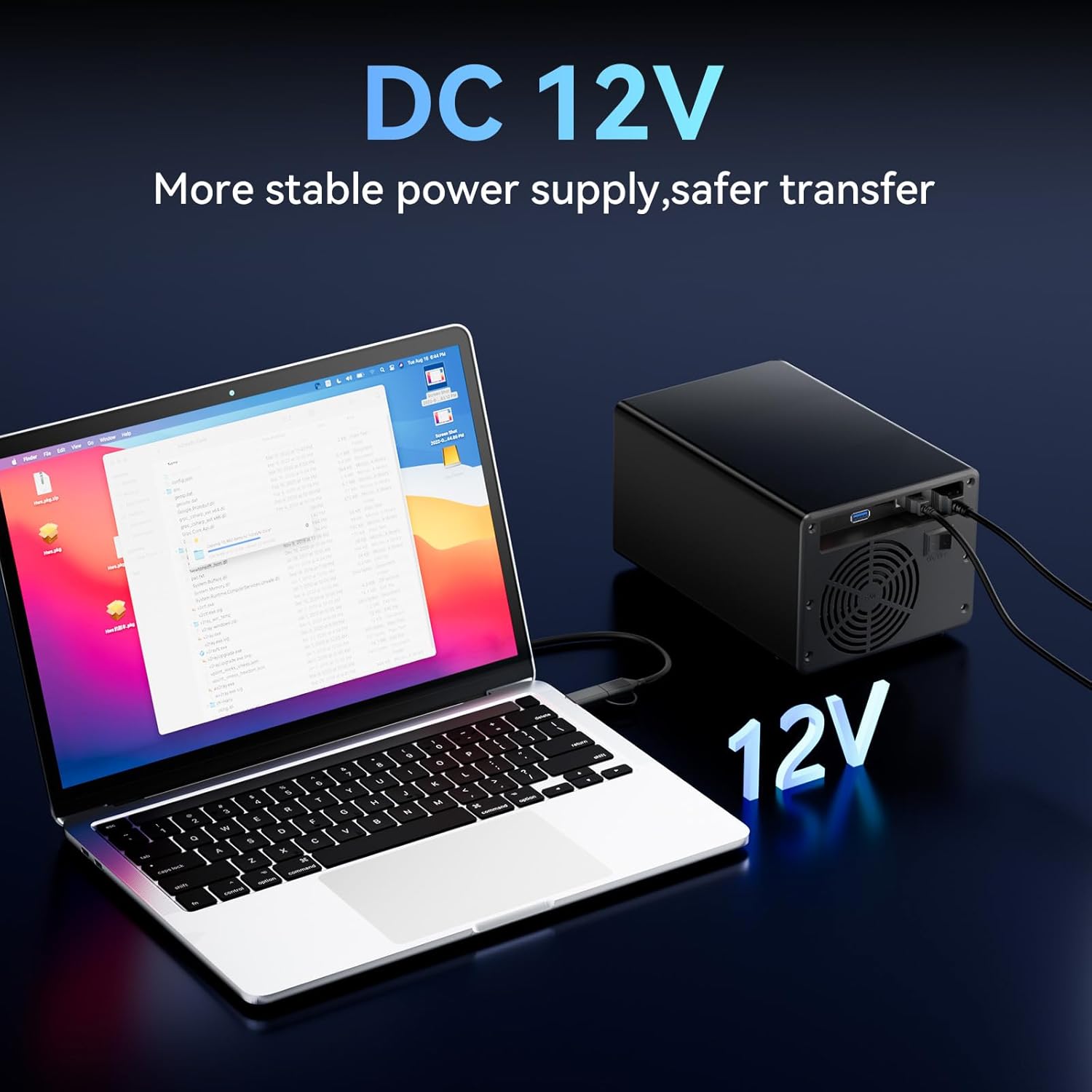
【Wide Compatibility, Plug and Play】Equipped with USB A/C 3.0 Cable.Compatible with Windows 7 and above, Mac 9.1 and above, Linux.
【Quality Assurance】Cenmate provides friendly technical support.If you have any questions about the product, please don’t hesitate to contact us, reply and solve your problem within 24 hours.
8 reviews for 3 Bay Hard Drive Enclosure with Cooling Fan for 2.5“/3.5″ SATA HDD/SSD with USB A/C 3.0, Support 60TB, Hot Swappable, Daisy Chain Expansion, Tool-Free HDD Enclosure, DAS(NO RAID/NAS)
Add a review

$73.99
S. McCartin –
Easy to setup no issues, does have a 12v ac adapter to plug in, 2.5 or 3.5″ drives
This external cabinet connects via usb 2 or 3 and has two bays. (units can be daisy chained) It will accept 2.5 or 3.5″ drives and ssd’s. You need to plug in the 12v adapter for power it doesn’t run off usb. The toughest part of setting this up was figuring out how the 2.5″ ssd installed in the tray, the picture is basically flipped but no biggie the 2.5″ drive screws to the bottom of the tray not the sides on the right side. You may wish to use a magnetic phillips screw driver so you don’t lose the screws when you put them in. They give you a good number of screws in case you lose one. This took me probably less than twenty minutes to setup, the biggest headache for me was where to plug in the 12v adapter. Pull out the tray (no key, squeeze the release on the front of the tray) screw in the drive push it back into the cabinet and with the rear power switch off plug in the usb and power plug, the usb cable is C or A on one side and the really old blocky stacked usb connector (I don’t even remember what it’s called anymore) at the case. I just set it on top of my computer, don’t notice any noisy fan issues at least not yet which is the only complaint I’ve seen about this unit in the reviews. It works fine and the price was not bad at all although I think if I had to do it again I would have bought the three or four bay over the two bay. I put a corsair drive in here, it worked right away no fiddling. To enter drive administration on windows 11 you right click over the start button and it’s on that menu. Used MBR for a 2 tb drive and let windows format it, was done in a couple of minutes you will be asked to choose the drive letter. Using this for a steam game drive had to go into steam settings and tell steam to use this drive. Very easy no headaches. The trays on this are plastic but as long as you aren’t rough with it they should take the daily use without breaking easily. I did reboot after I installed this, not sure you really need to because it is hot swap but that’s pretty ingrained in my psyche as I’m an old computer builder. Update: been using this a couple of months been working flawlessly as a steam game drive. I don’t hear the fans at all so perhaps that might be to do with the number of bays etc. I notice you can now buy replacement drive trays on amazon (under 10 bucks not expensive). My only wish might be for a version that installs in 5.25 external case bays and uses the same trays. I’ll be replacing my PC soon will get a larger version so I can easily swap the drives around. Very satisfied so far been using a usb A 3.0 plug on the case for data cable no issues. One small complaint, us old farts, especially if our hands are getting weak might have a hard time getting the drawer to release by squeezing. I installed a new drive tonight without turning anything off worked great so the hot swap part works properly but when I tried to remove the drive tray it was VERY VERY resistant to being removed with the drive installed. Yes I like the idea of the connections being tight but I now appreciate my other drive bay product that has a ‘lever type” arrangement on the front to give leverage to get the connections to part. If you have monstrous kids (or stupid roomies) that can’t keep their hands off things you might like the idea that they couldn’t easily pull a drive out at the wrong moment but I don’t have that issue. Just be aware the first few times you pull these drives out you might have to have one person holding the cabinet while you try to wrestle the tray out. The drawers just don’t really give you enough purchase on the tray to pull it out because only the tips of your fingers fit in the slots on the front.
J. E B. I I –
A straightforward storage solution
I received the Cenmate 10-bay drive enclosure today. I didn’t really need to read the installation instructions and quickly began loading disks. I had preemptively wiped all of the drives I was going to use and opted to do a fresh format on each disk as they were installed. Because they hadn’t been formatted, the drives were just showing as unallocated space. New Volumes needed to be created. I know that other reviewers indicated that formatting wasn’t necessary. I used a combination of SATA and SSD’s. Installation and formatting was very straightforward. I only ran into one issue; the box didn’t like a few of the Samsung SSD’s that I tried. This was no problem as I had many other disks to try and was able to get all 10 bays loaded and formatted successfully in no time using Disk Management in Windows. I got creative with Volume names and Drive Assignment letters. All said, I gained approx. 3.4 TB of combined storage space. Each disk volume shows up as a separate drive. I know I can get a 4TB NVM 2280 SSD with a lot smaller footprint – but I wound up using disks that would otherwise just be sitting around doing nothing. Regarding the sound/noise level; there are 2 decent size fans in the 10-Bay box I have. Definitely noticeable, but not terribly bothersome. Sounds like a dull white noise to me. Very well built (metal chassis), two high-quality USB-C and standard USB cables included, and I had no problem getting disks loaded into the trays or lined up against the backplane. A single USC-C connector on the rear for connectivity. No network or RAID. Overall, I’m happy with it and would recommend it as a storage solution.
J –
READ THIS REVIEW FIRST!
This enclosure is a quality, functional and thoughtful R&D-ed product!THE GOOD:This is an excellent little enclosure! I was surprised at how compact it is. I bought the 3-bay version, and I honestly couldn’t be happier with it!I’ve seen a lot of the negative reviews on this brand, and while I can’t speak to the two-bay, four-bay or other sized enclosures, I can say my 3-bay works great!Some complaint-reviews talk about not being able to get the drives to align and seat properly with each drive’s power and data connections, and fit properly inside the enclosure. NOT TRUE! To be fair, I had this issue at first, as well. However, this isn’t due to a design flaw, it’s due to (user error.)This is a precision built enclosure! If you install your hard drive into the removable tray, (but fail) to ensure that (each) of the 4 plastic hard drive retention clips are properly seated into each of the hard drive screw-holes, the drive will be almost imperceptably askew, thereby denying the drive the ability to seat in the power and data connections, inside the enclosure.Once you get the hard drive properly installed on the tray, the drive will slide in perfectly to the connections, and lock into place.The metal housing has a high-quality textured black protective coating. The plastic drive trays are thoughtfully designed with functional precision, purpose and clever resolution. The drive tray, spring-loaded locking buttons serve a dual purpose as a drive release mechanism as well as an air inlet for airflow. It’s really quite a clever solution for two problems! Not only that, but they made the release buttons ergonomic and contoured to your fingers, and gave the buttons a beautiful, contrasting blue color as well.THE BAD?There isn’t much to say that’s bad. Some people complain about the noise from this enclosure, in their reviews. I don’t see what they’re saying. As I mentioned above, I have the 3-bay enclosure, so of course, you have the noise of the 3 hard drives spinning, but that isn’t the fault of the enclosure.The cooling fan of the enclosure has a quiet hum to it. I don’t find it to be loud, even when it’s the only sound in the room at night.The one negative thing I can come up with is the hard drive mounting trays have little plastic posts that insert into the hard drive mounting holes, to secure the drive to the tray. I had to format the drive a couple of times. After removing the drive a few times, one of the four plastic posts snapped off inside the mounting hole.Beyond that, I love this enclosure!
Markov3x –
Fantastic little box.Had a few left over 3.5″ drives floating around and my server only has SAS cages for my server.This thing was plug and play, and using a bit of linux scripting they power up and down according to usage.Been running consistently for a couple of months now and am very happy.Considering buying a couple more
Stephen Burdett –
Good piece of kit, easy to set up and works perfectly. Fans slightly noisy but not unacceptable.
José Luís Ribeiro Lopes –
Works well. The noise fan is almost not noticeable compared to the HDDs themselves spinning.
Nik –
It’s a little loud but it works
surf2 –
Très bien pour recycler des disques durs et obtenir une baie de stockage pour les sauvegardes. L’installation se fait en quelques minutes seulement.Le ventilateur est audible mais s’oublie vite.